Click “Sign Up”

Takes you to a separate page
Select Host
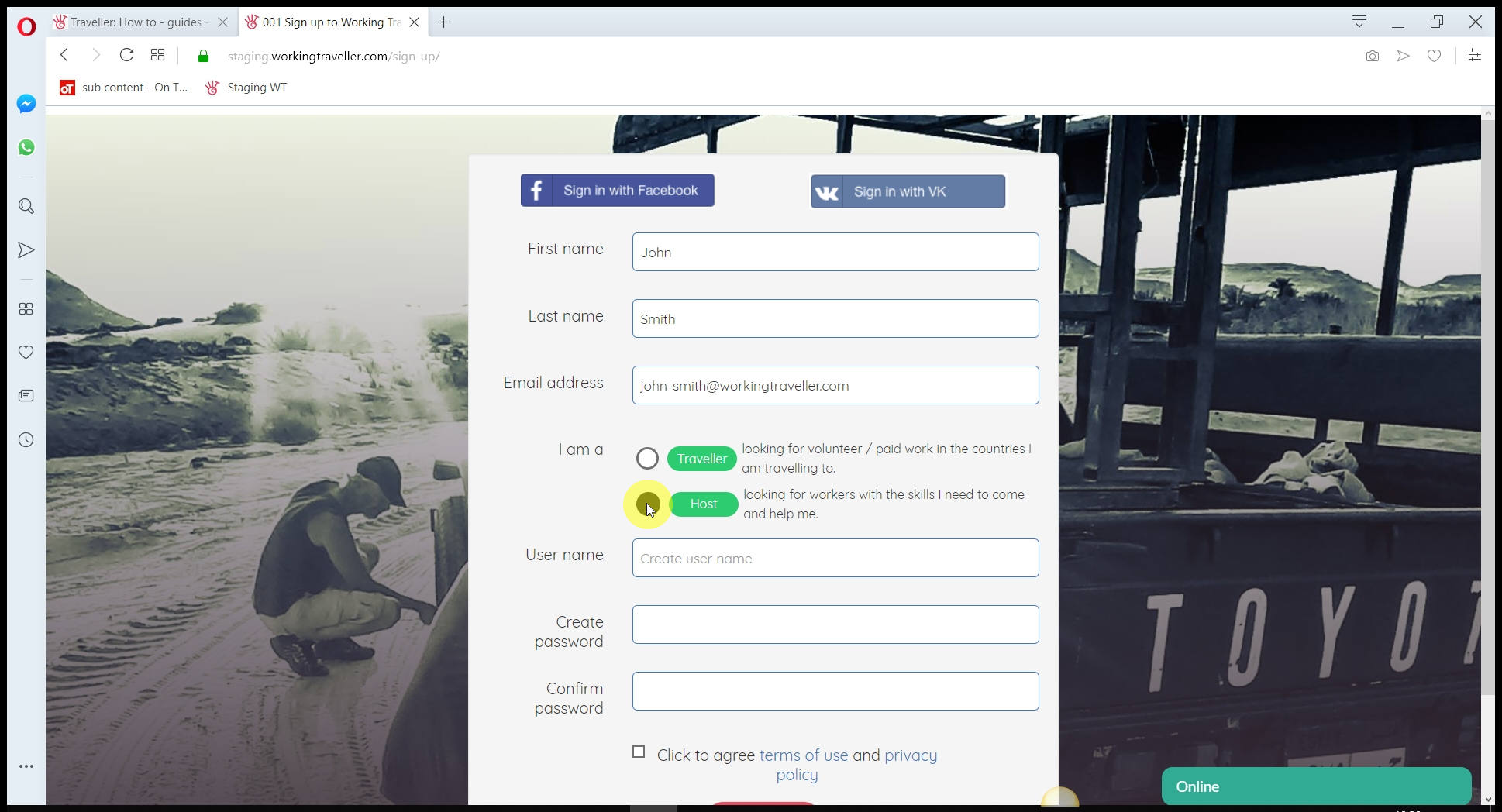
You cannot change it later so get it right now 🙂
Sign up
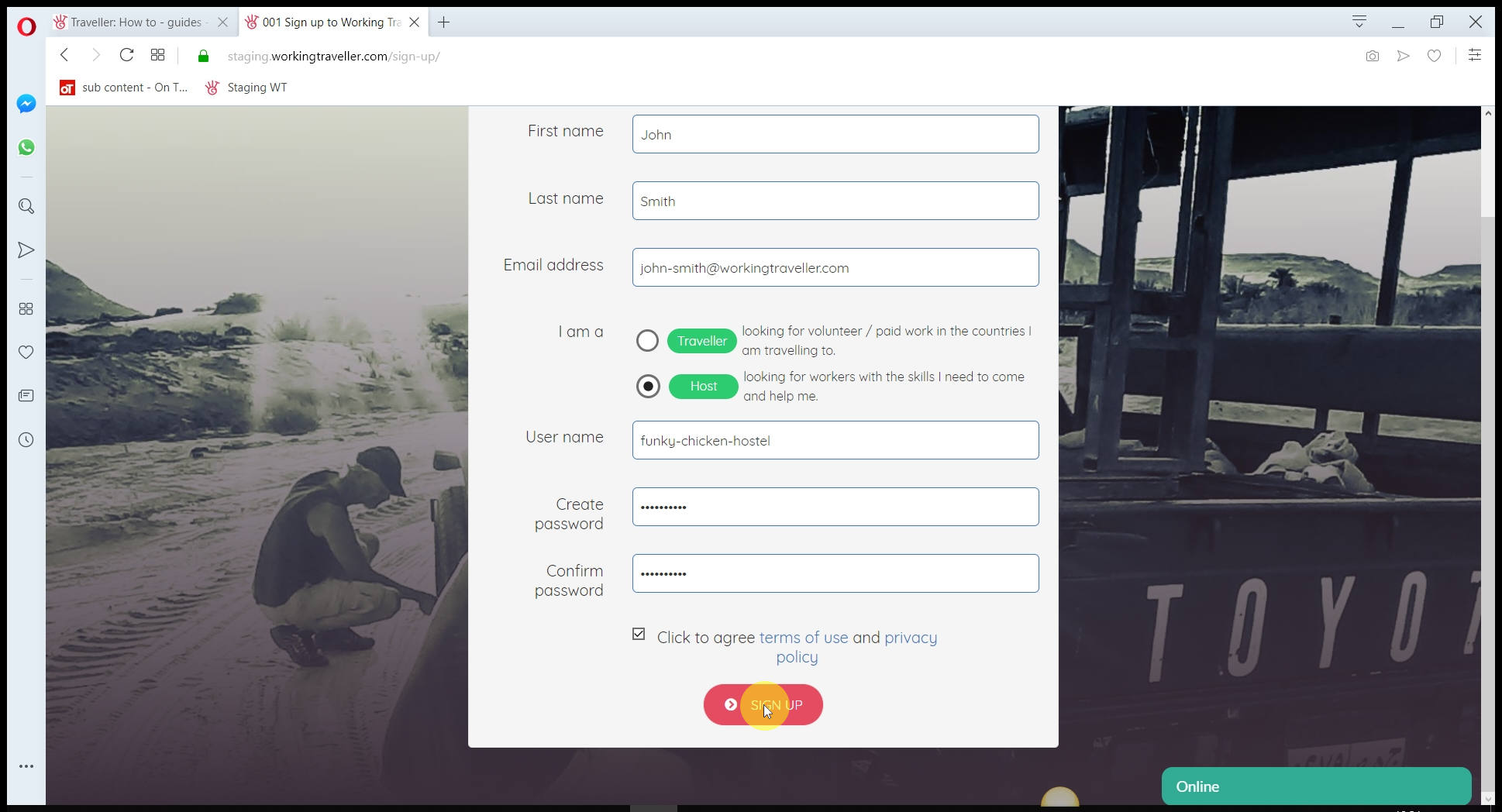
Read the terms and conditions, nothing scary, just you are liable for making sure travellers can work in your country as a volunteer etc.
Verify your email
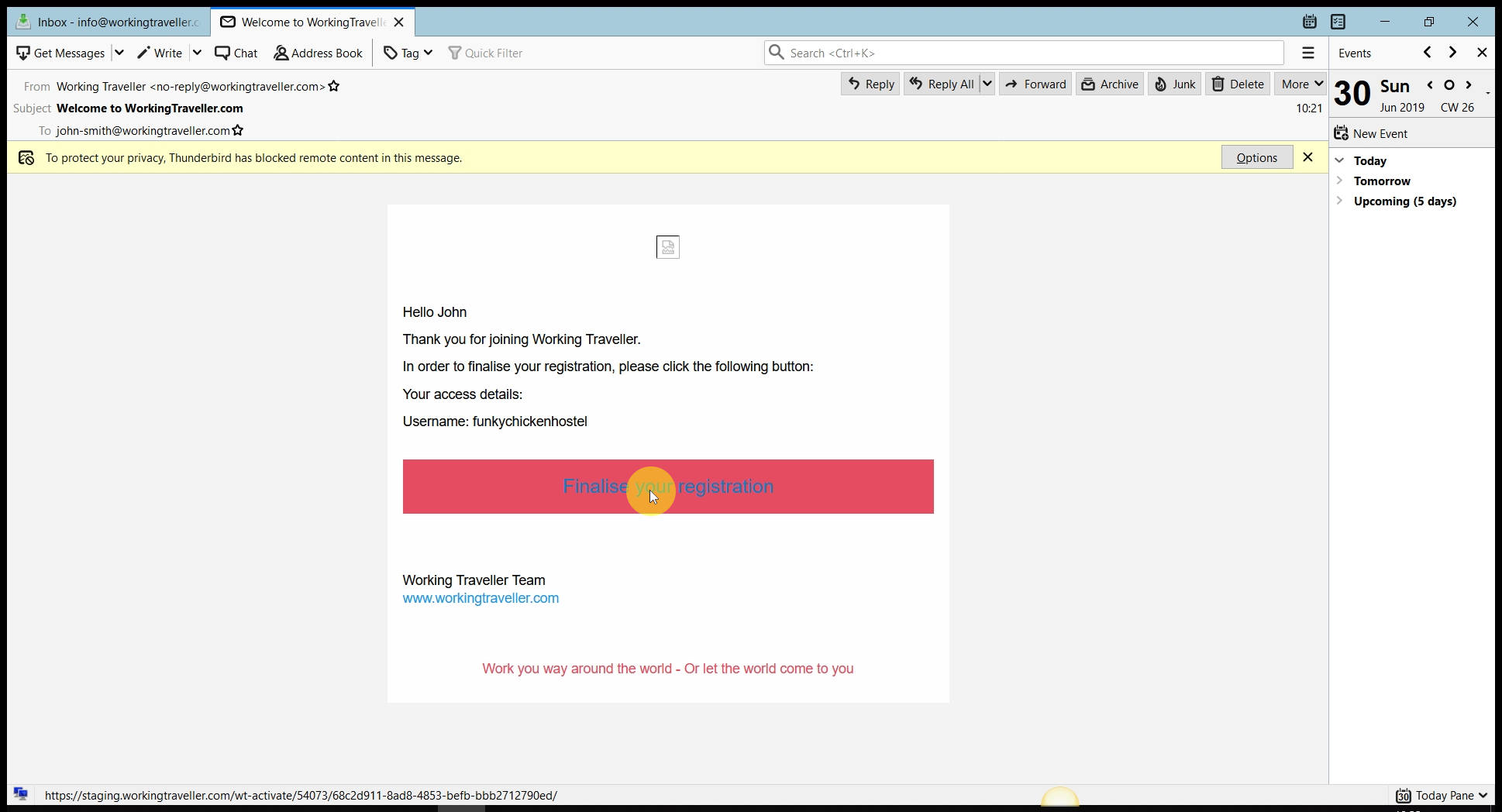
Check your email, you will have a message from us. Click the link and you are verified and ready to go
Add your profile pic
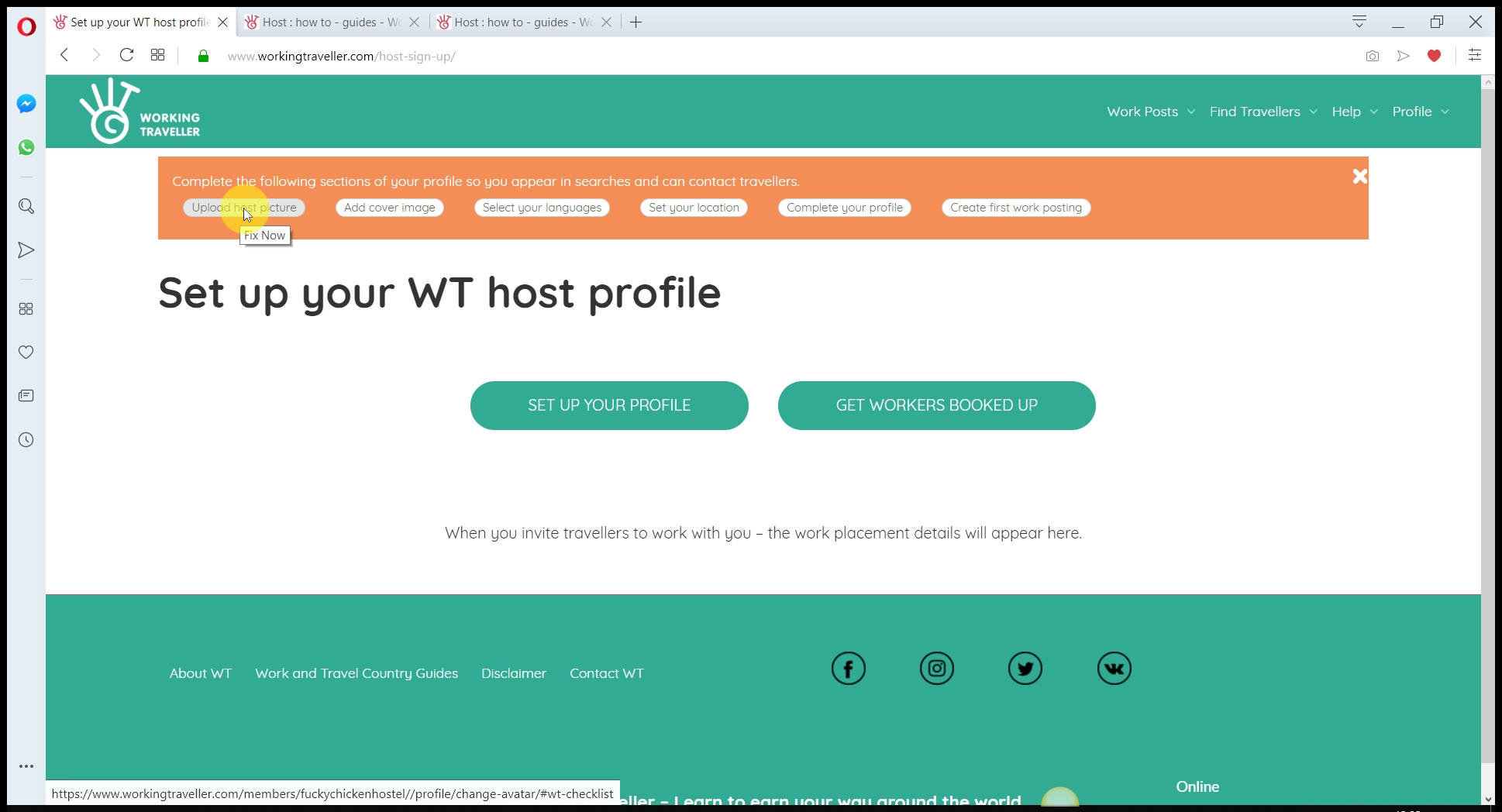
This can be you or a pic of your farm, hostel etc. We recommend a pic of your here and your pic of your business in the cover pic area.
Once cropped
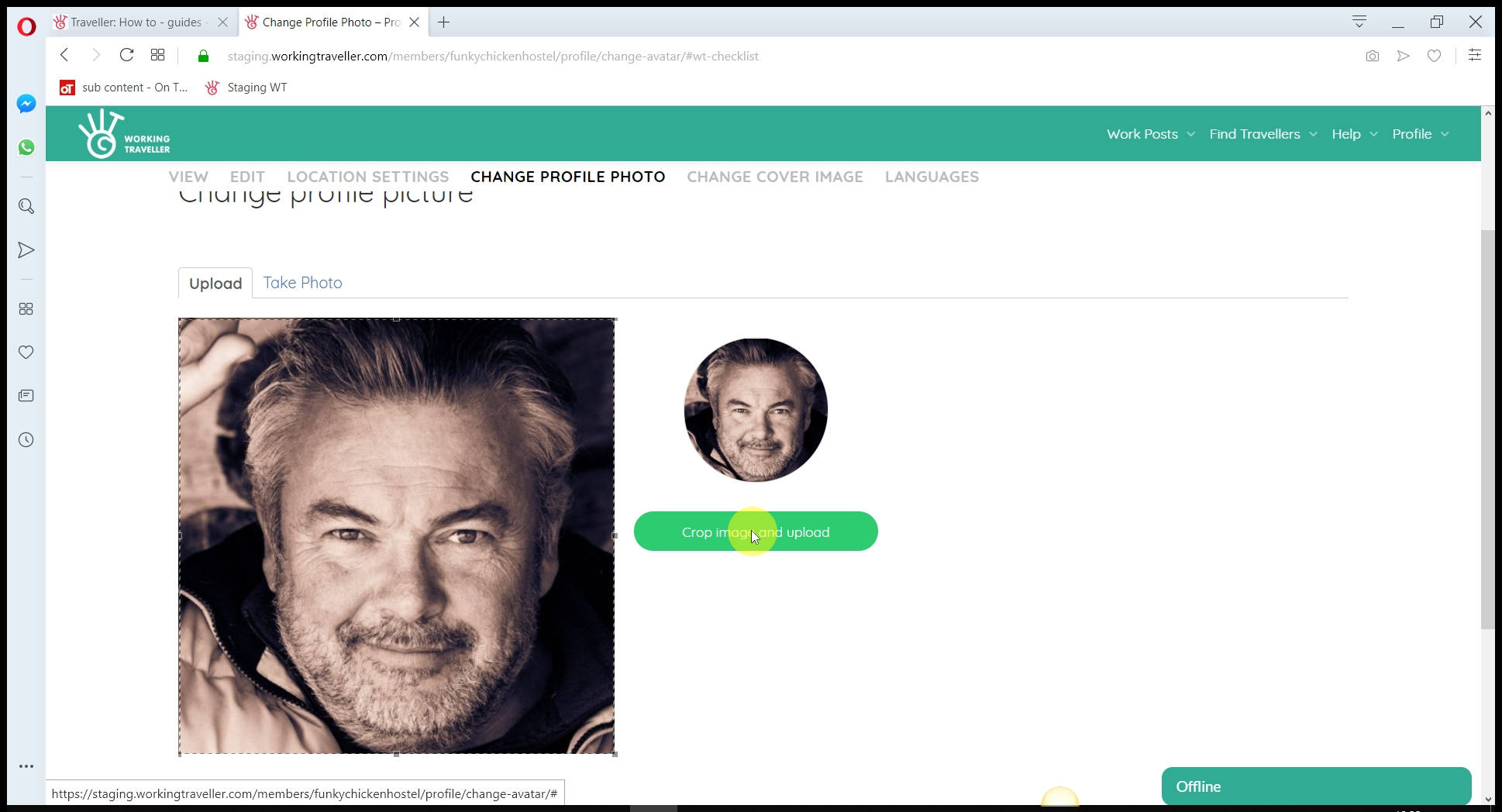
Press the green button to upload the picture.
Set languages spoken are your place
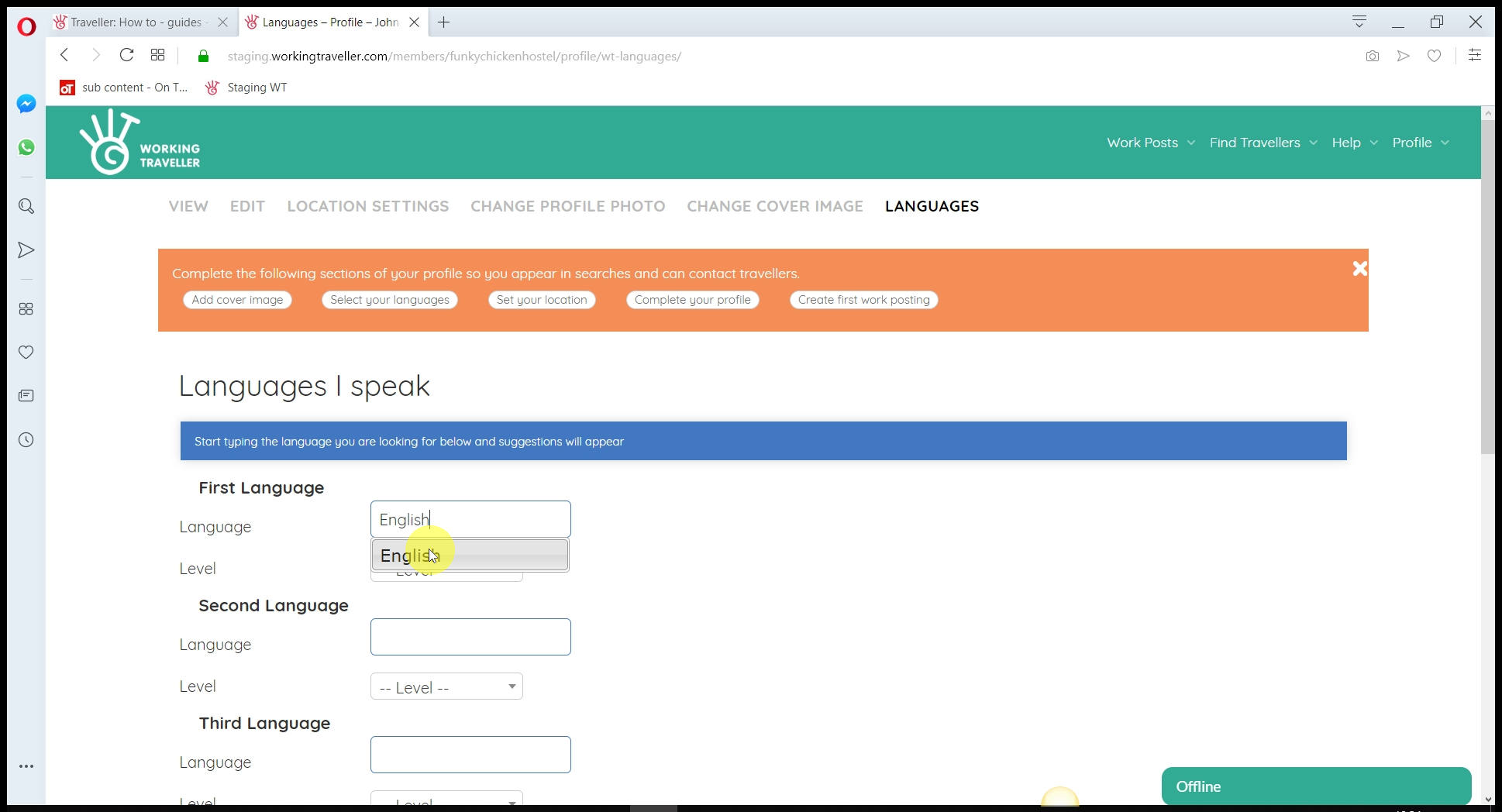
If you don’t speak Spanish but your manager does, including it. If you only want English speaking volunteers and workers, just add English – up to you. Travellers can search for work posts by language so more the better.
Set level spoken
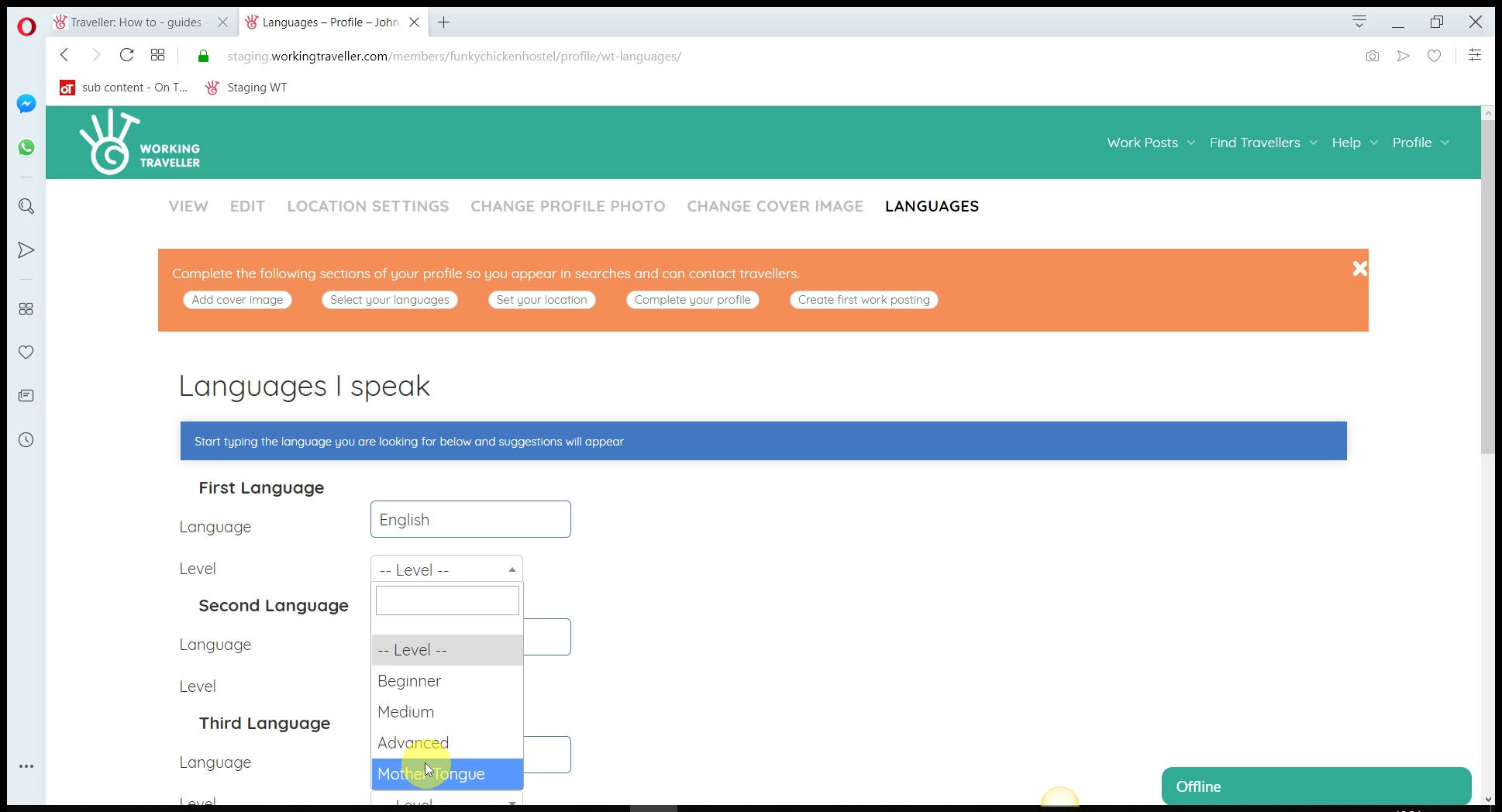
If you have 4 languages spoken at your place, select which are mother tongue / which are beginners so volunteers know what to expect when they arrive.
Add a cover image

The more you can make your place look nice and interesting to visit – the more chance you have of travellers contacting you for work.
Not all pics work
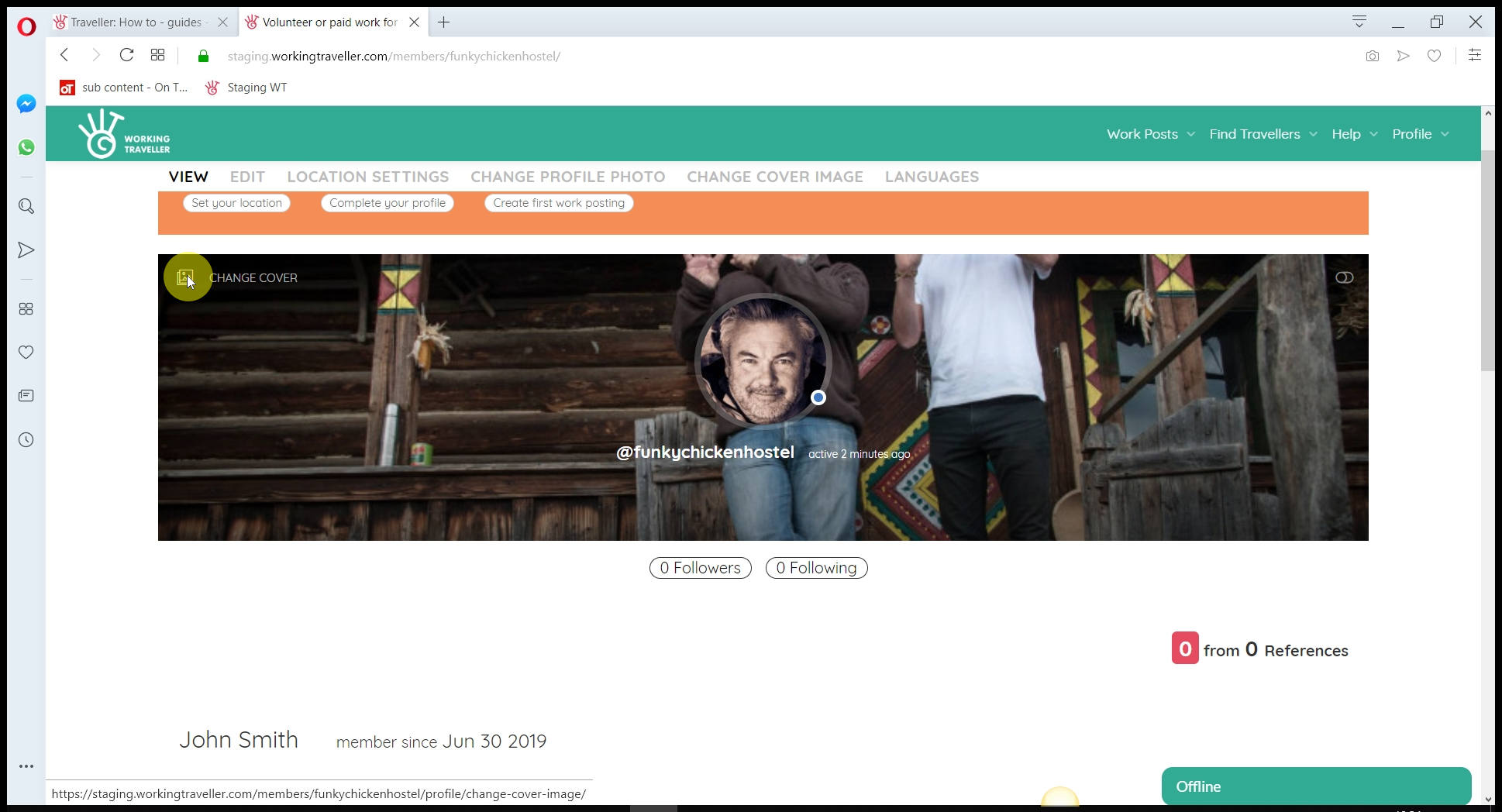
You need a pic that the main focus is in the middle of the picture. As you can see here, I added a pic of me and a volunteer and it cuts our heads off. So check to see if the pic looks OK first before moving on by clicking on the profile link.
General View pics work

If you have a nice wide pic of your place that has the house in the middle, that should work fine.
We need to know where you are
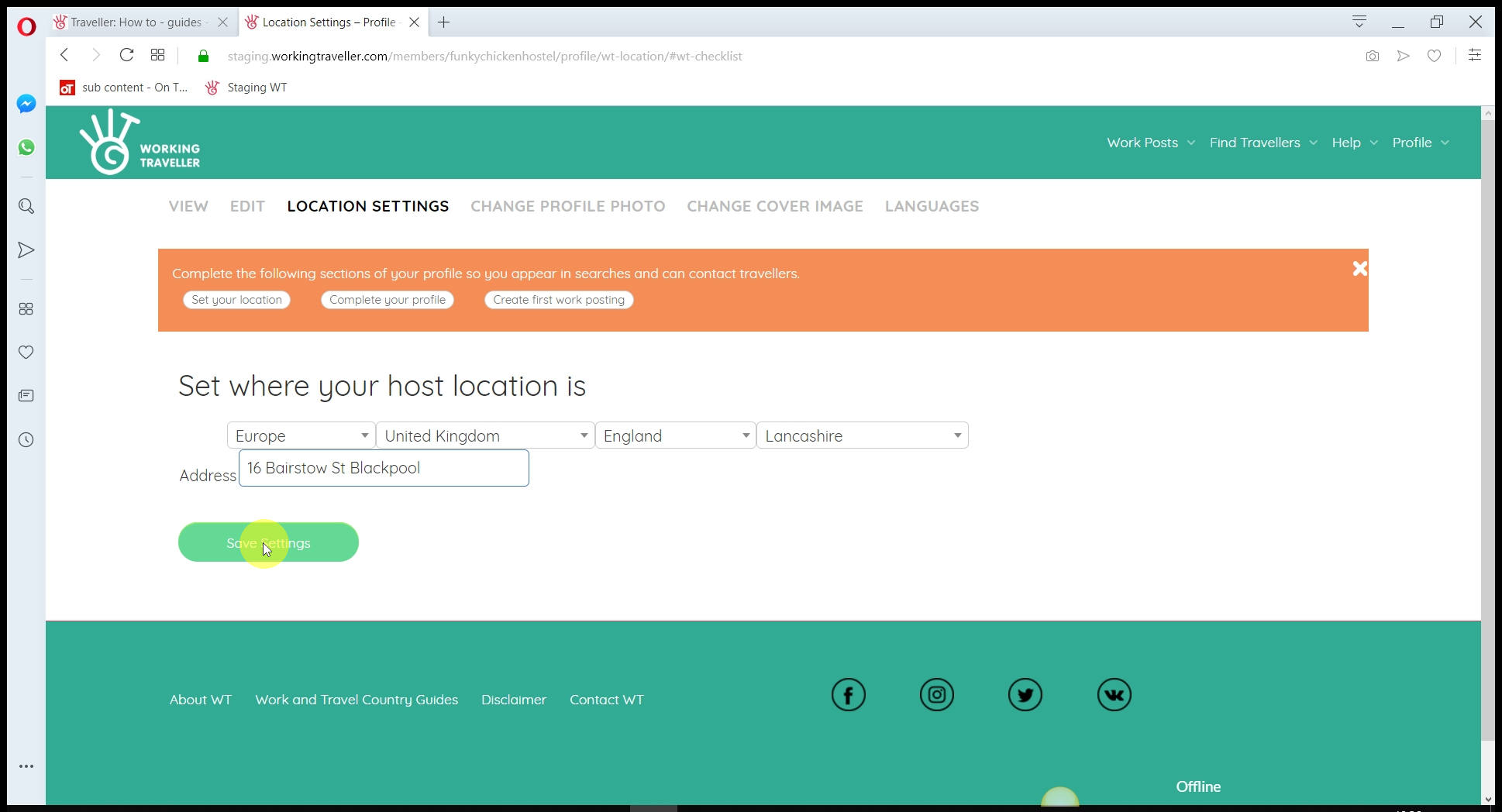
So you are logged in the database in the right place so when travellers search for work in your area they find you.
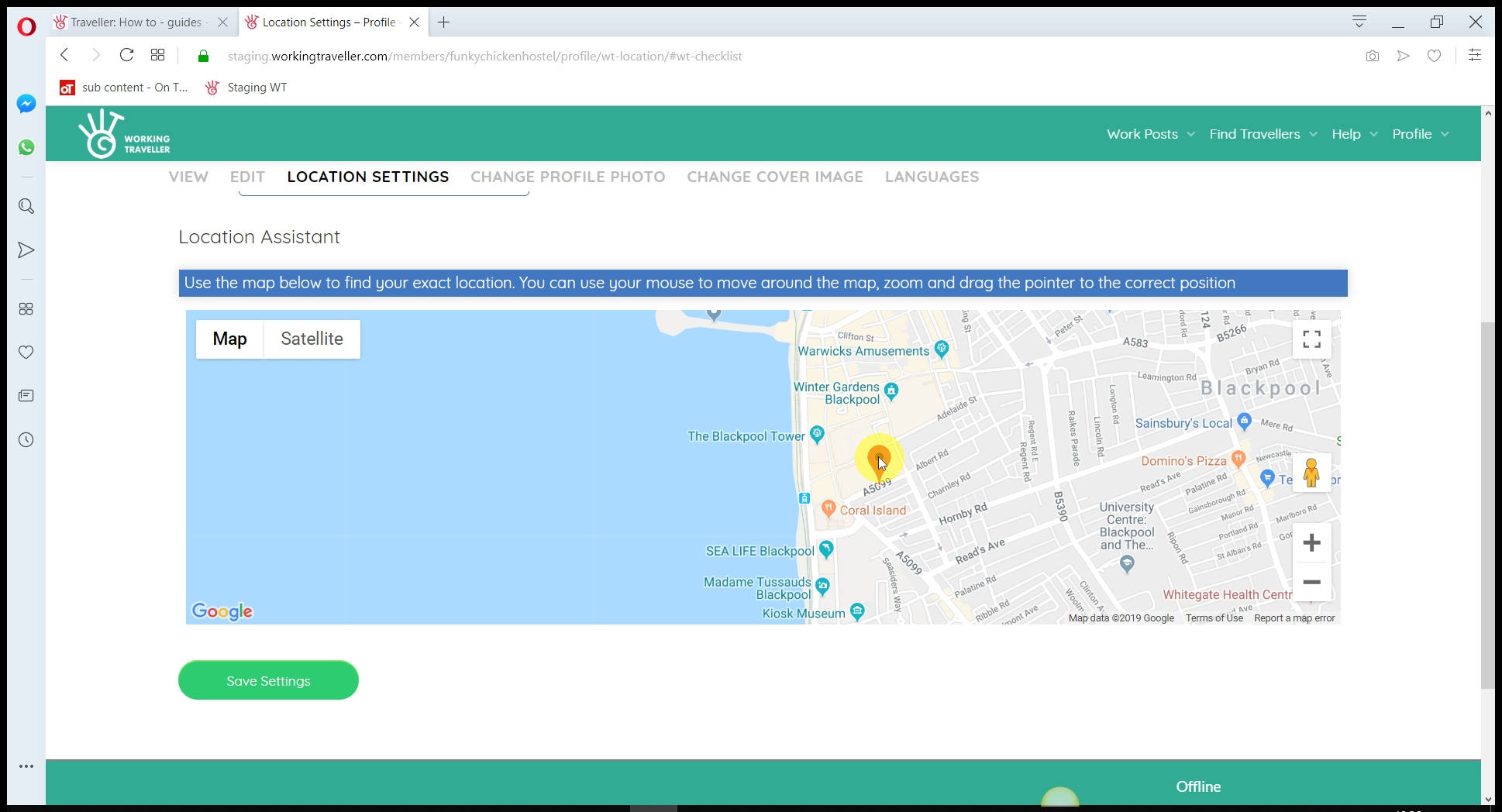
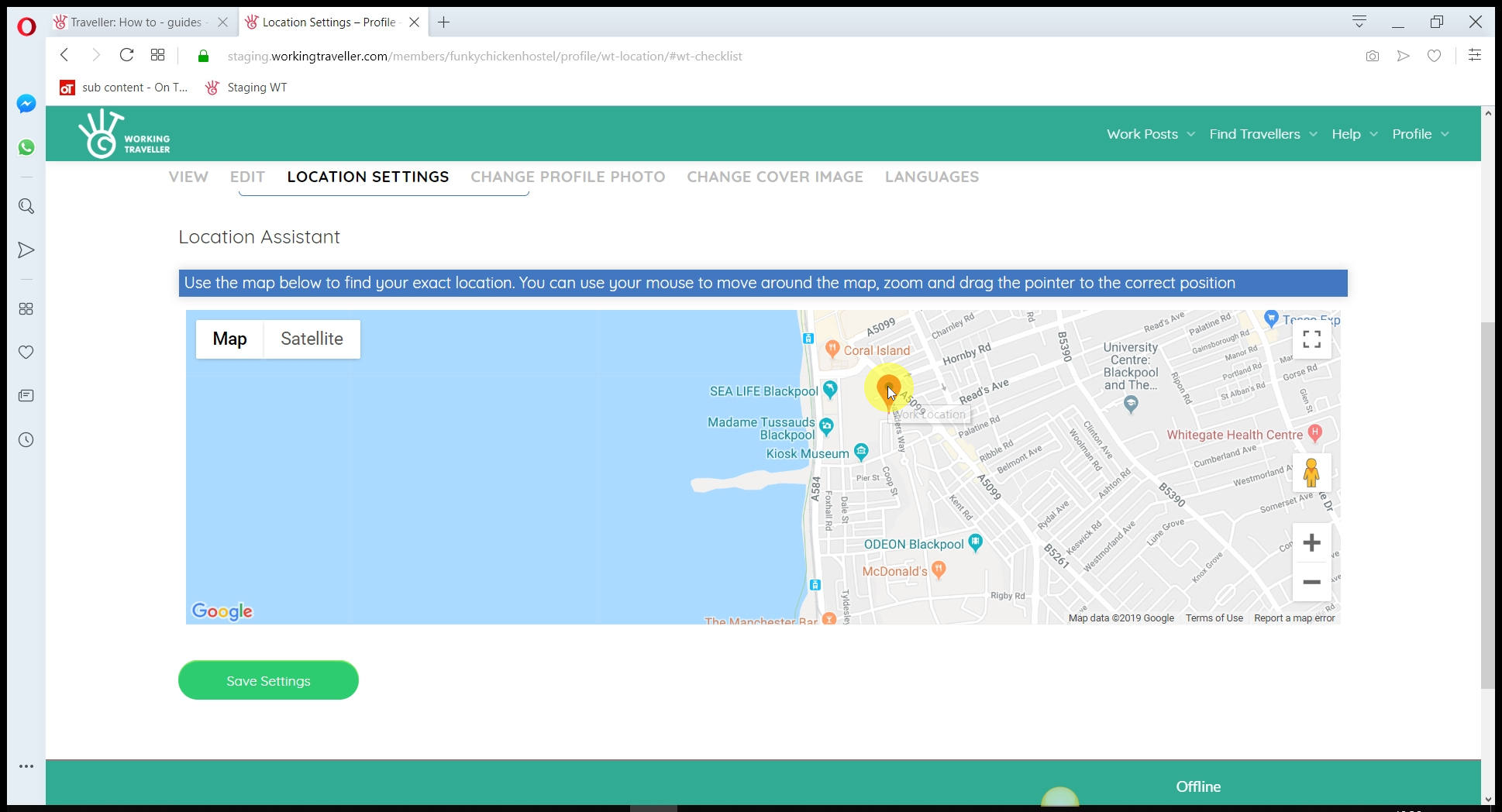
Drag the pin to your location
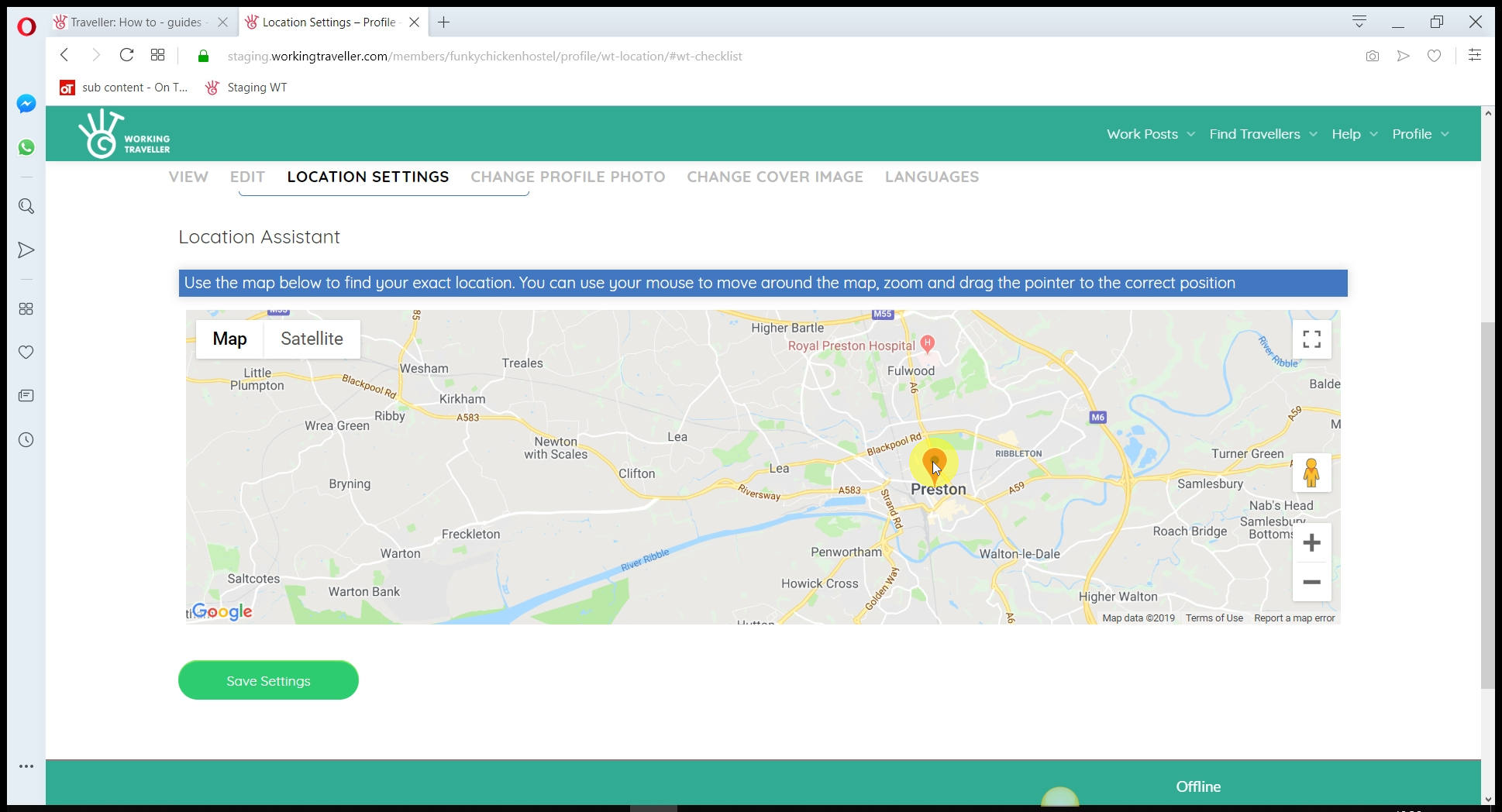
It does not have to be super accurate, just in the right area. Details on how to get to you will be added later.
Add in your host details
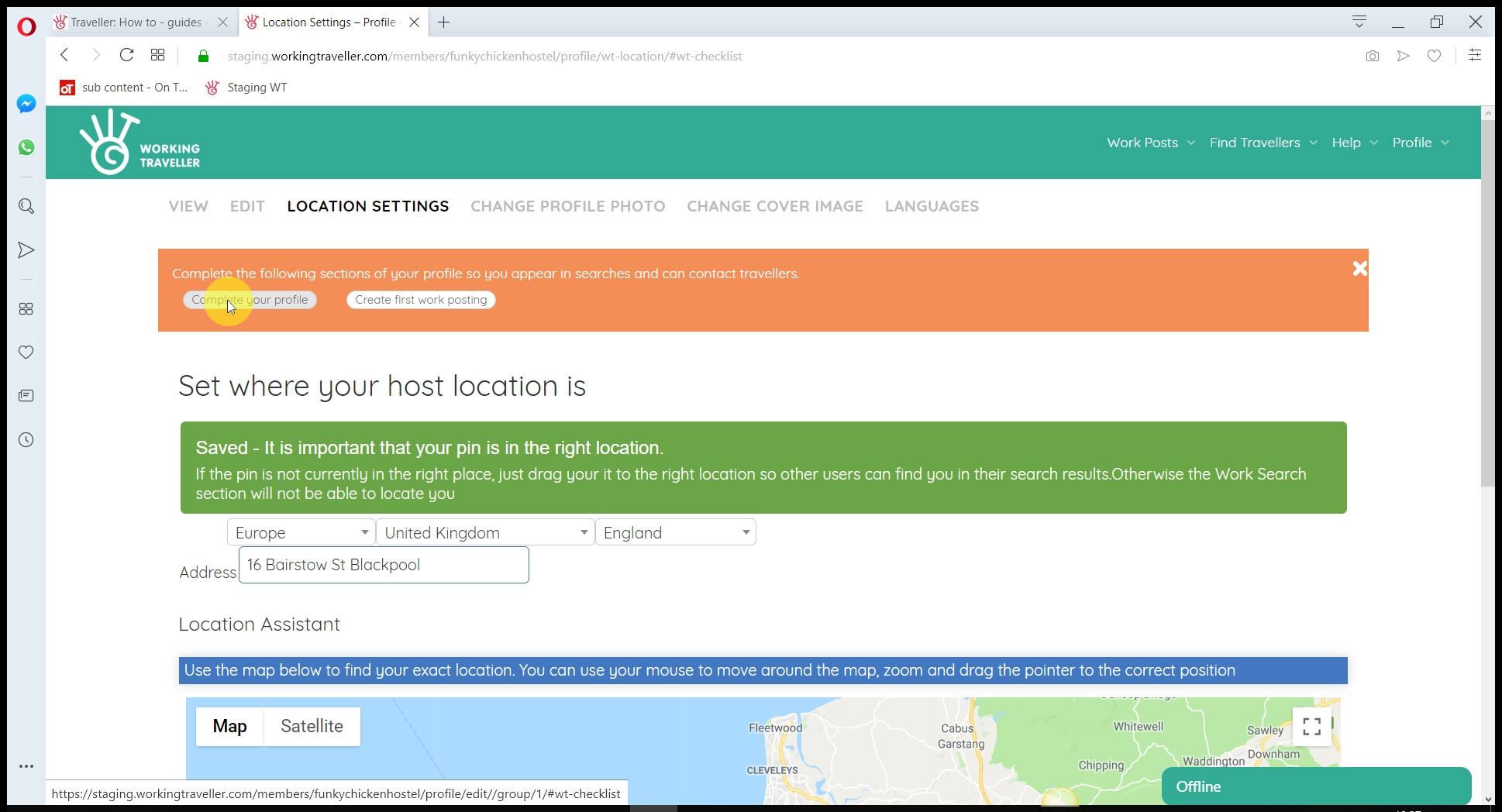
Is good to have it all written down before you add your details.
Host Name
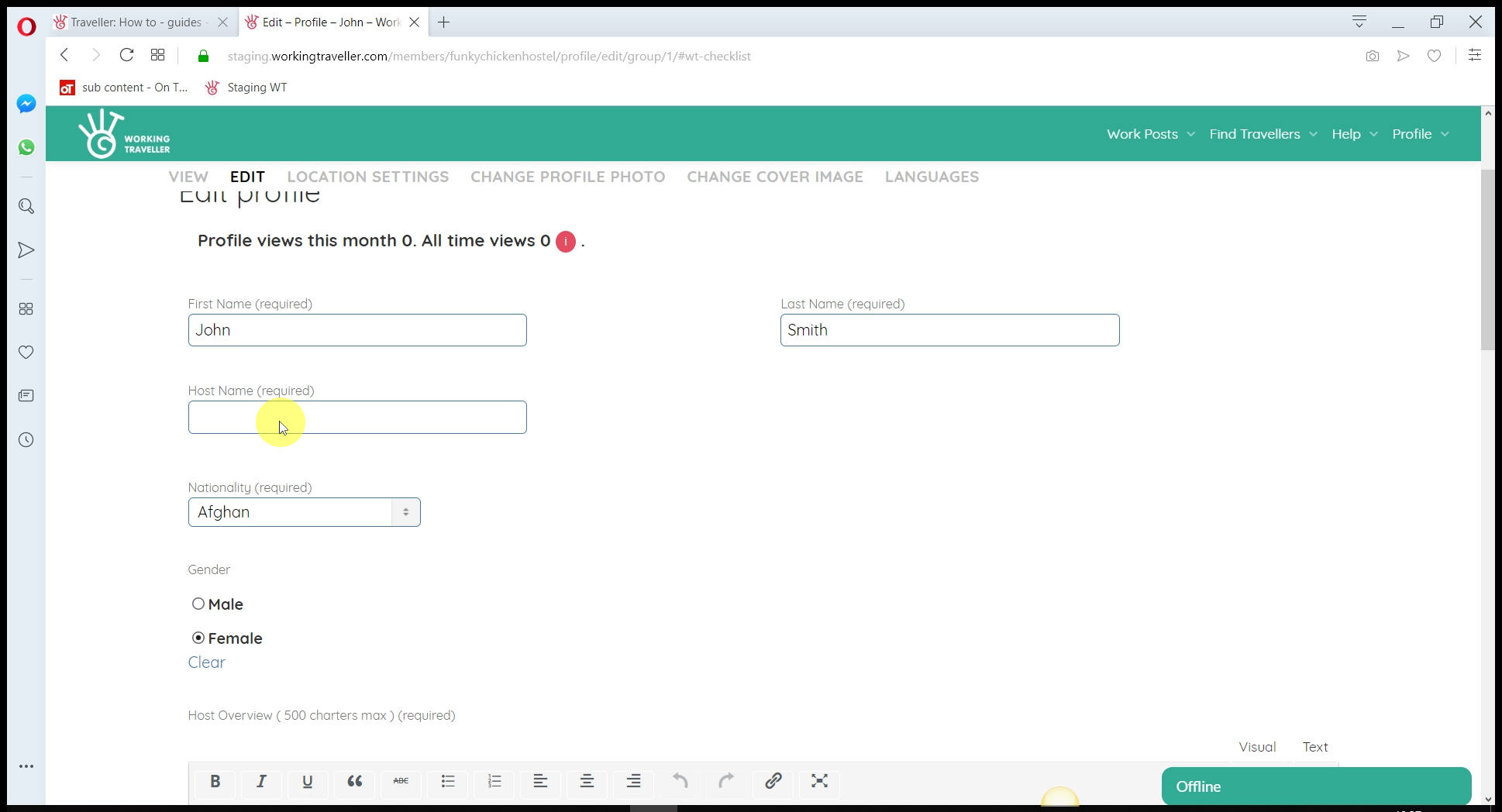
You can use your own nickname or your business name, as you wish, keep it simple so travellers can associate your user name with your place. You can change it later.
Nationality – not where you live
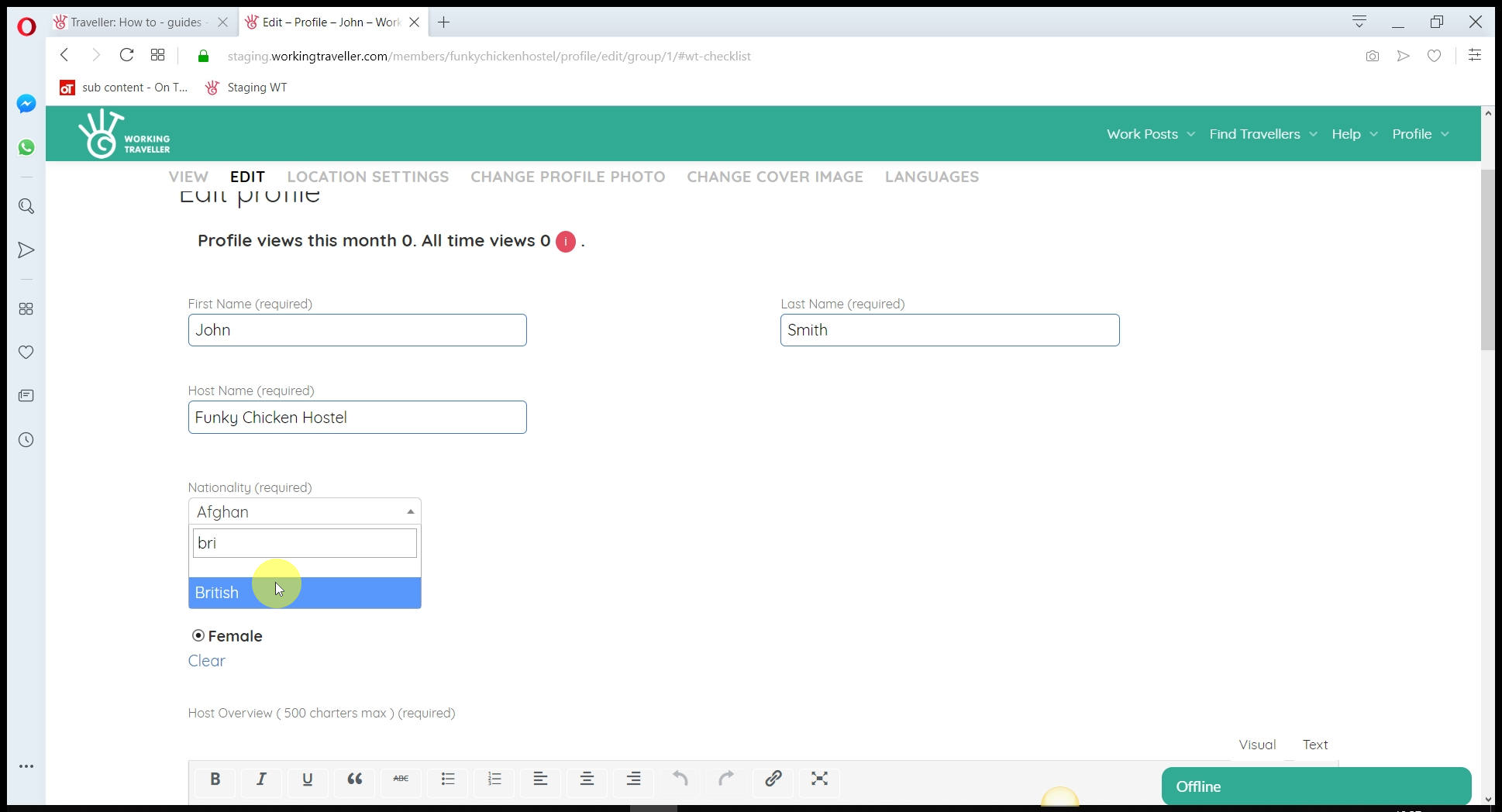
Travellers, as you do – want to know where you are from, so if you are German and living in Thailand – it makes a difference for them to choose to work for you or a local Thia.
Host Overview
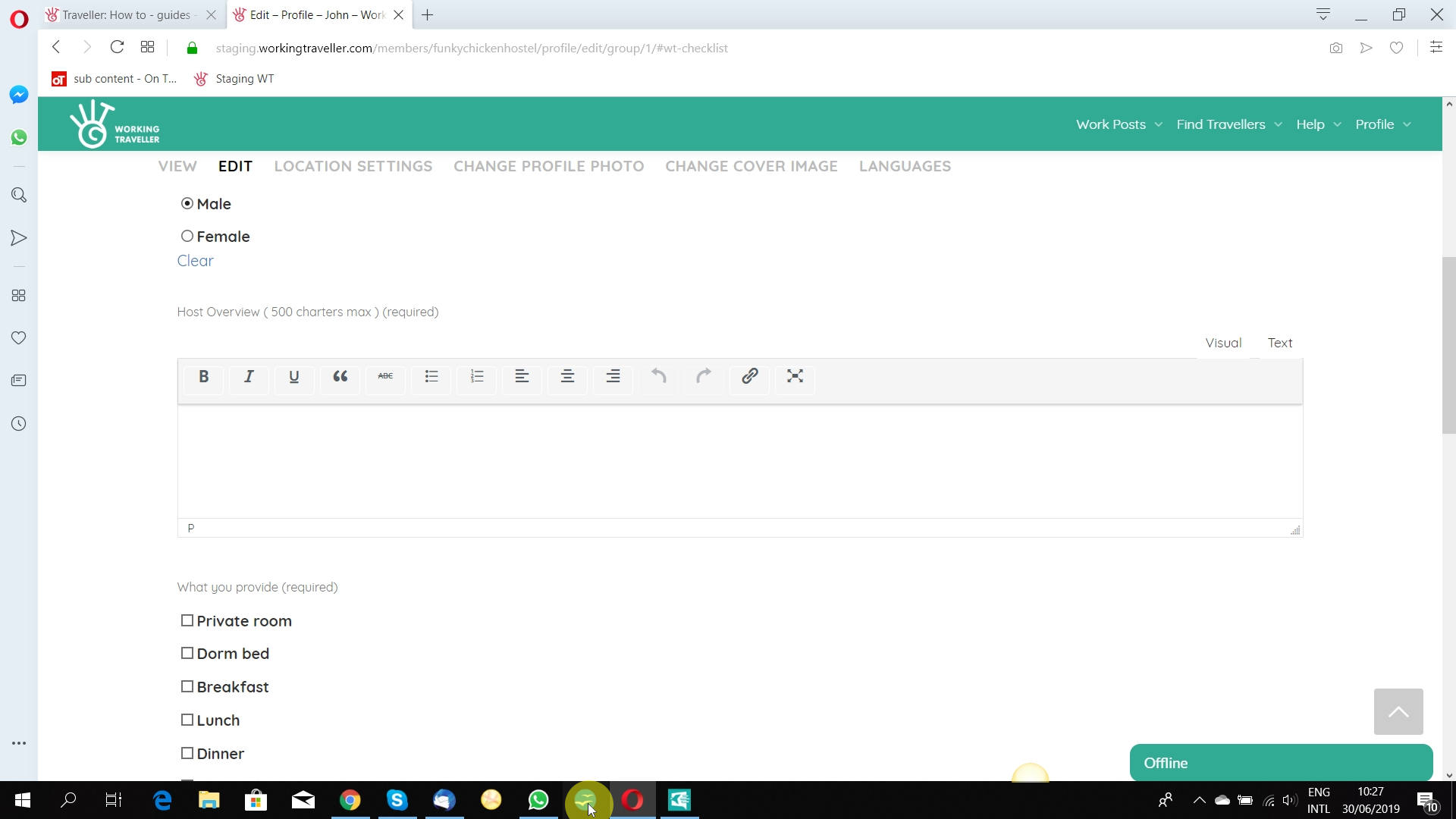
Sell your self. Make what you do as a business sound interesting. Working Travellers are more interested in what you do than where they will be sleeping. Do not add in volunteer conditions here, that is the next box. This is about what you do as a business.
Tick what you offer
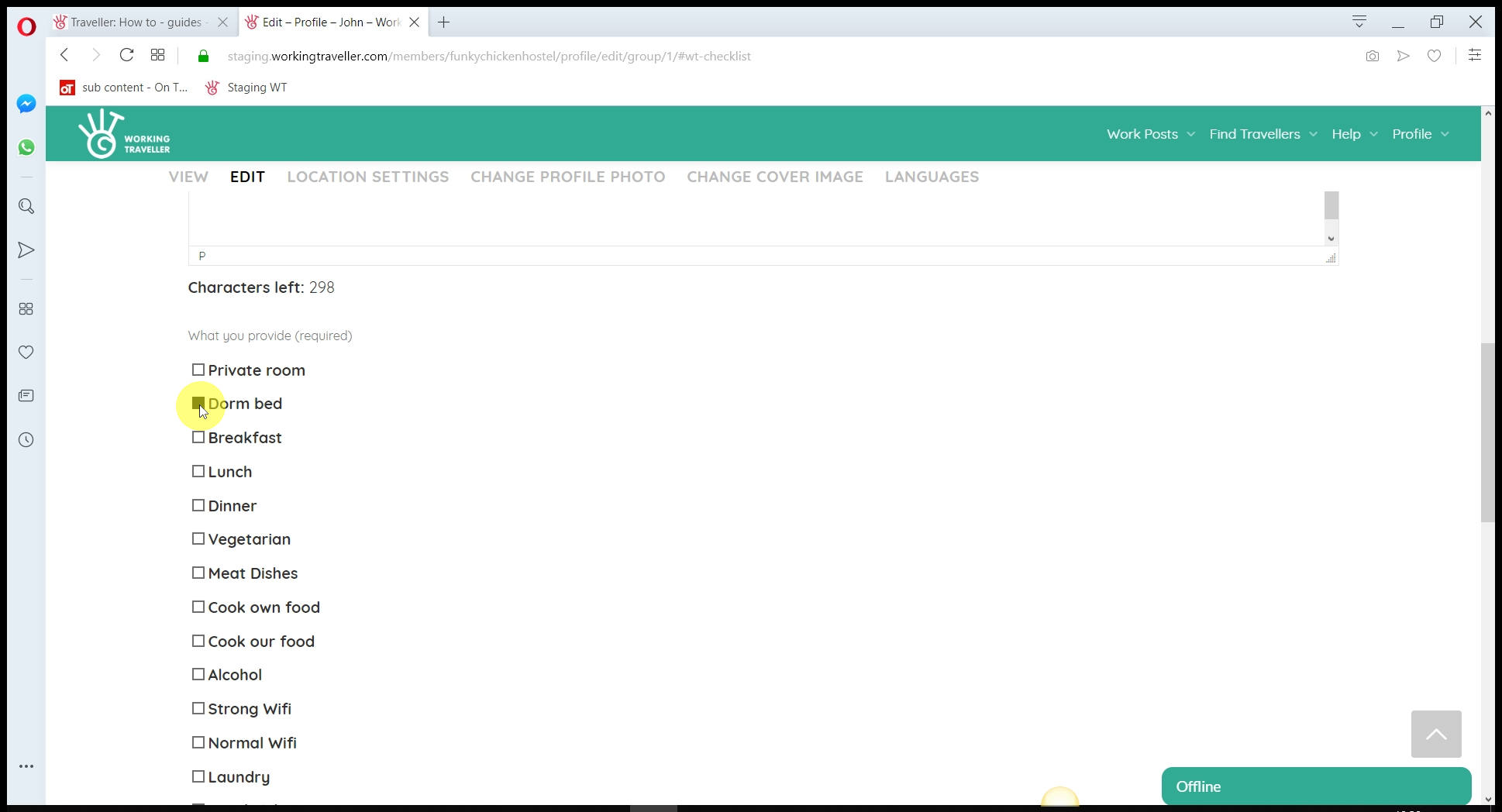
Travellers like to quickly see what a host offers when searching through profiles. Tick what you offer as it appears on your profile.
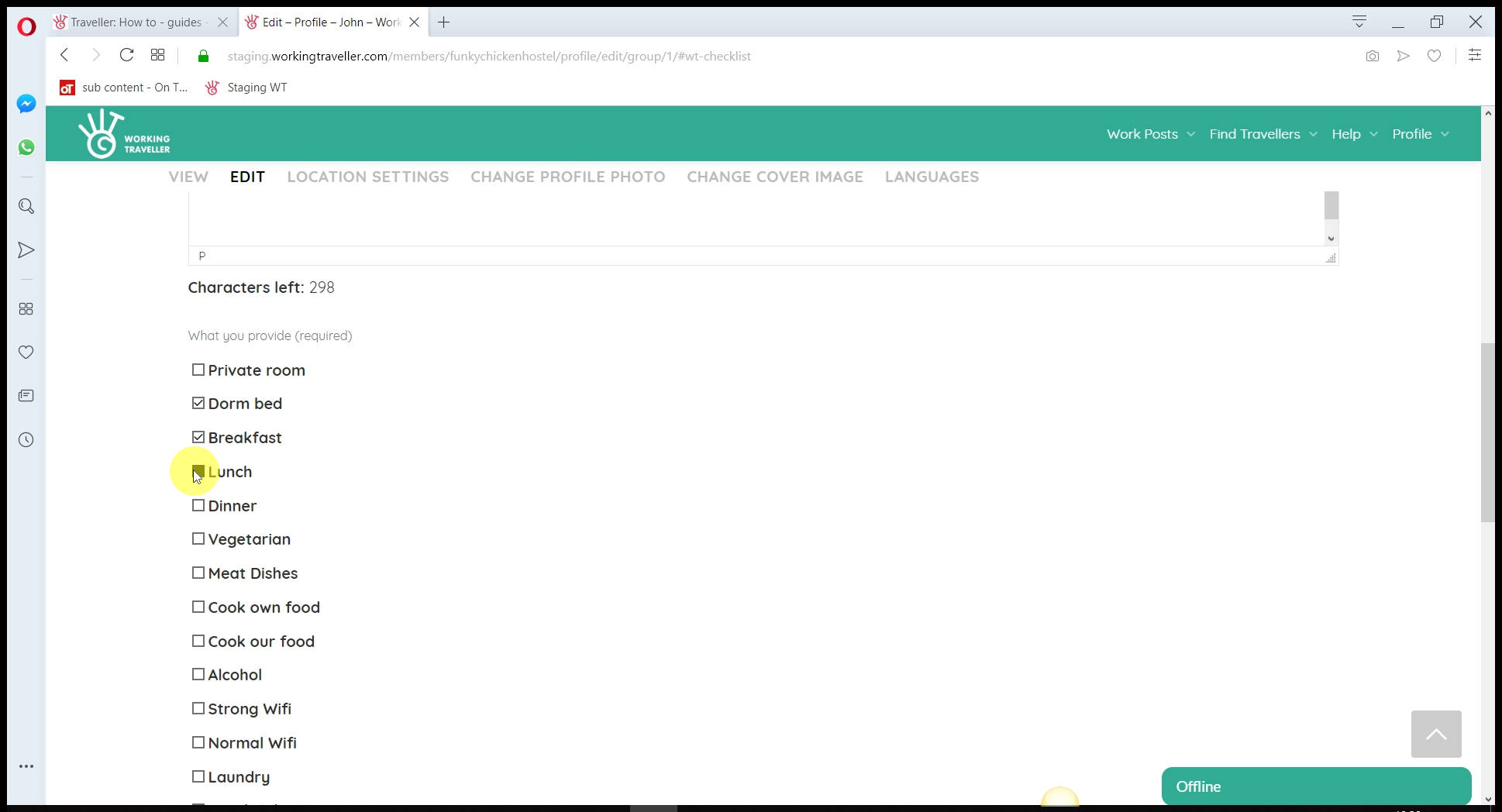
How we work with you
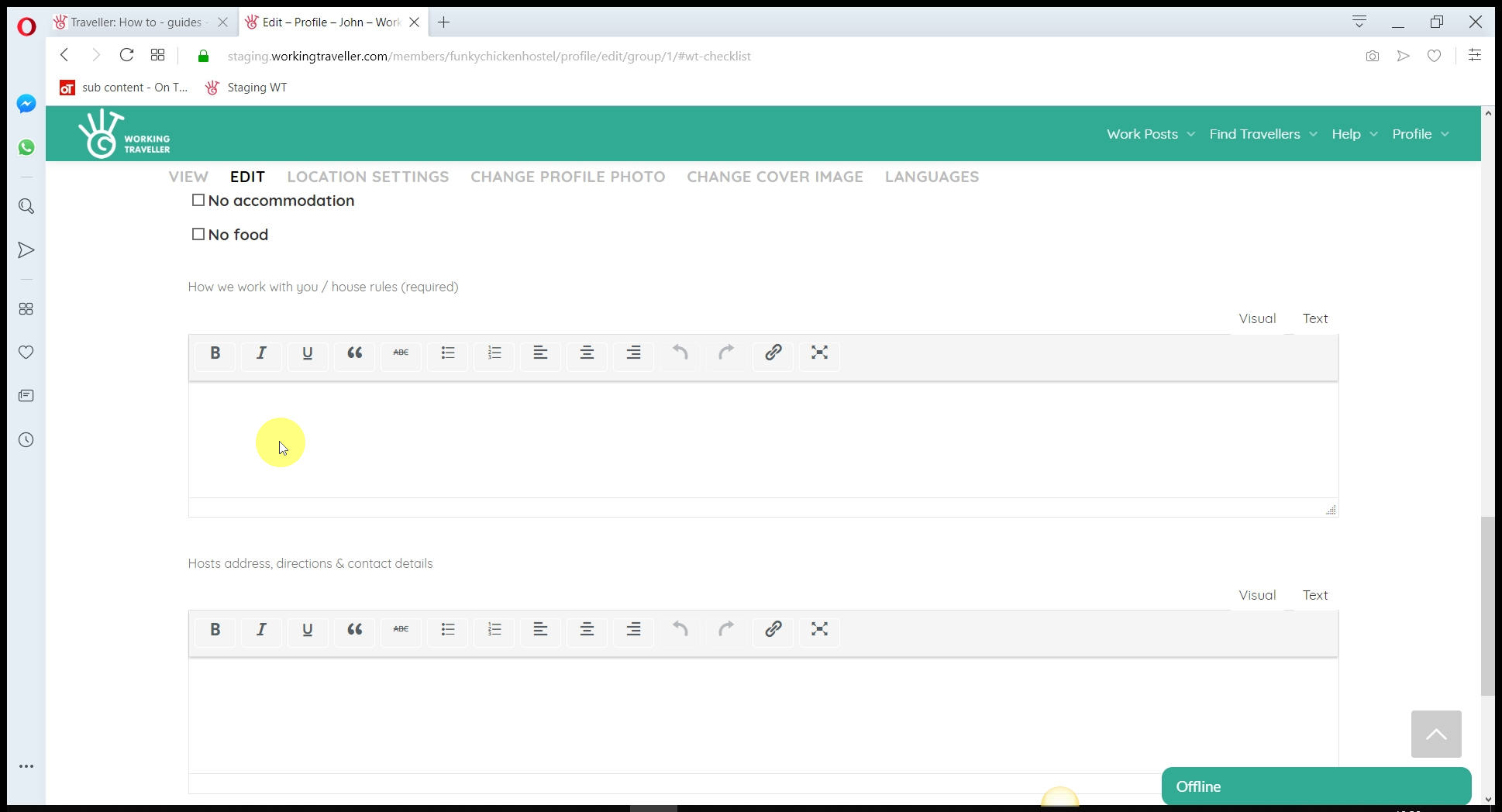
This is where Working Traveller is totally different from other volunteer sites that seem to demand you all have one rule that fits all.
When you create a work post, ( which is different to this) you put the details of the work for the individual, you might pay them, want them to work 10 hours etc.
What you put here is what you expect ALL your Working Travellers to do when staying with you, regardless of what work they are doing. This is your “House Rules” section, when dinner is cooked, whatever you want to let them know so they have no surprises when they arrive. “Eat my sausages and ….” etc 🙂
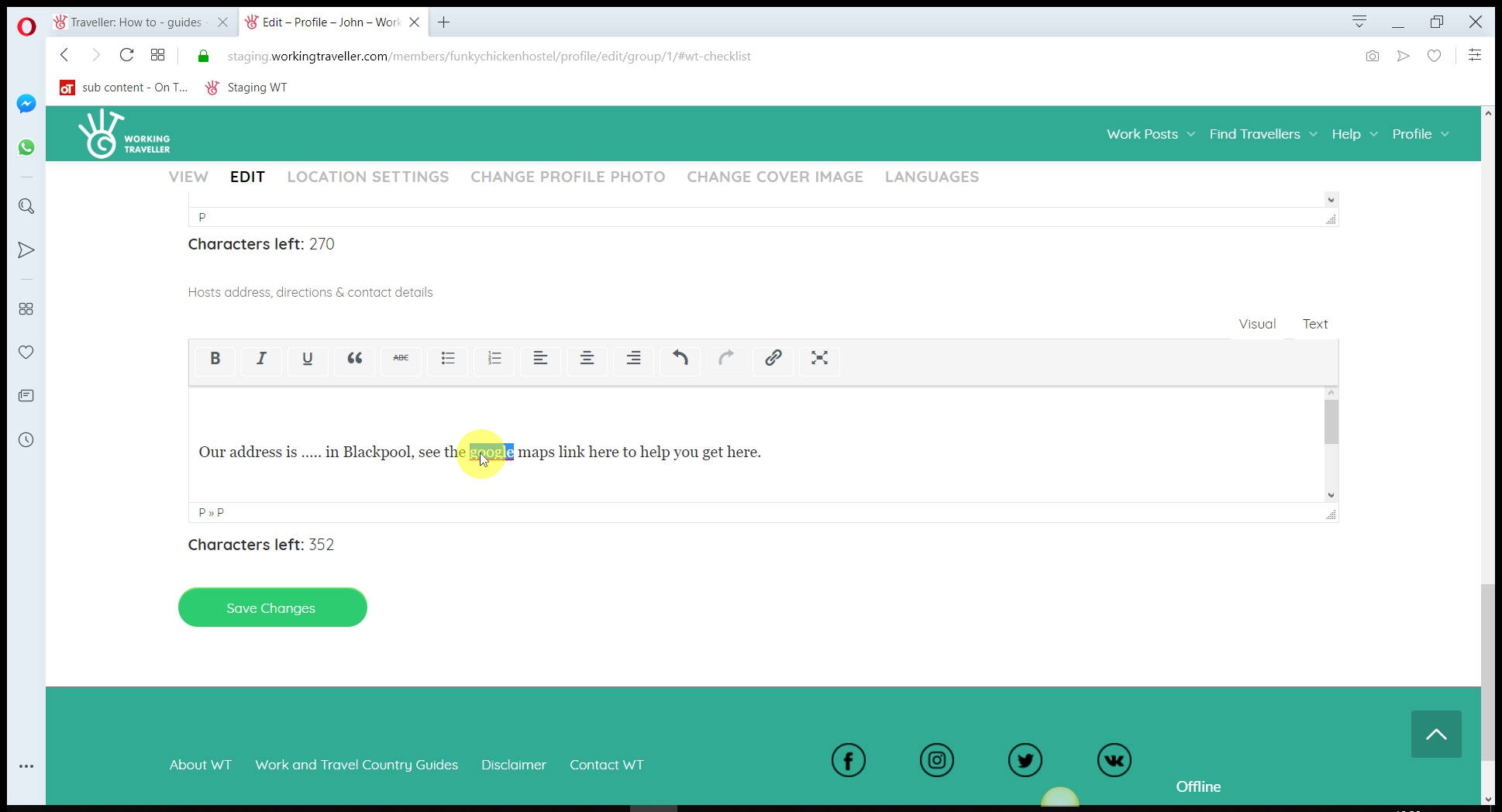
Your address / how to get to you
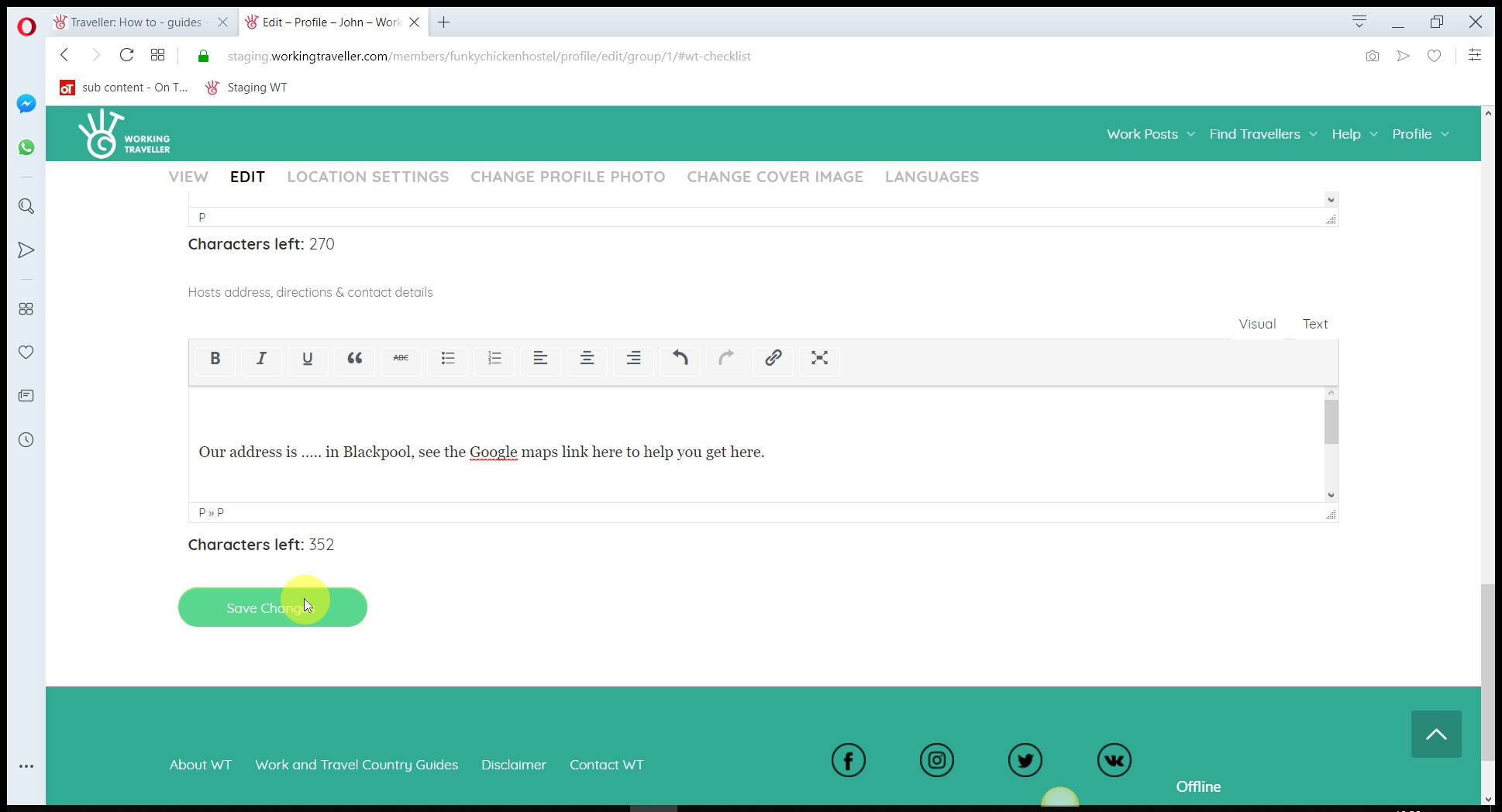
These details are only released to travellers once you have booked up a work placement with them. So don’t worry about your details becoming public. They are only given to the traveller once you have agreed they will come and work for you.
Fill it in once and you will save hours of emailing a year telling travellers how to find your place.
Create a work post
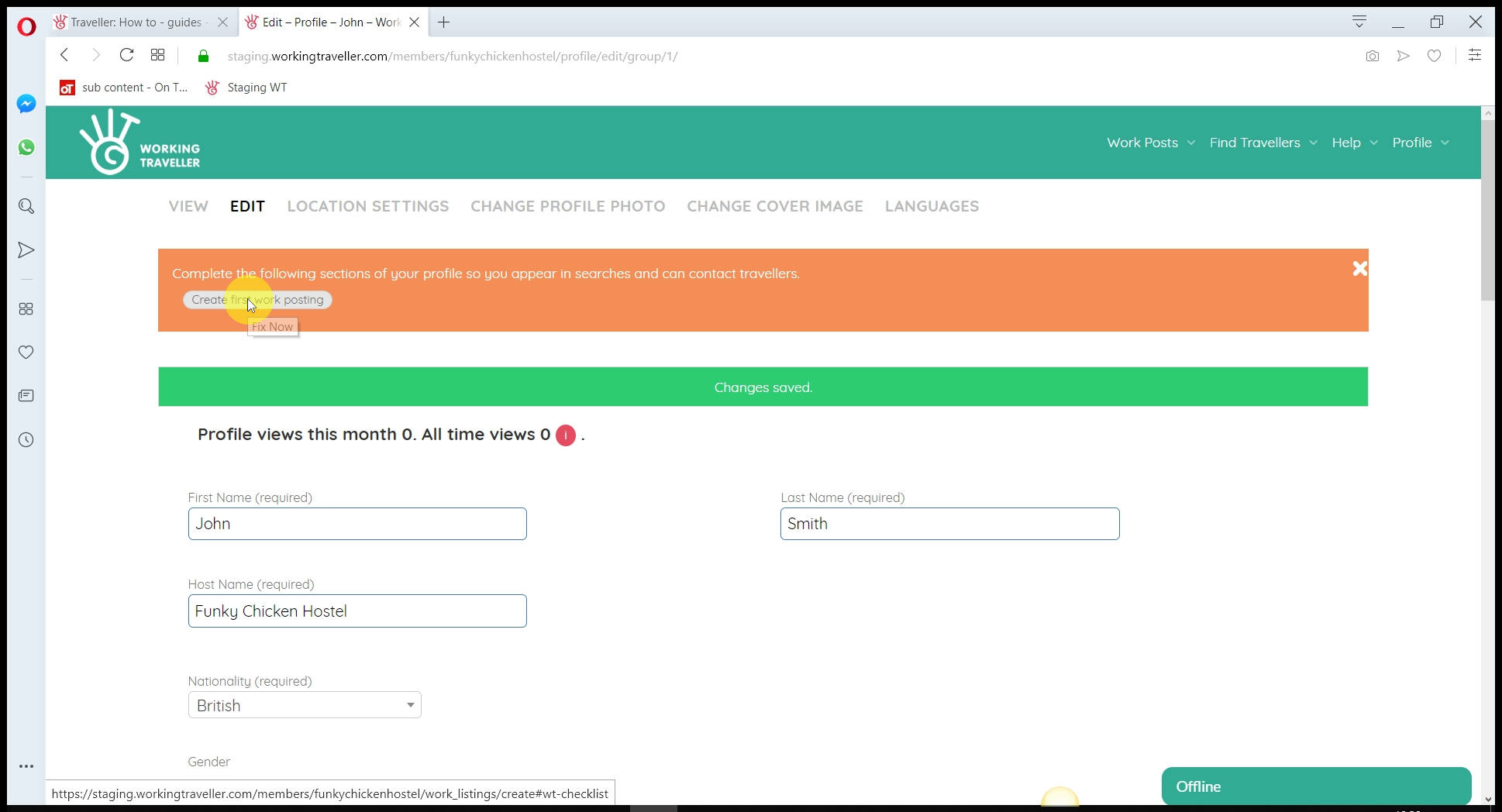
The last stage, nearly there.
Each type of skill you need – make a separate work post
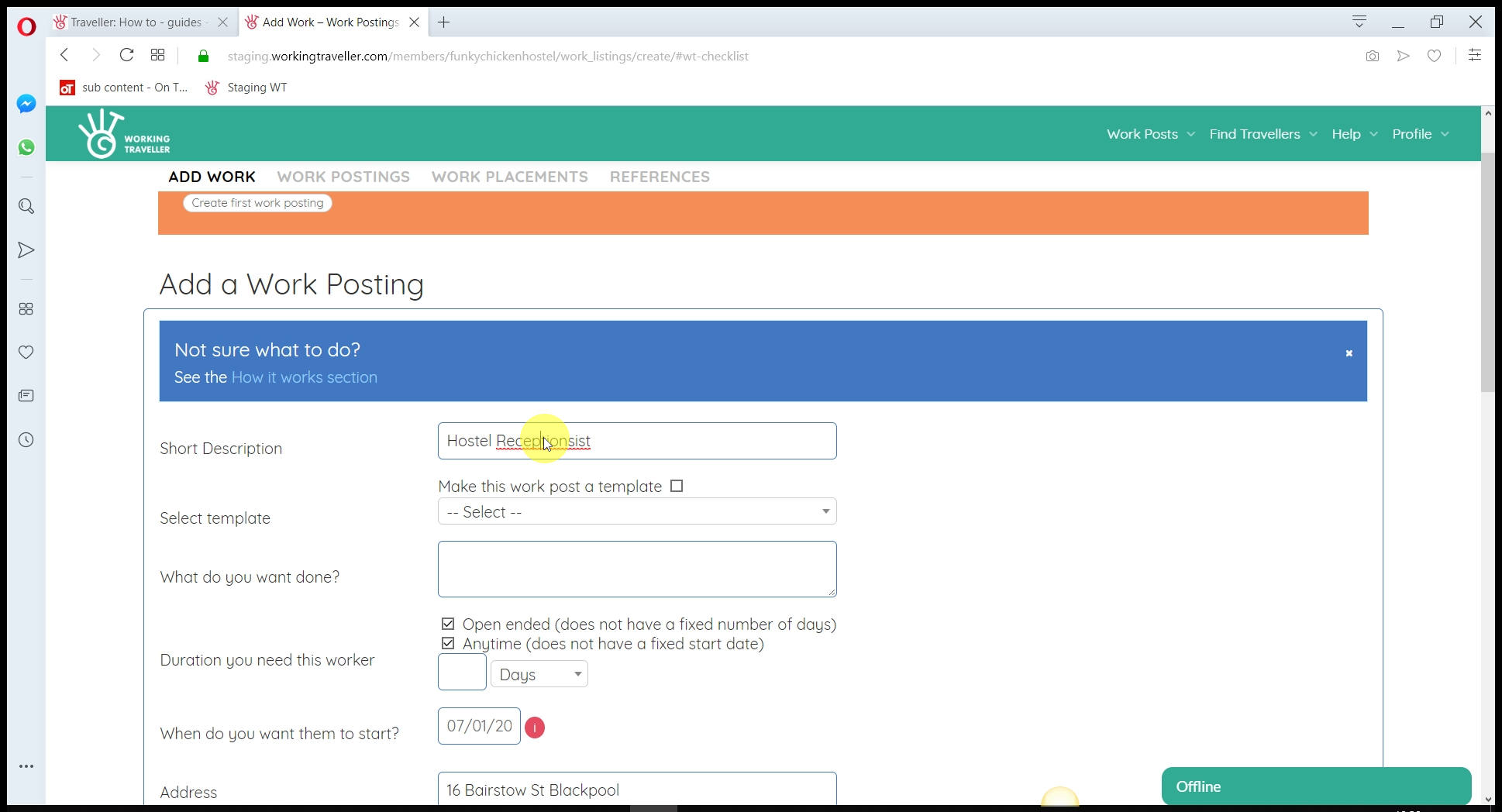
This is where we are different from most volunteer sites. Working Traveller is all about getting you
the skills you need when you need them.
As you know, a big problem with volunteers is they are often not motivated and don’t care about the work they are doing when staying at your place. Let’s face it, most are there for a free bed & food and not the work. This is why we focus on skills – to get the right motivated Working Traveller to come and work for you.
Keep it short and simple
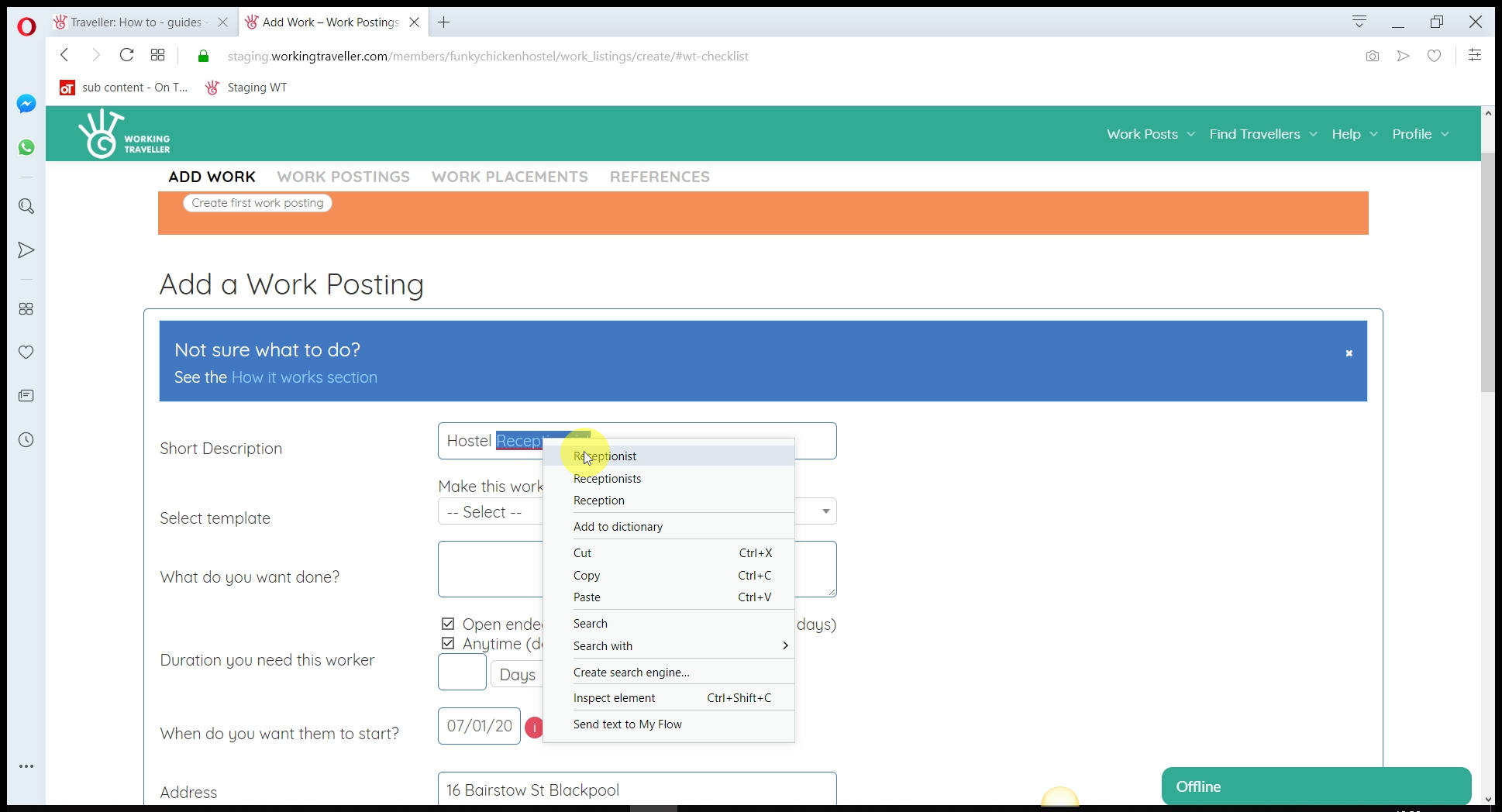
This appears as the heading in the searches. It can be anything as it does not affect where you appear in searches. Make it obvious what skills you need / what work you need doing.
“Carpenter – house restoring project”
” Hostel receptionist – night shifts”
“Fruit picker – some heavy loading”
etc.
Create a template
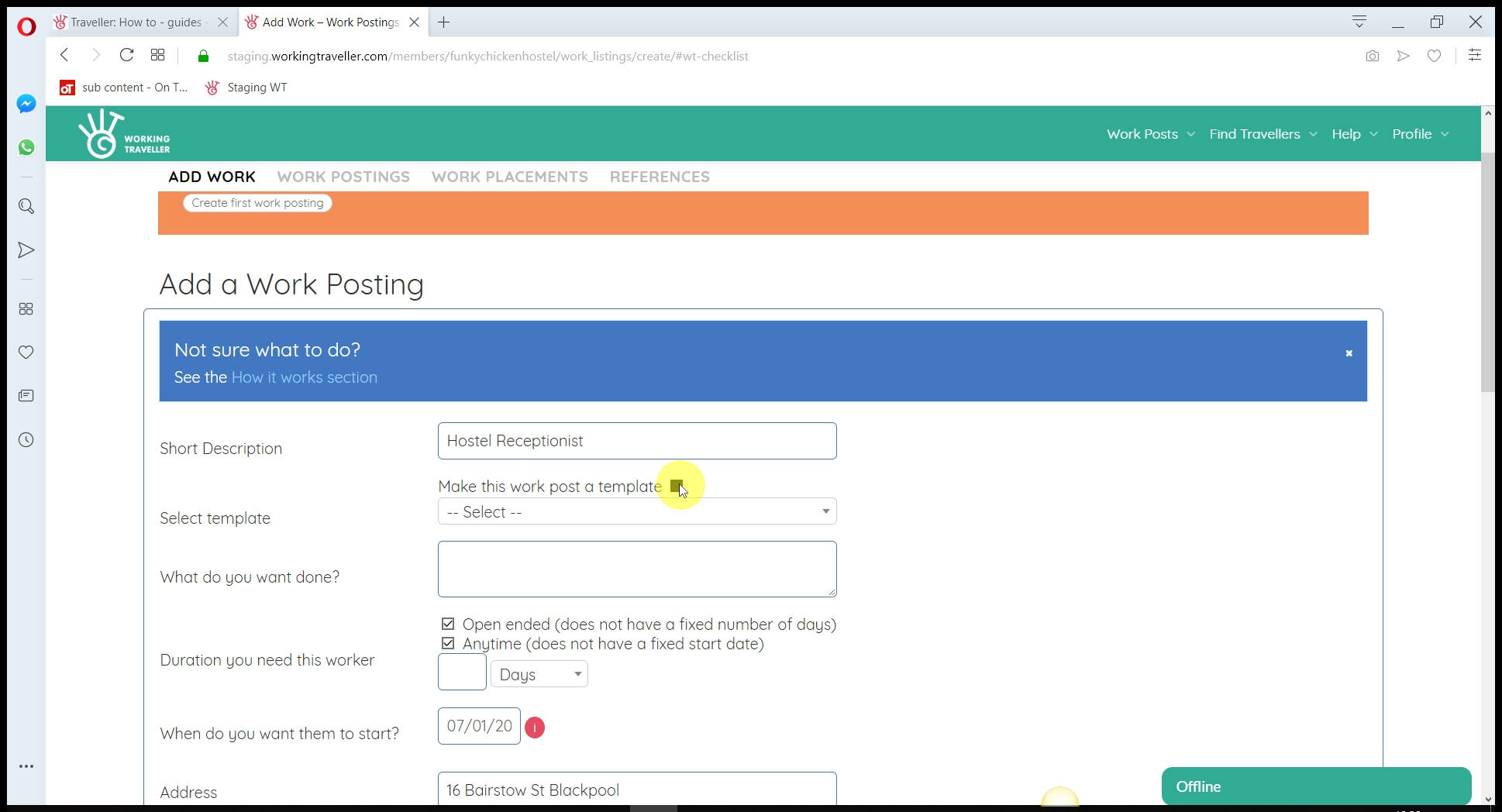
If you need the same kind of fruit pickers over and over, you do NOT need to make a template. Every work post you make stays live for as long as you want no matter how many travellers you book up. If you need to make a work post for every
type of skill you need on say, your house build, make a template so you can easily alter for each specific skill you need, but still have the same work hours etc all listed.
Be specific in what you want doing
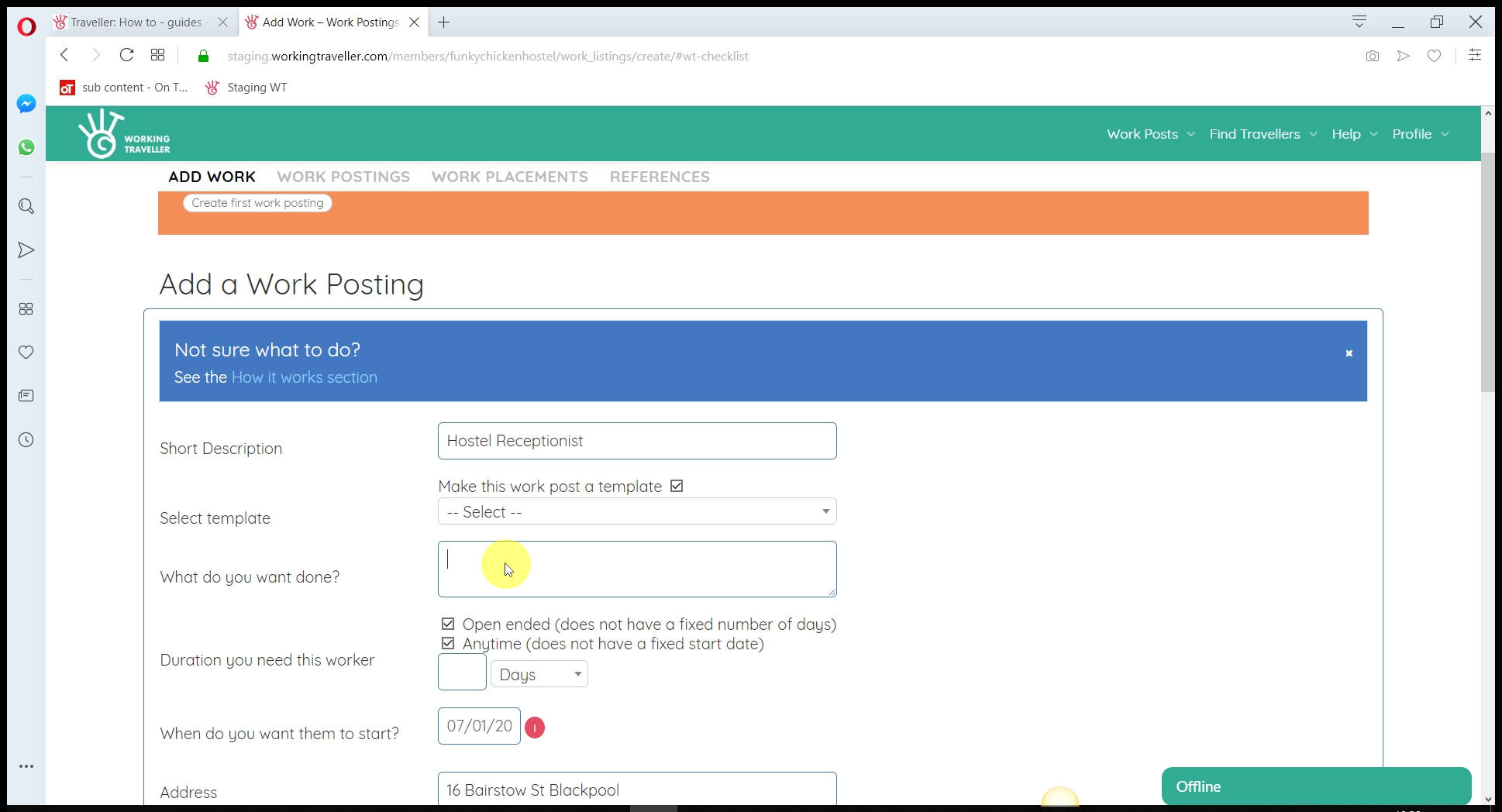
Write down exactly 1) What you want the worker to do, how many hours, days a week they will work and what you offer in return ( above normal house rules offering that you have already filled in) and 2) What level of skill, and work experience you want. Like you would on a normal job add. The more details you put here, the fewer surprises you will get when they turn up to do the work.
For now, we recommend you leave the date set to “any time” to reach the maximum amount of travellers searching for work in your country with the skills you need.
Add the skills you need
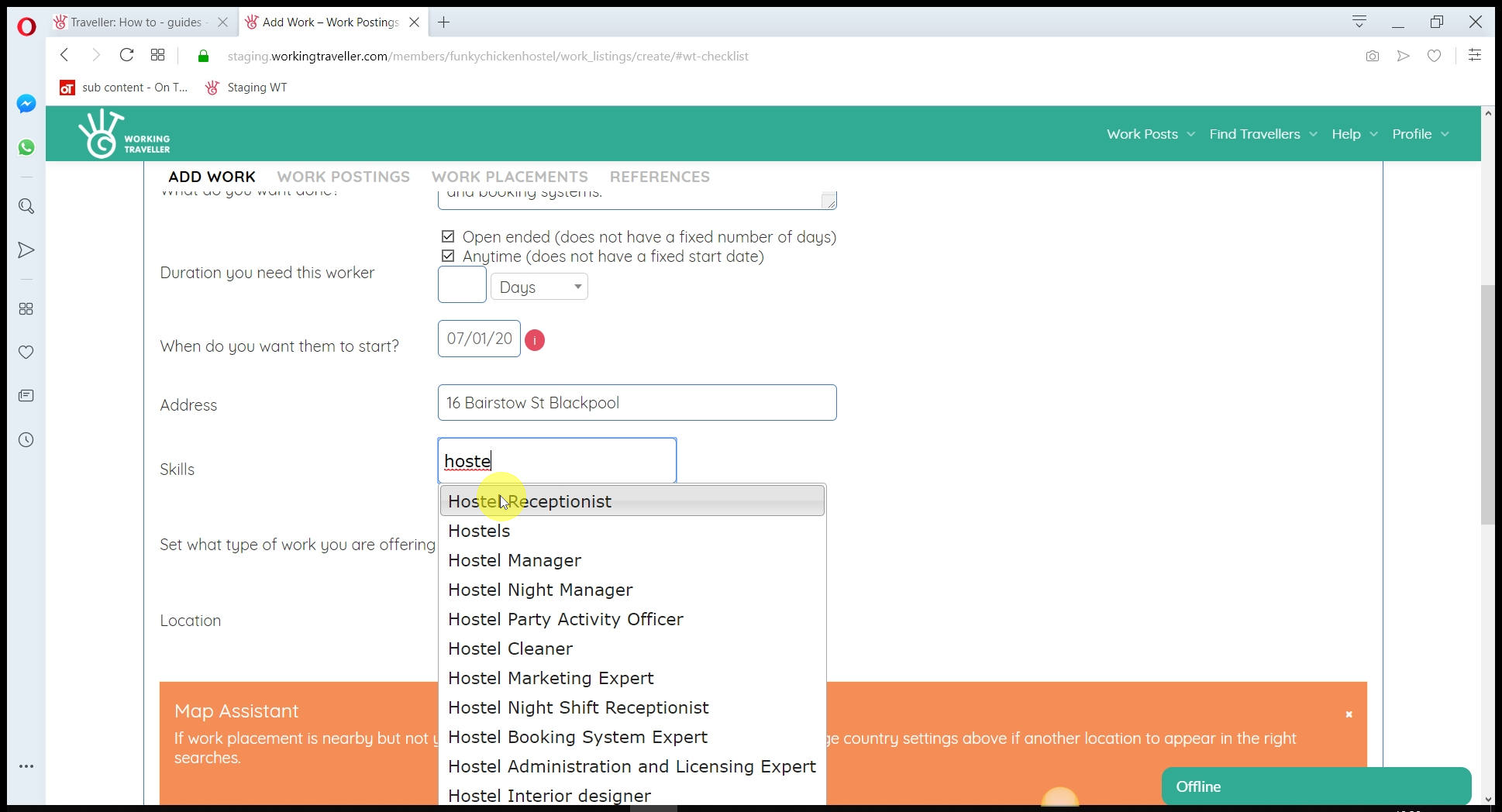
You can do this in two ways. 1) You can type the skill you are looking for and add it as shown in this screen.
Sub skills
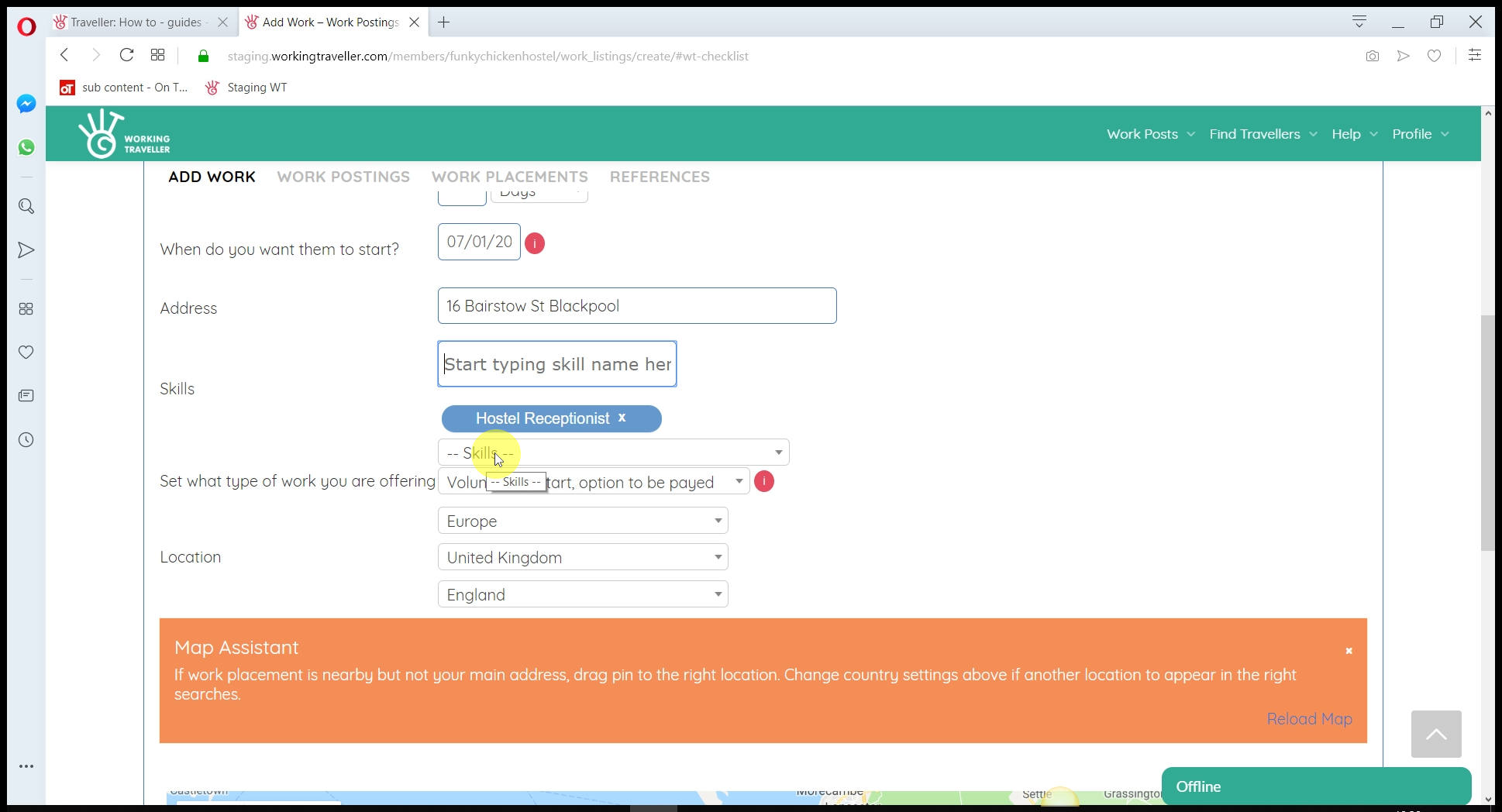
Or 2) You can go into each skill set and see what skills are listed that you might not have thought about. Add as many that fit your work needs as travellers search for work by skill as well as the country.
Search Sub skill listings
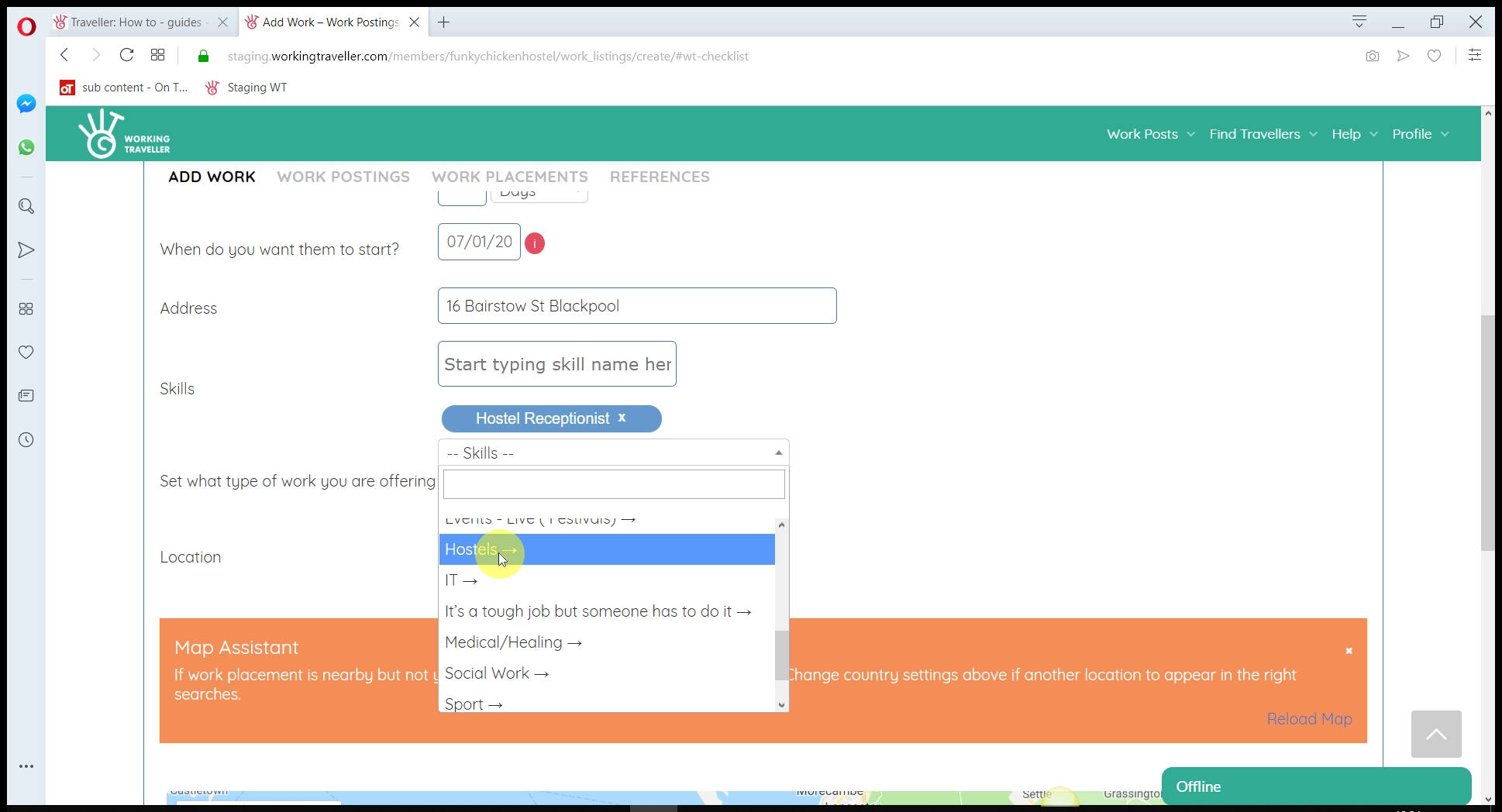
And see all the skills we have that you can add.
Add by pressing the green button
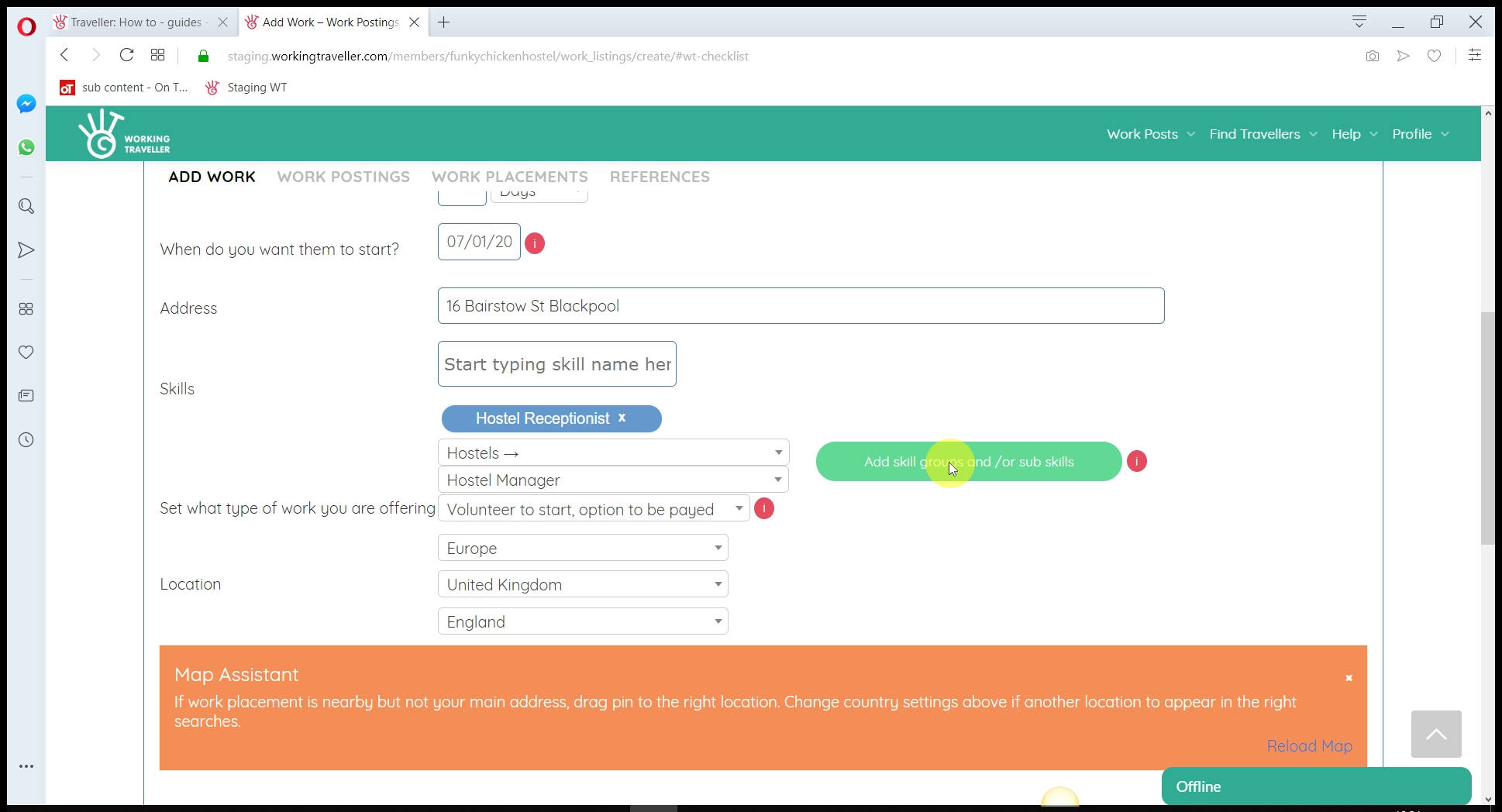
Once you have selected the skills you want to add to the work post, press the green button to add them.
Select what kind of work it is
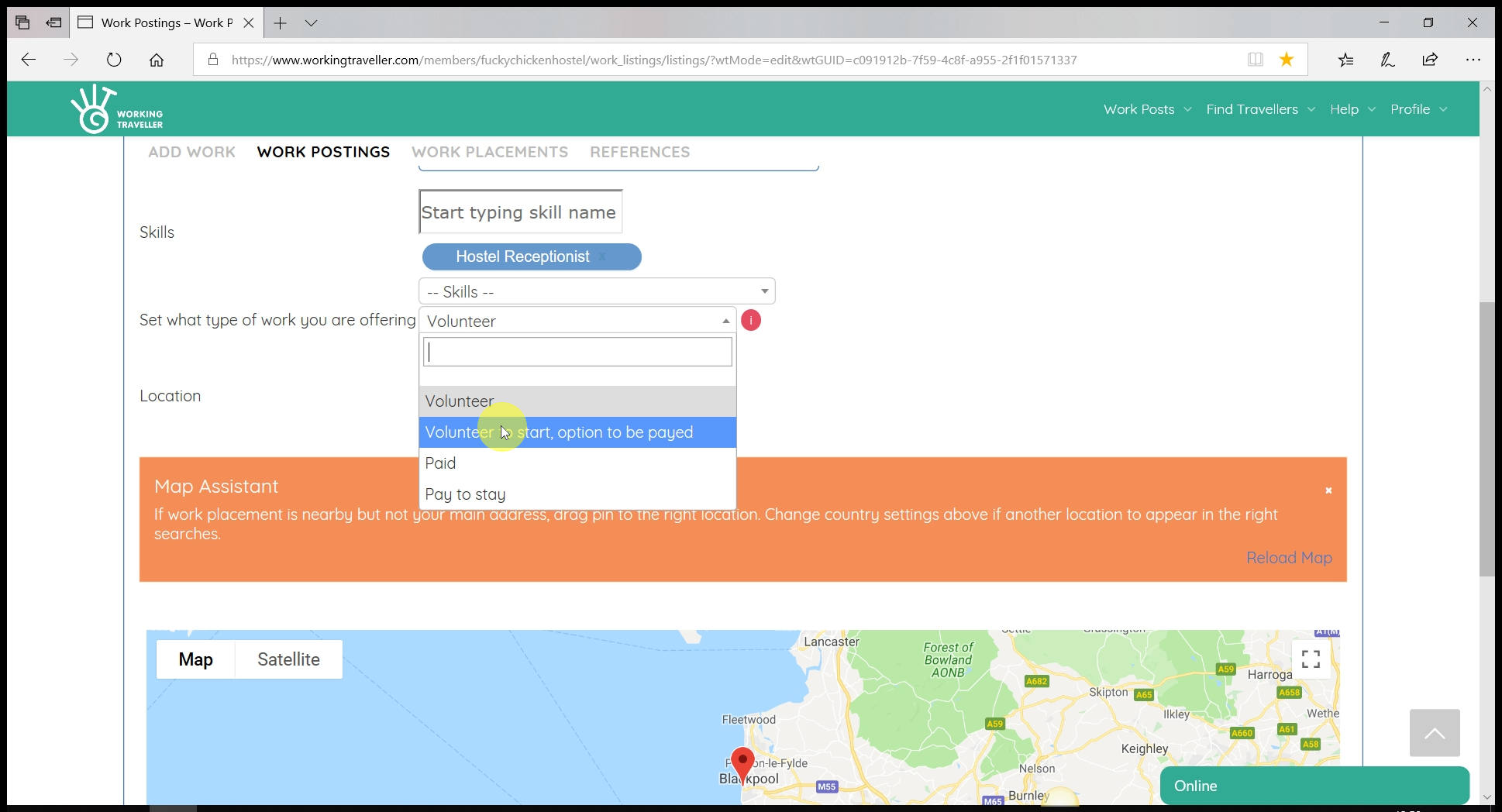
Unlike other traveller sites, Working Traveller lets you decide how you work with travellers. You have 4 options:
Volunteering – You ‘pay’ them in bed and board, agreed in a separate work placement with each traveller. So like normal Helpx rules, 5 hours a day for bed and board only you set whatever you want – you just do not pay them in money for the work they do for you. If you live somewhere that does not allow paid work from travellers – select this option.
Volunteering to start with the option to be paid – If the traveller is average, ask them to leave at the end of your volunteer agreement. If they are good, you can pay them something over bed and board for more hours, more responsibility or whatever you agree with them.
Paid – You need a skilled carpenter, plumber, real skills with experience and you know you will not get this type of traveller to work 10 hours a day for you for free. The rate you pay is totally down to you, agreed in the work placement before they arrive. You are 100% responsible for making sure it is legal for you to do this in the country you are located in.
Pay to stay – If you have a particularly nice host offering, tiger cub sanctuary/5-star resort, you can charge a lower fee than you normally do for some work in return. If you do charge people to stay, that’s fine, but you must be open about it and select this option or you risk being banned from using Working Traveller.
Remember whatever option you select is a guideline and the real agreement is made in your work placement
The type of work you have selected appears on the work post, in searches and on your profile

What type of work you select makes a big difference in the quality of worker that contacts you. We suggest
“Volunteering to start with the option to be paid” is a good option for skilled positions you need filling as you do not have to commit to paying them anything or how much until you can see they are good hard workers.
Work post location
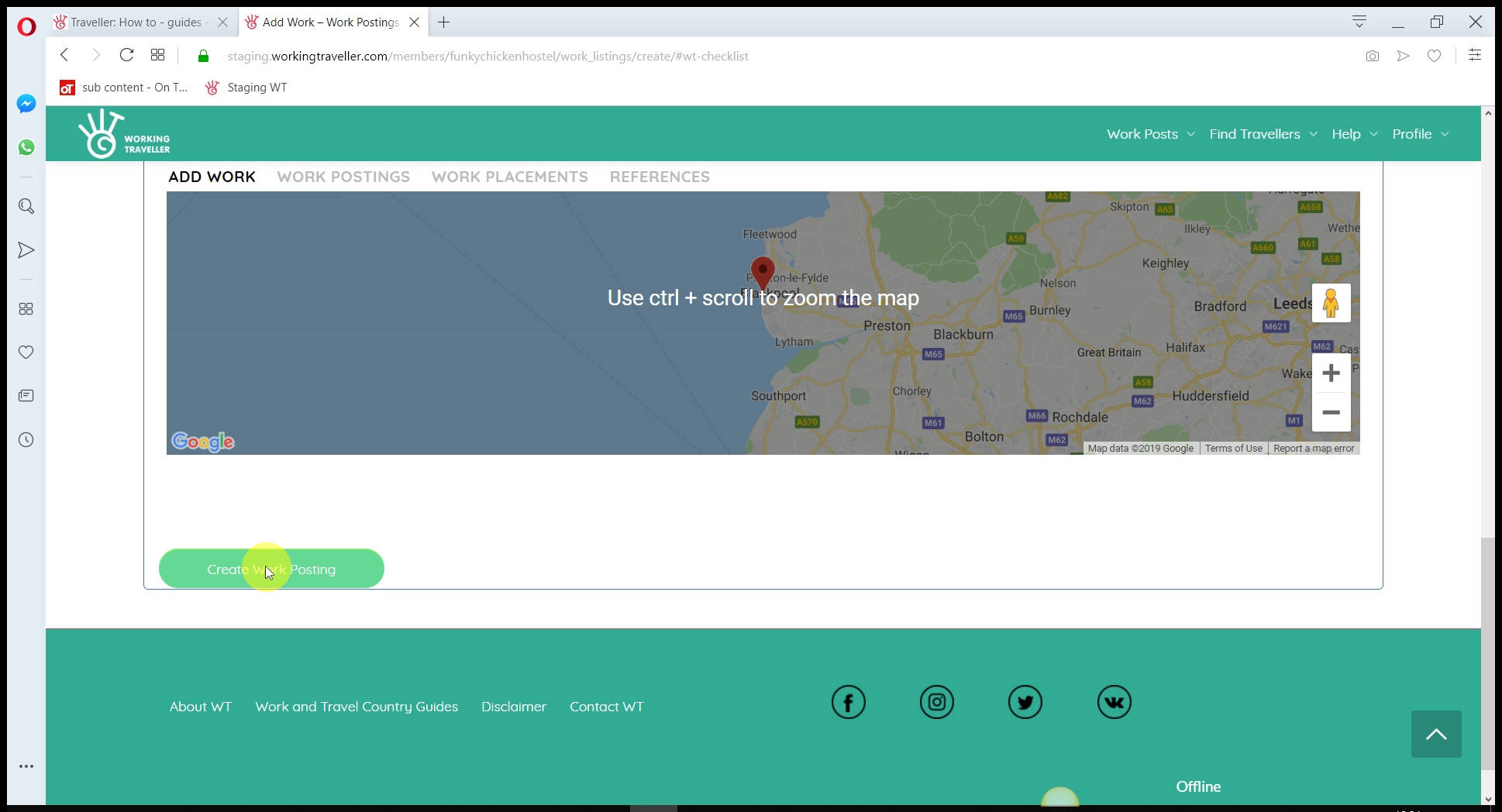
If it is 5 km away from your main place of work you can drag the pin to a different location to show where the work will be. If in a different country, that too is fine but make sure you add in a new location on the work post, not just with the pin to make sure it appears in the right searches. You could be in Thailand but want a boat picking up in the UK, so still use your Thai profile and change the location of just this work post to the UK 🙂 The possibilities are endless.
That’s it – you are done and can now contact travellers to work for you.
Add pics – it makes all the difference
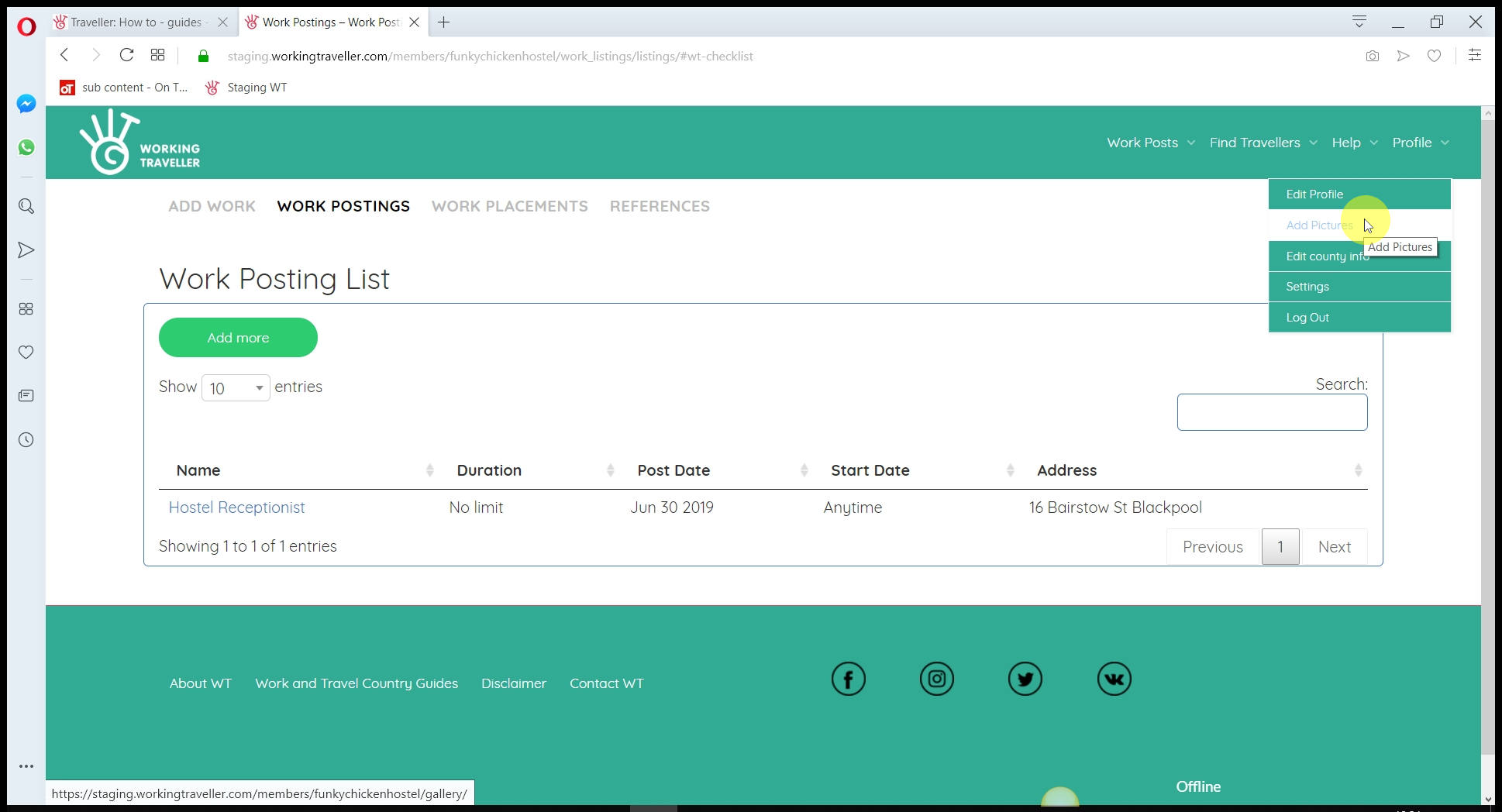
You don’t have to do this to make your profile go live, but as you know, making that extra effort always goes a long way.
We suggest you go over to your profile and click “Add pics” to add in as many good pictures you have of your place and people working there.
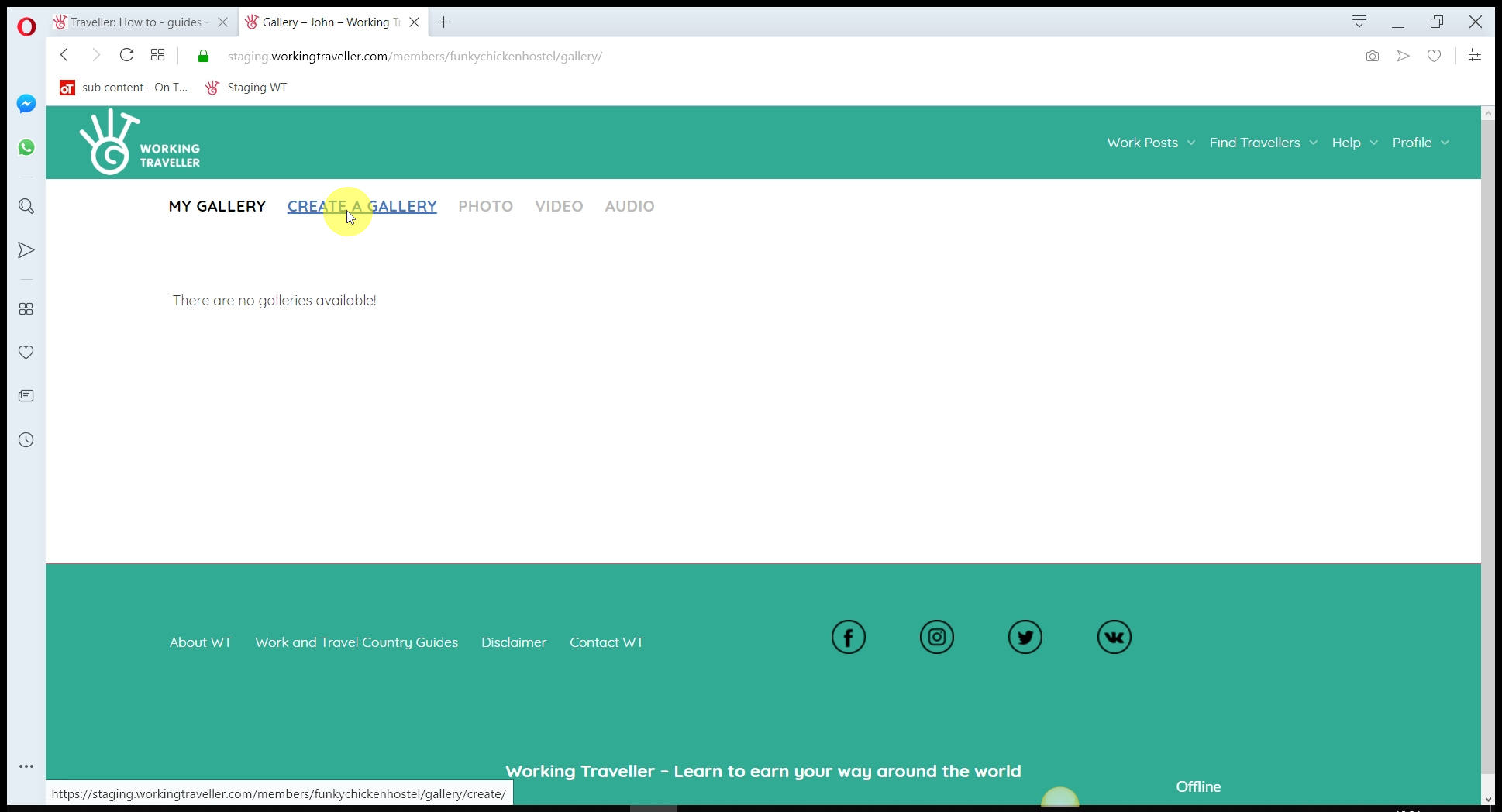
Create a Gallery
Give it a name and description
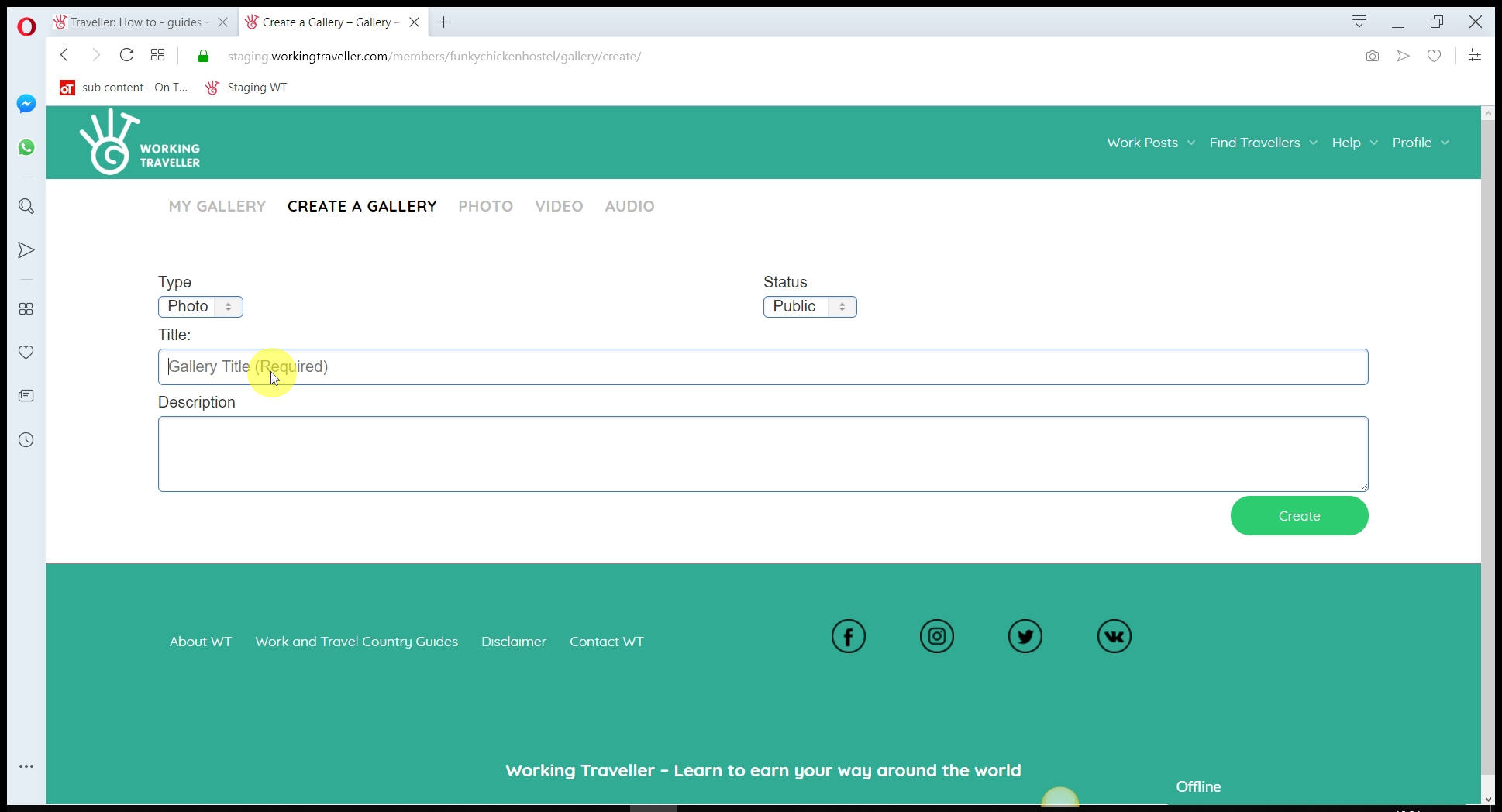
Maybe create one gallery for a specific project you did with a group of workers to show future workers what it’s like working with you and the beers after 🙂
Select the pics you want to add
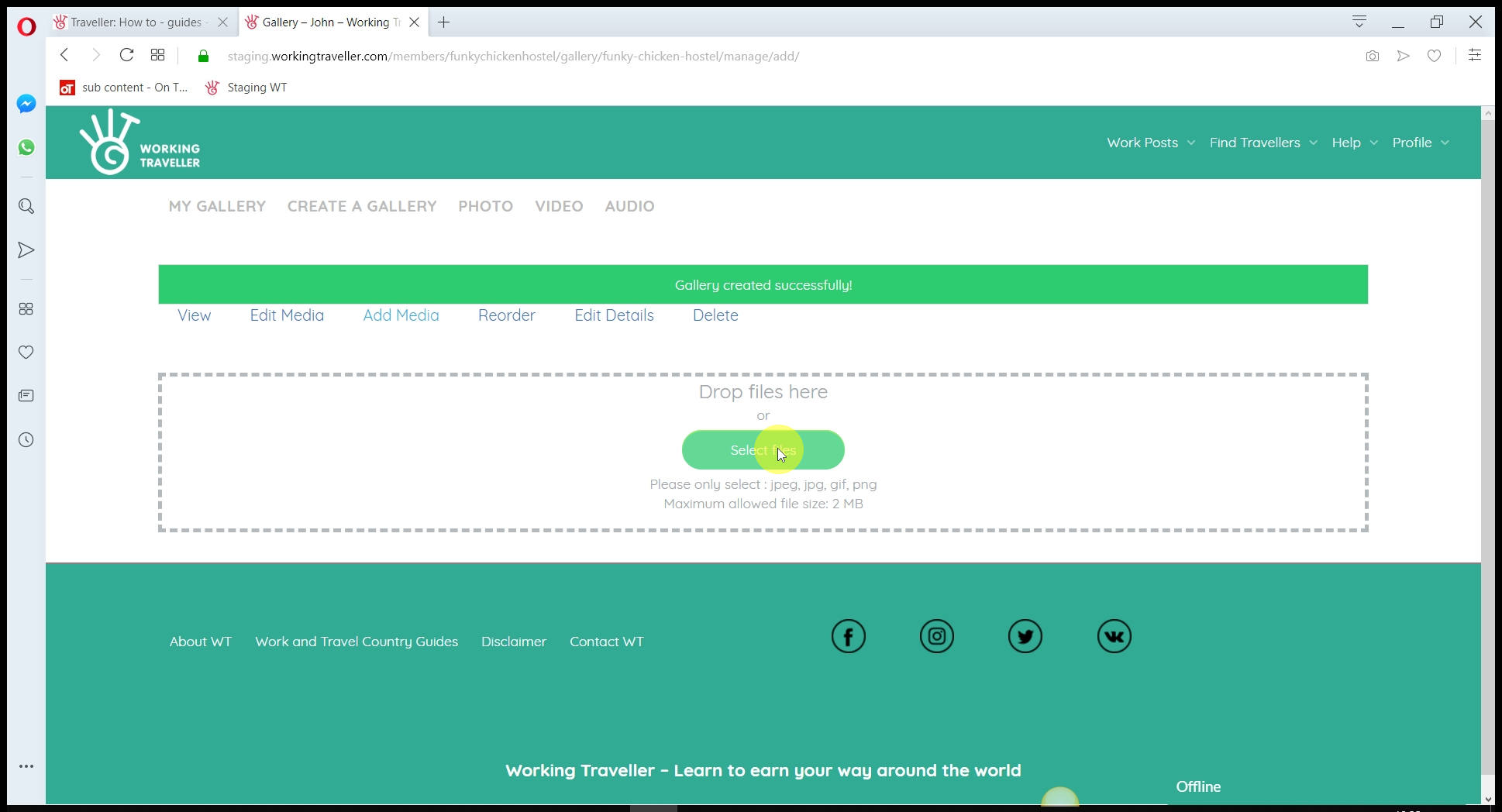
Make sure they are not bigger than 2mb per image.
Check your pics appear on your profile
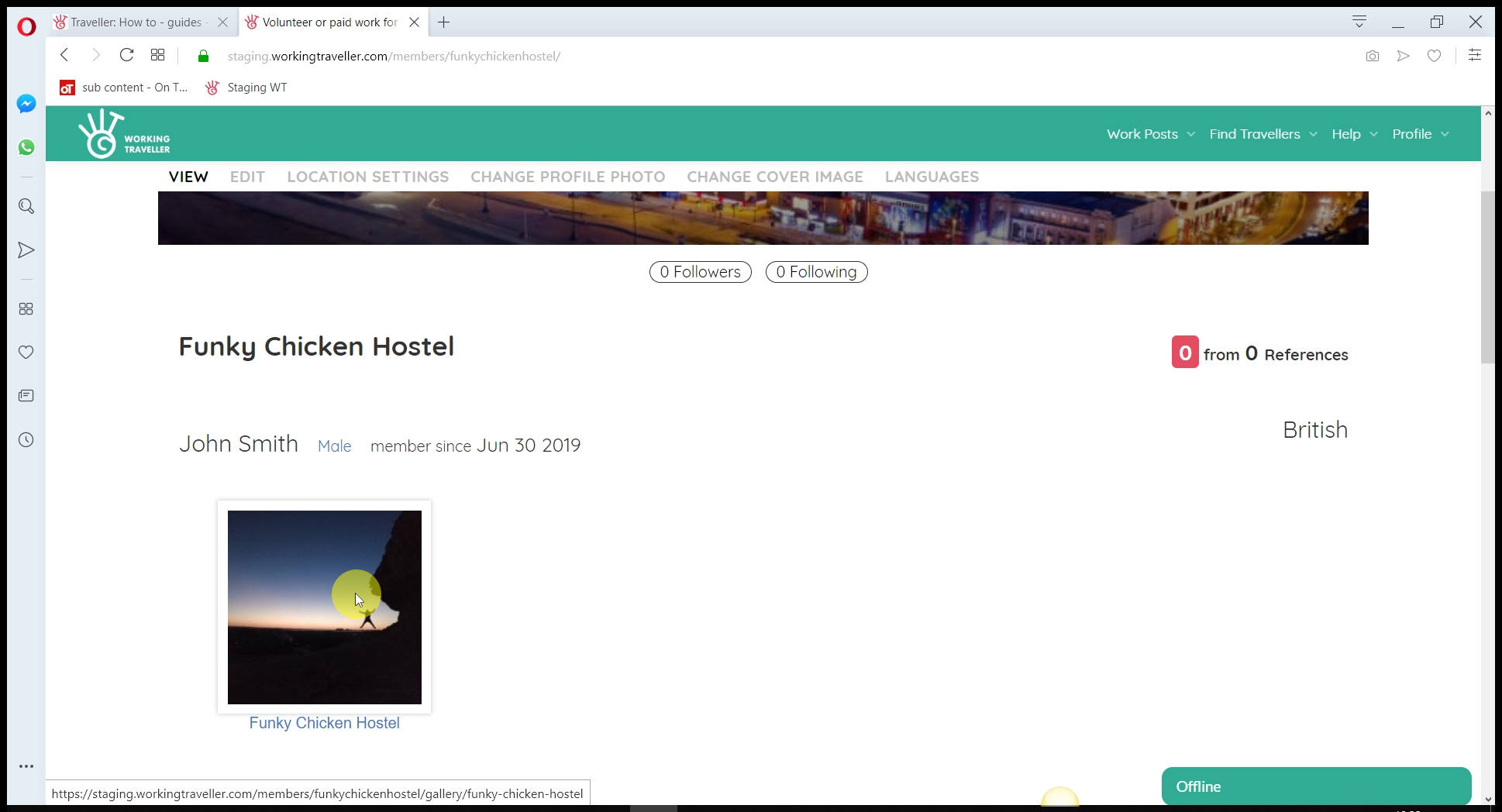
Once you have created your galleries, go to “profile” and makes sure they appear there so all travellers can see them.
That’s it! Head over to “Find travellers” and start inviting the ones that are coming to your country with the skills you need.

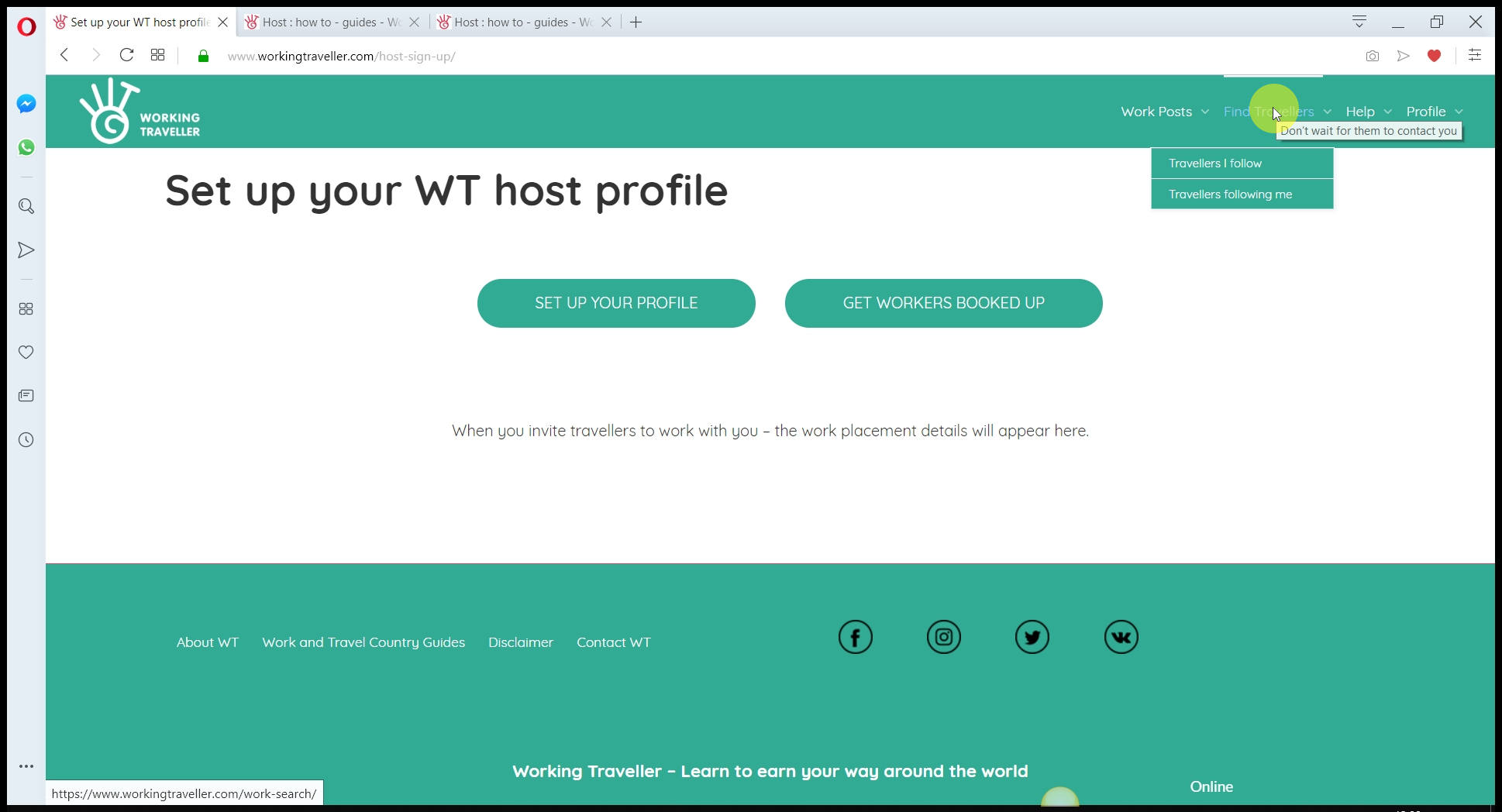 This is where are the traveller profiles are kept.
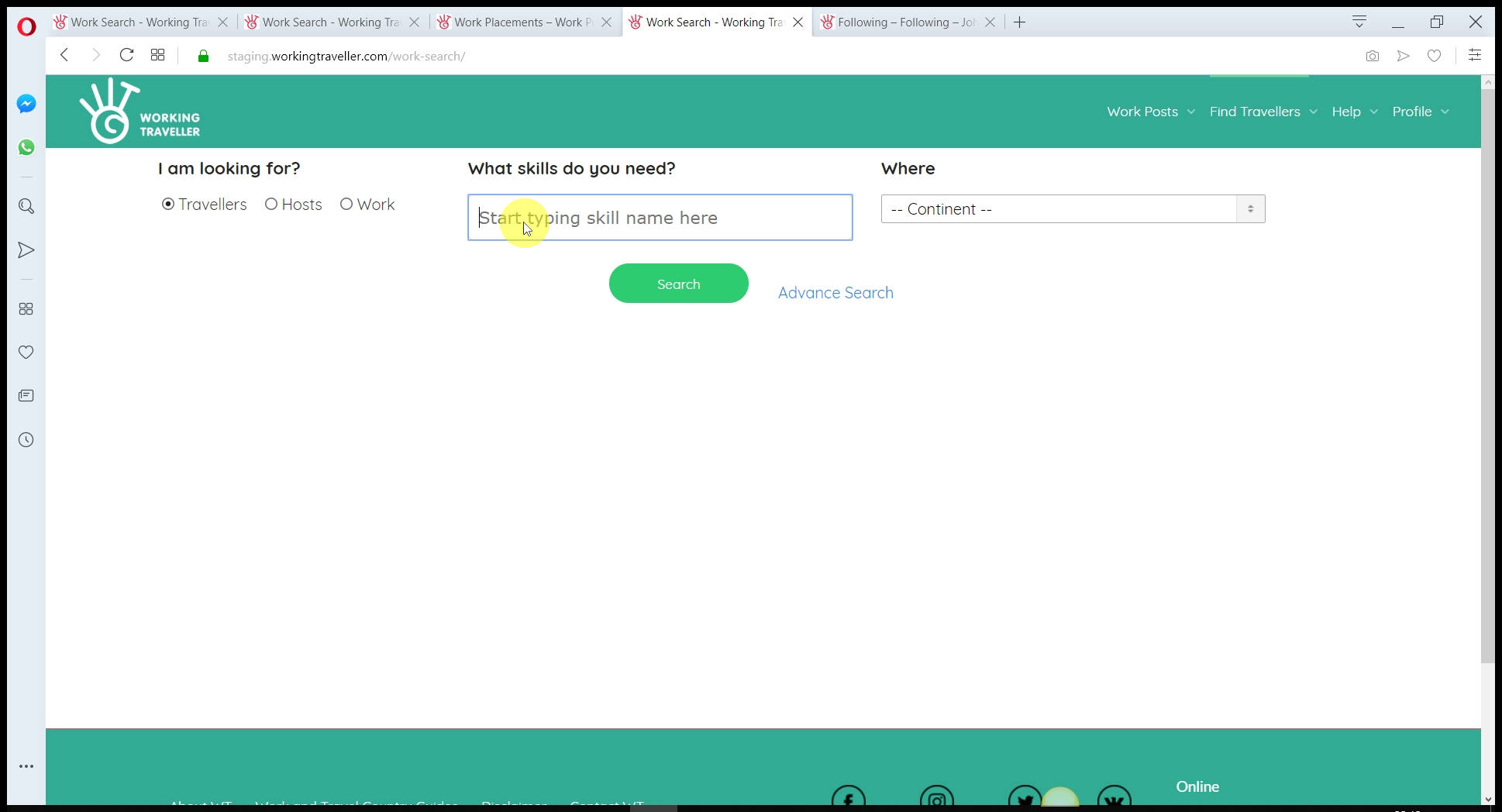 If you had a very specific skill, you might not find anyone, if you add “construction”, you will find all travellers with construction sub-skills. You need to search and see what works for you.
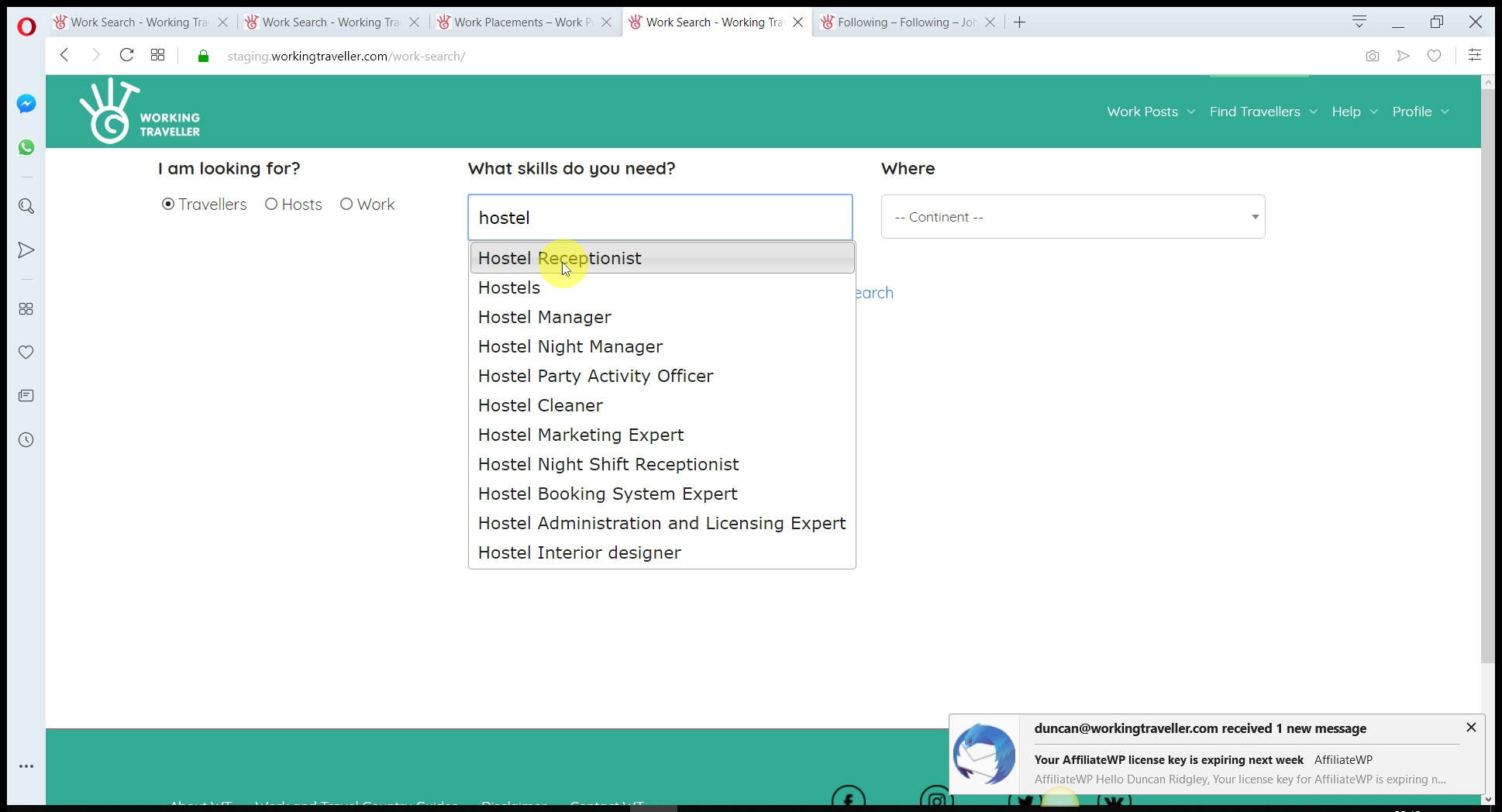 You can add as many skills as you want as it will include travellers who will have at least one of the skills listed.
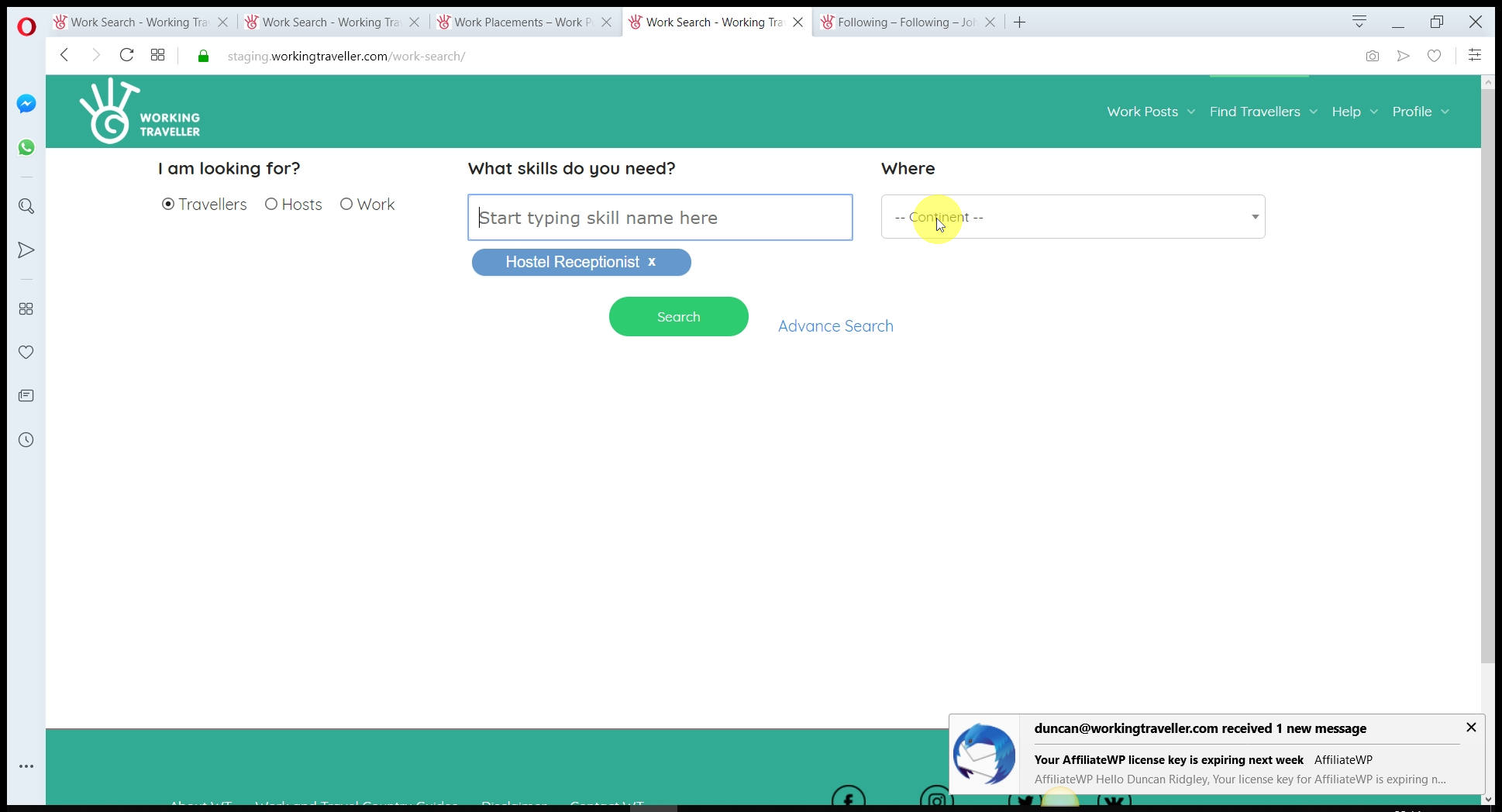 Travellers know that they need to set in their profile what countries they will be travelling to and when. This saves you time, knowing they have already planned to visit your part of the world.
If you have a rare skill that you need maybe just select your continent. You need to try different searches and see what happens.
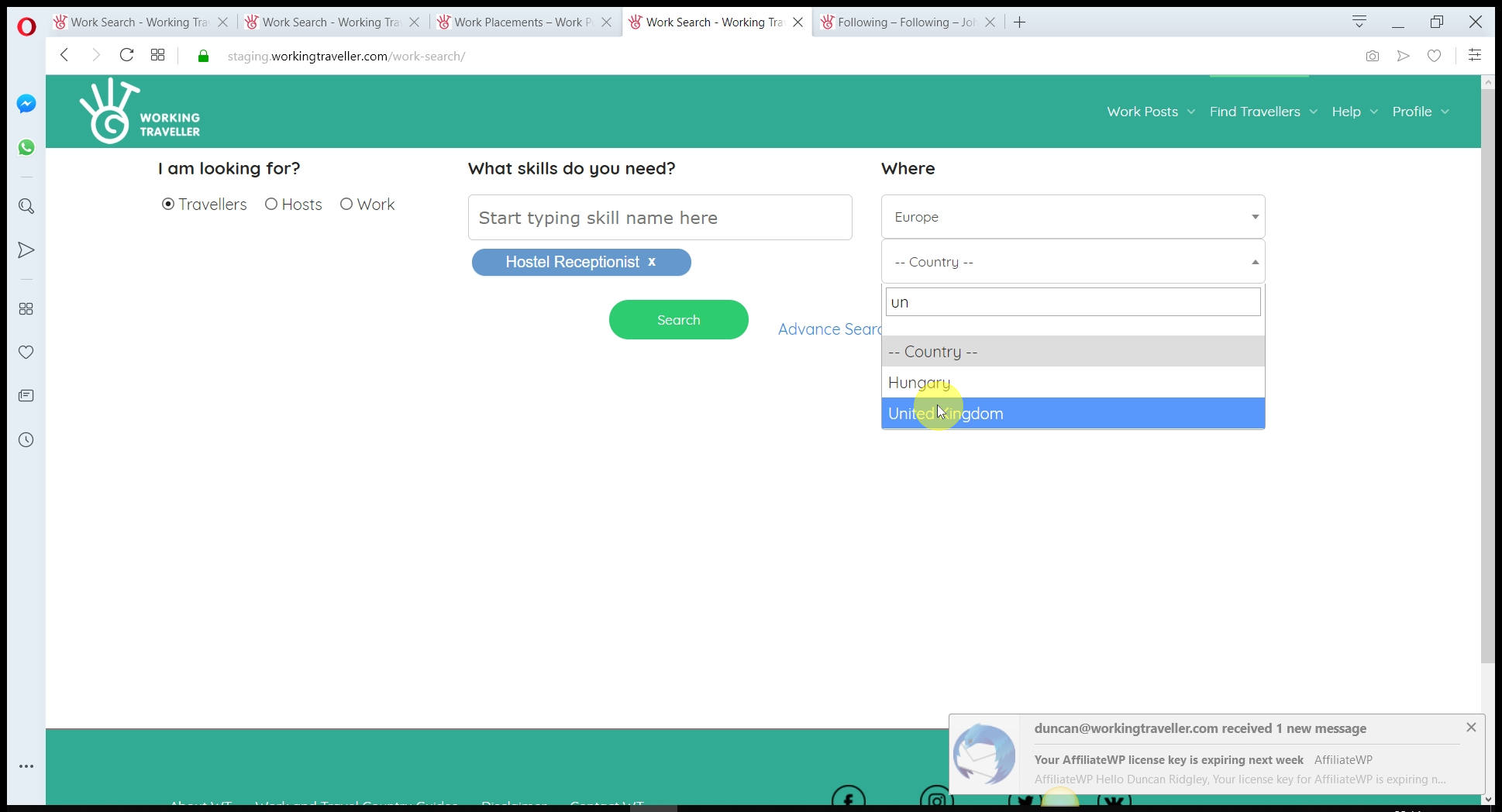 And if no one, try the whole world maybe.
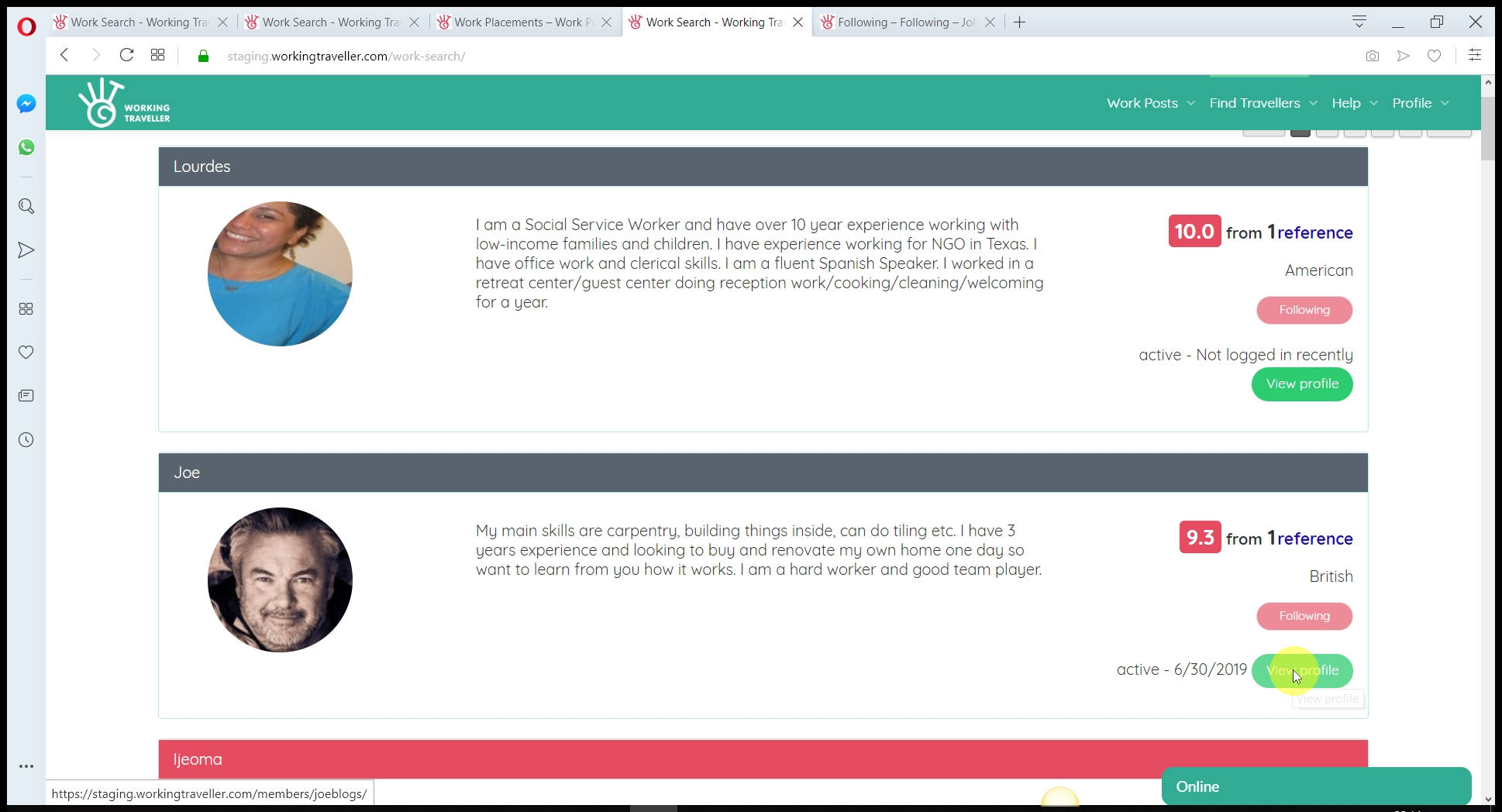 When you press search it then list the traveller profiles that are most relevant to you. This is a mix of references, how recent they updated their profile and when they will be coming to your country if you selected certain dates.
Chose the profiles you want to contact and ask to work for you. You can select 100s, its ok as if 10 come back and accept you can choose one and the rest will see they were not accepted this time.
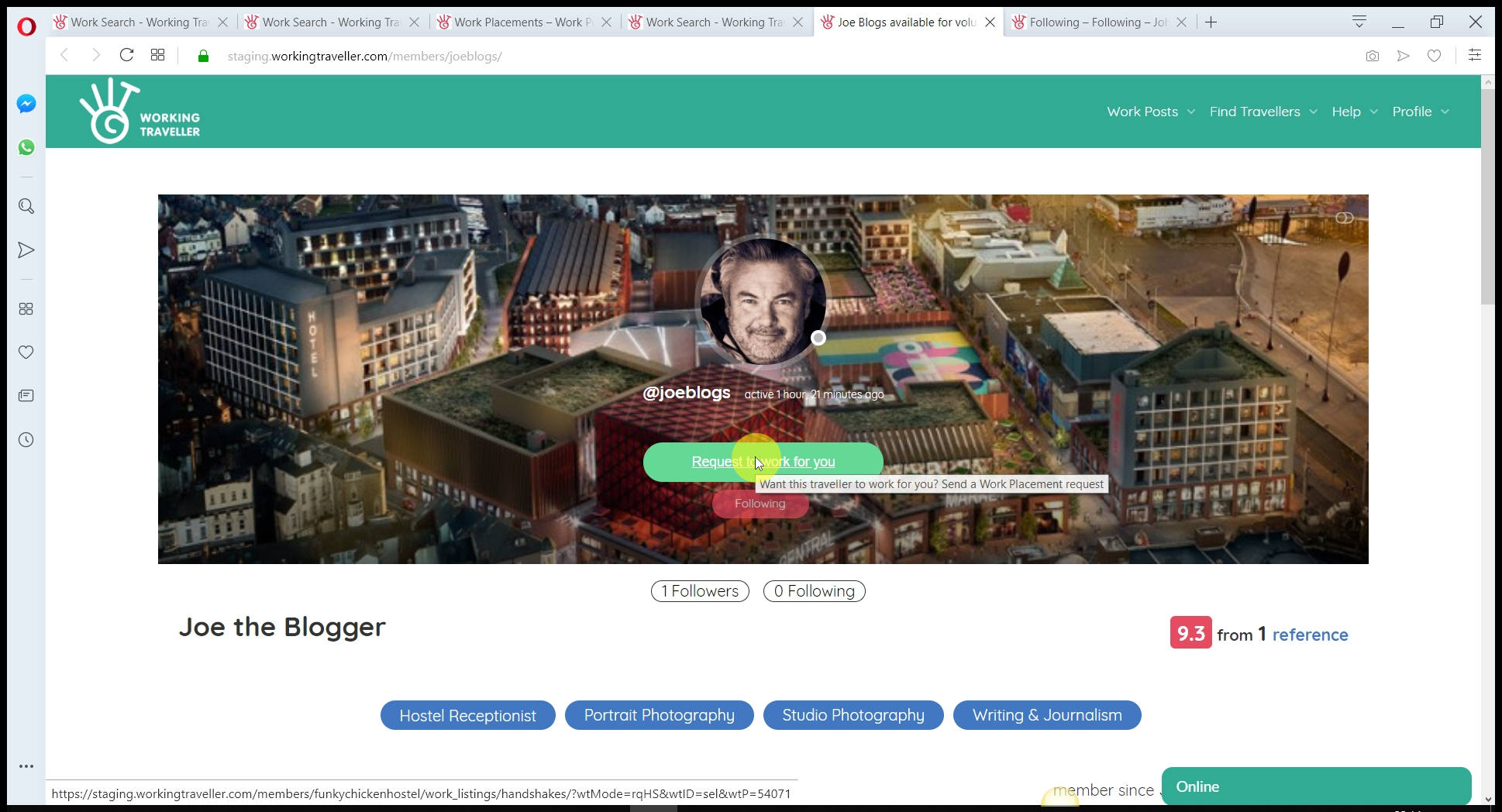 Check out their profile, pictures, references and when they will be in your country and if all good. Press the green button.
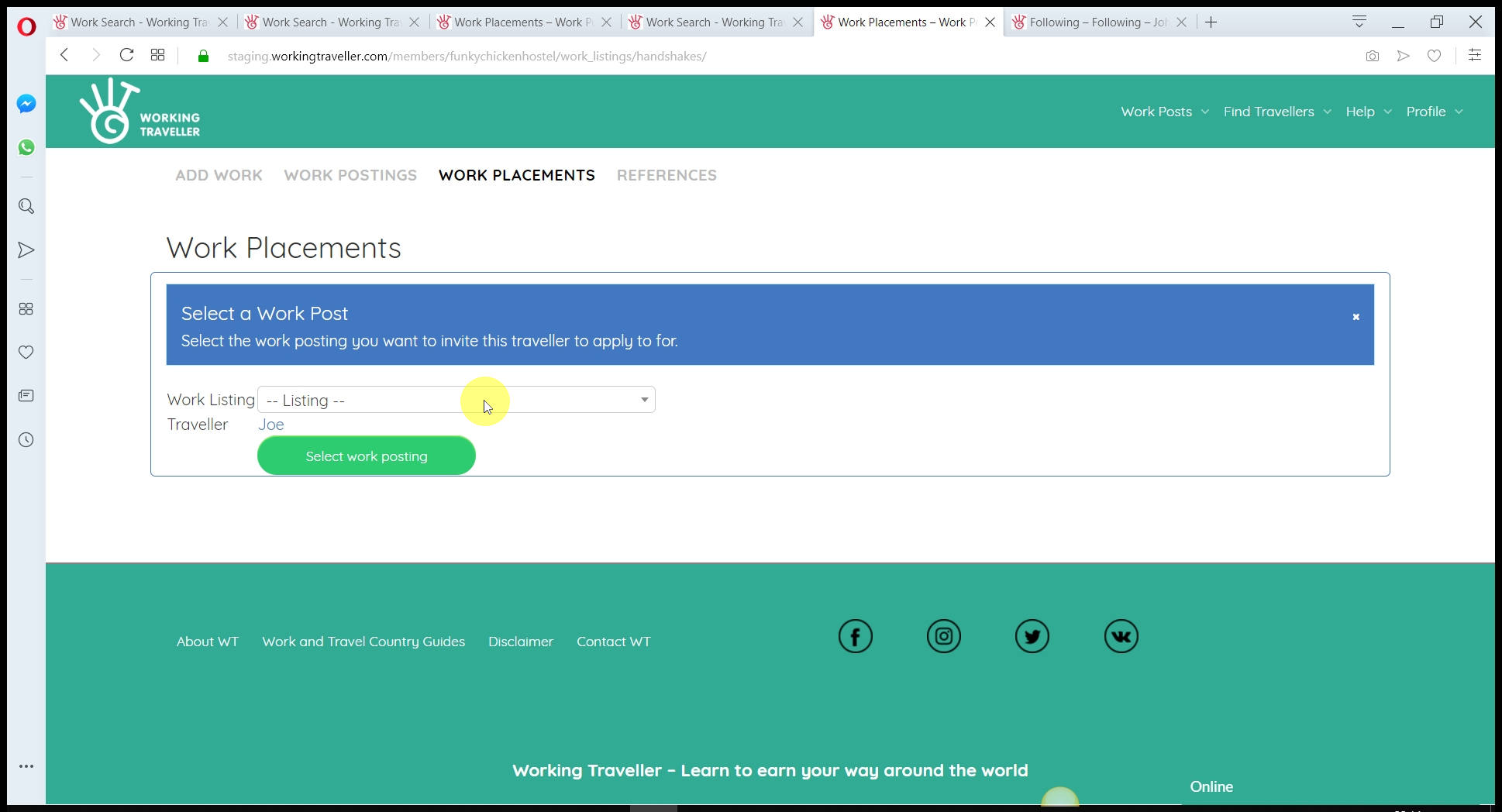 If you have many different work posts, you need to select the one you want to invite them to apply for. This saves you loads of time as you are only showing the people with the skills you need for just that work need.
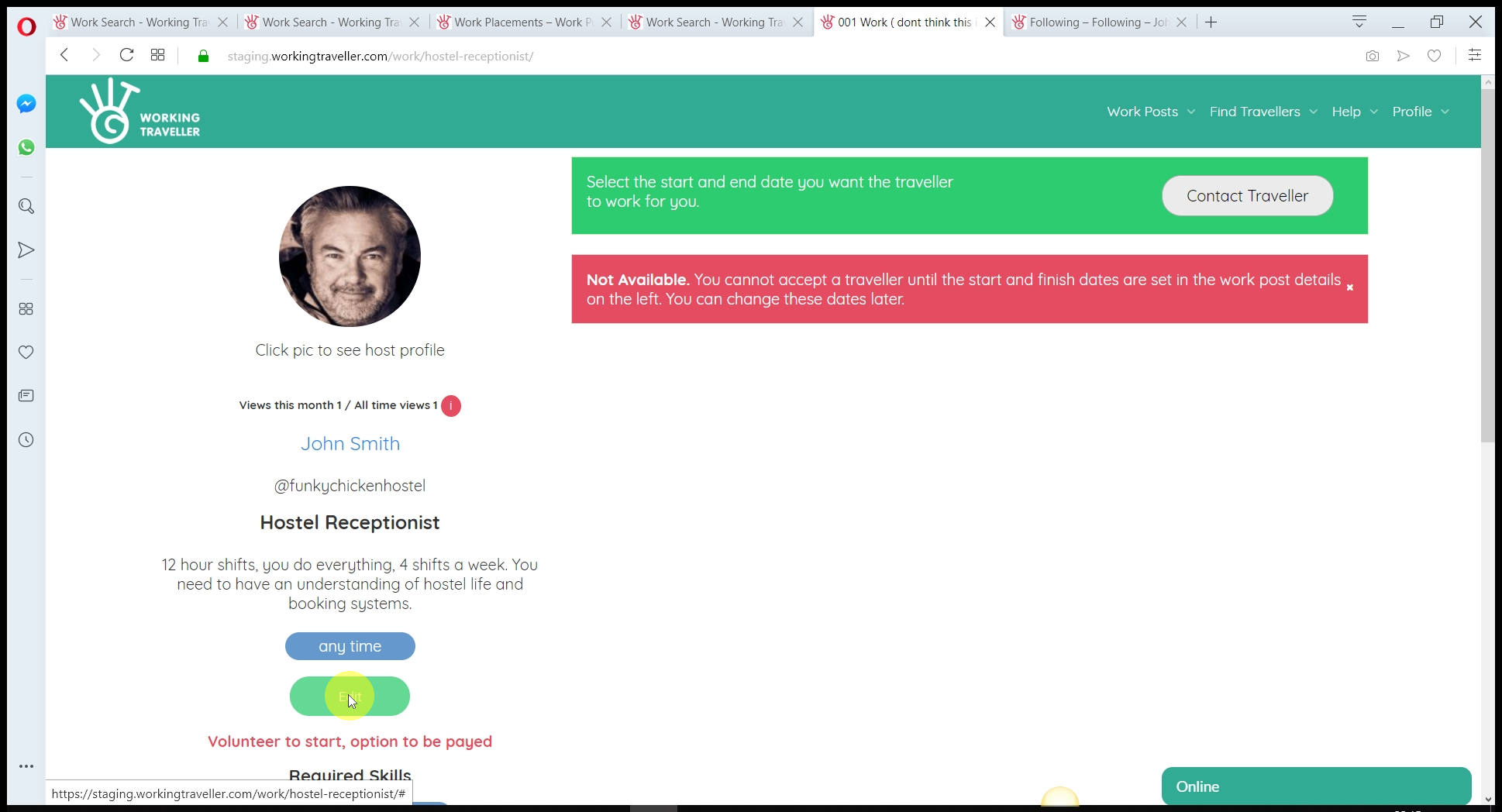 You will click on the contact traveller and it will not let you as you have not set the dates you are looking to invite them. It’s not good to give them an open invitation, as they then control when they will arrive and leave. You know when you want them and you let them know. It’s also a good idea to set a week or two first as if they are no good, you do not renew the agreement. Again, they work to your terms and not when it suits them.
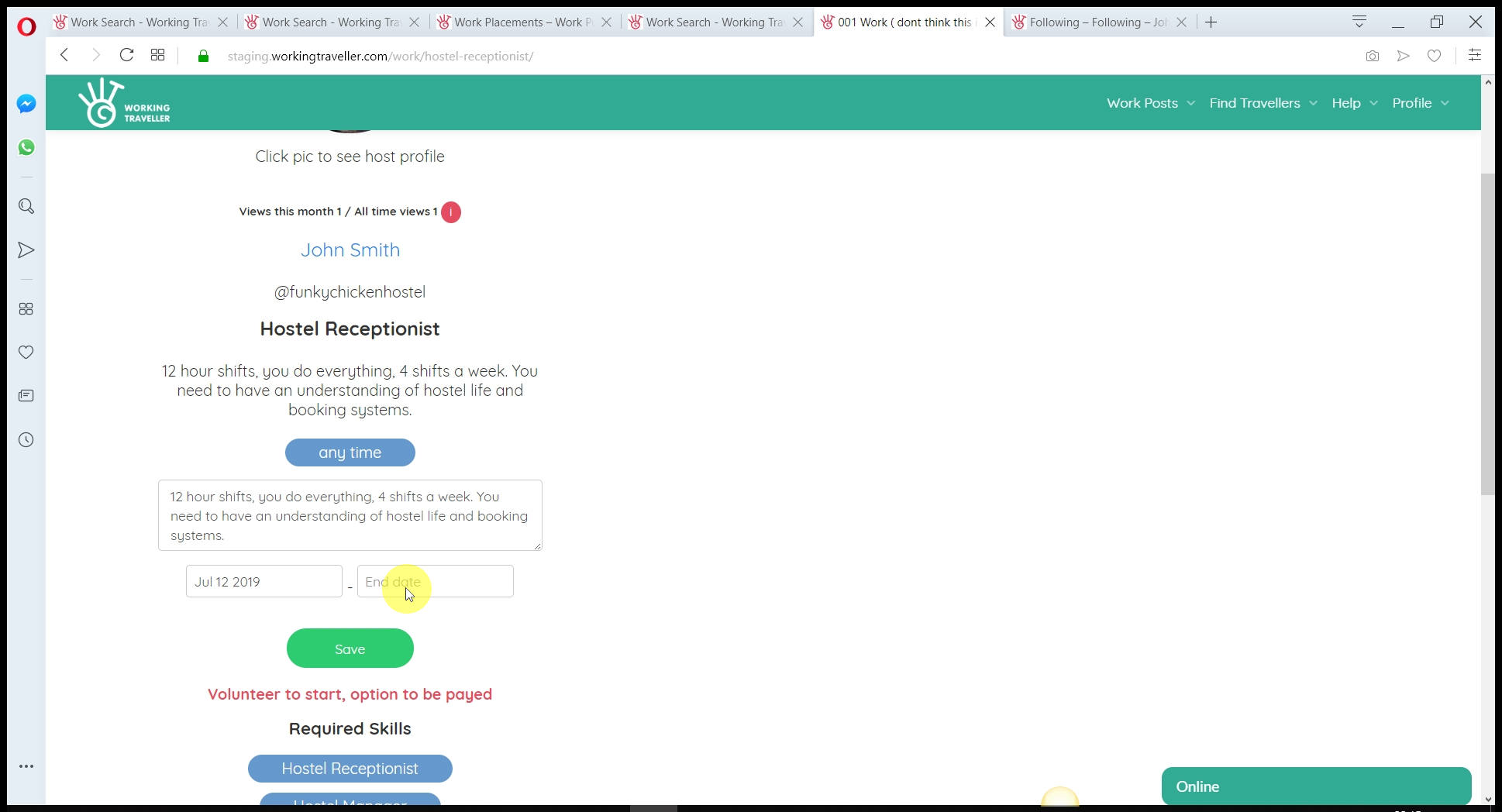 And any changes to the agreement, this is now just between you and this traveller so you can add in they get peanut butter because they asked for it and it does not change the standard post you have on your profile.
This saves you so much time, getting an agreement before they arrive so everyone is clear on what they are doing.
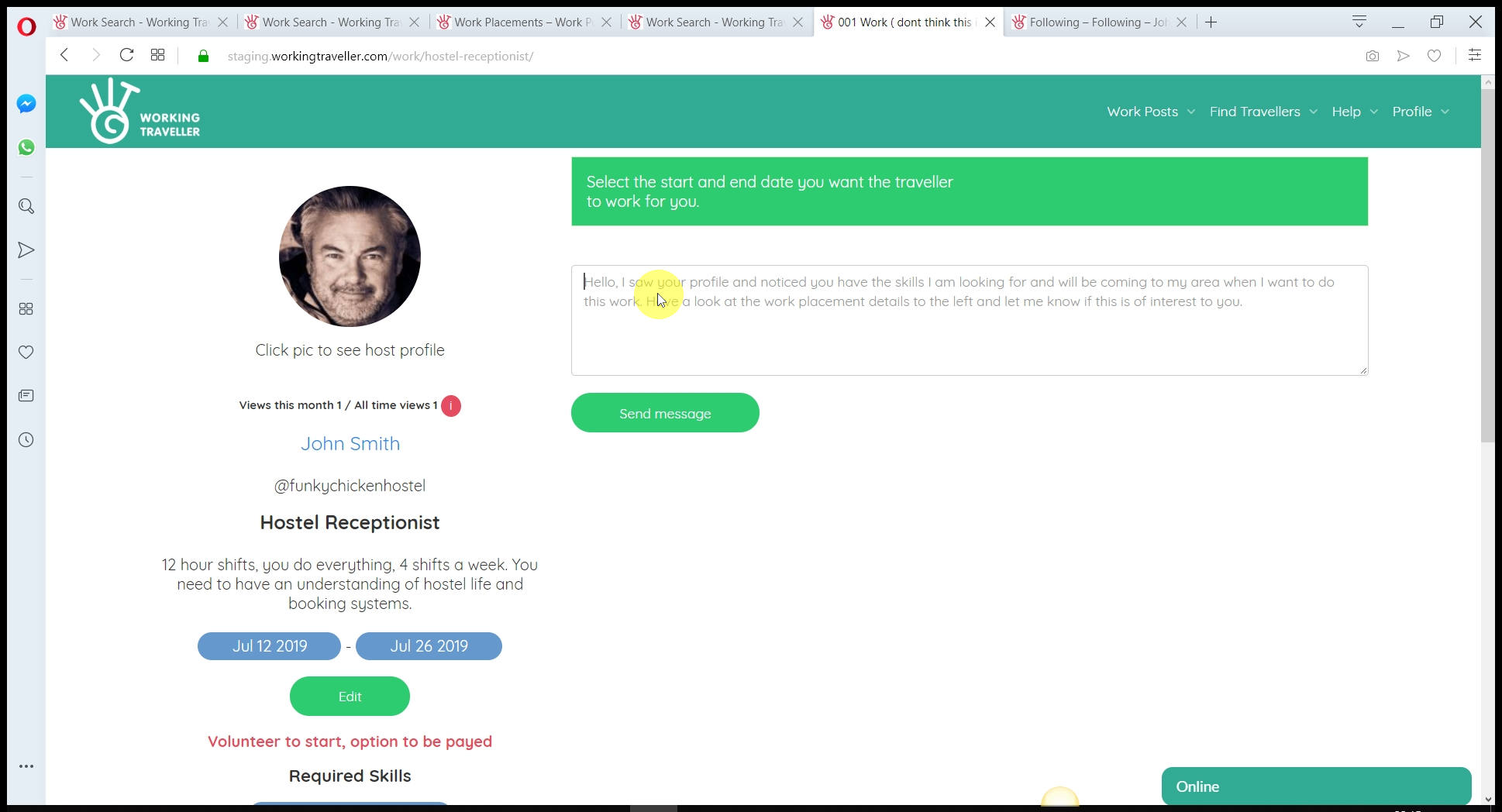 And you will see a text box where you can copy-paste your invitation to work for you or write a personal request and send it.
This will be delivered to the traveller’s email so they will see your invitation straight away.
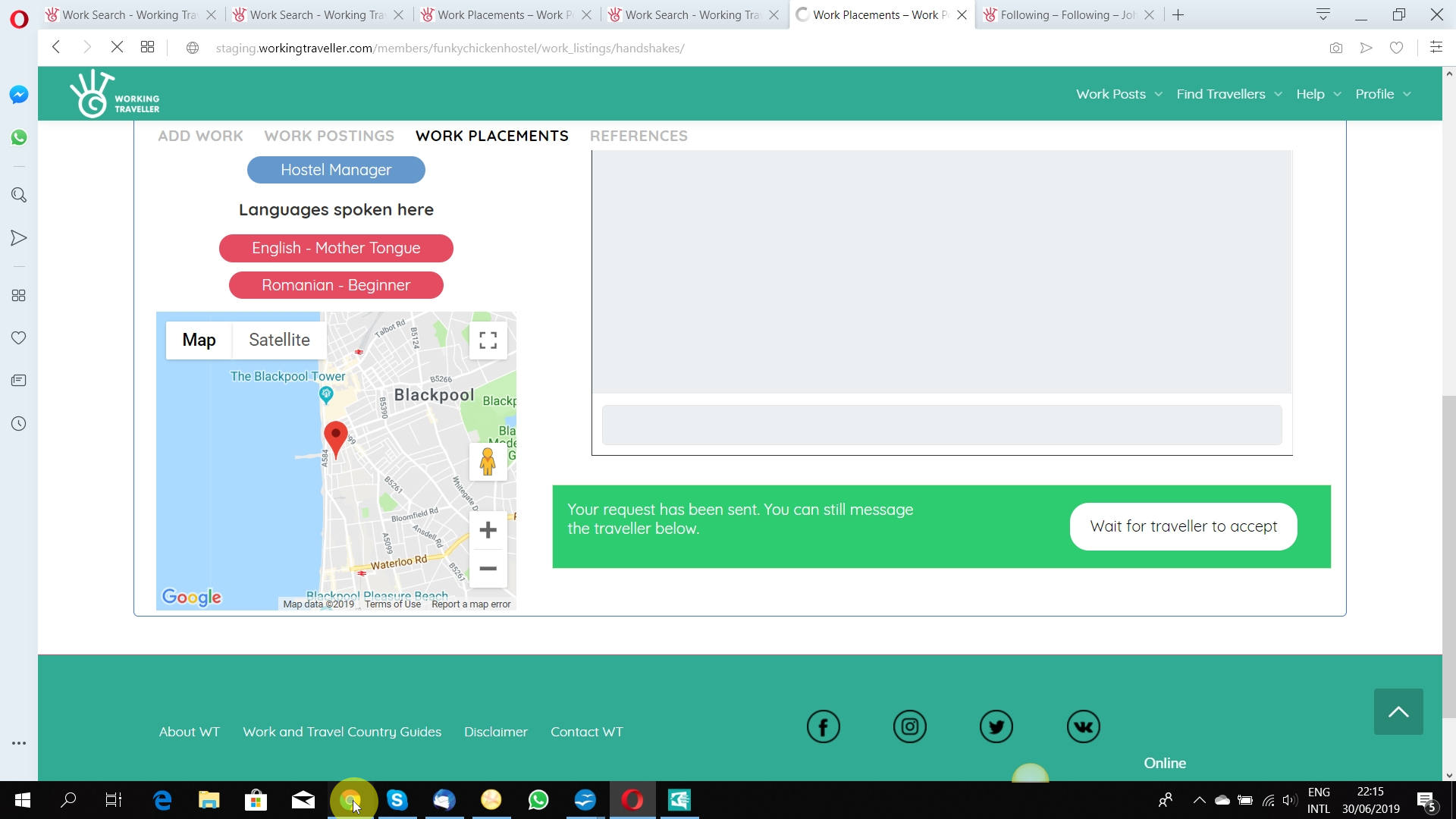 As you know it’s hard to find the right skills coming to your part of the world at the time you want, so be active and contact as many travellers that fit your search results and when they accept you can choose one or as many as you need.
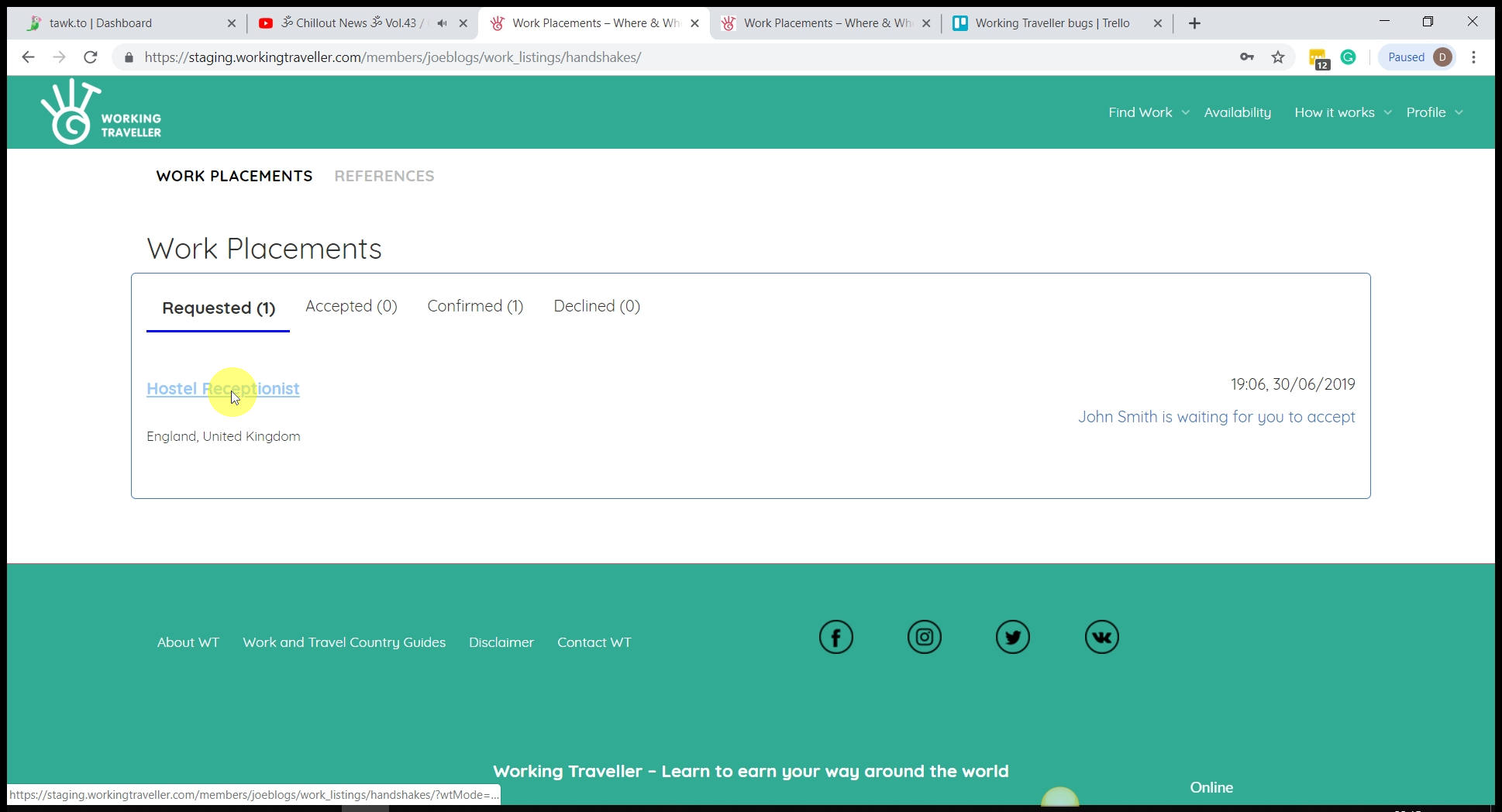 All requests you can see if you click on Requested. You can cancel a work invitation at any time with any traveller.
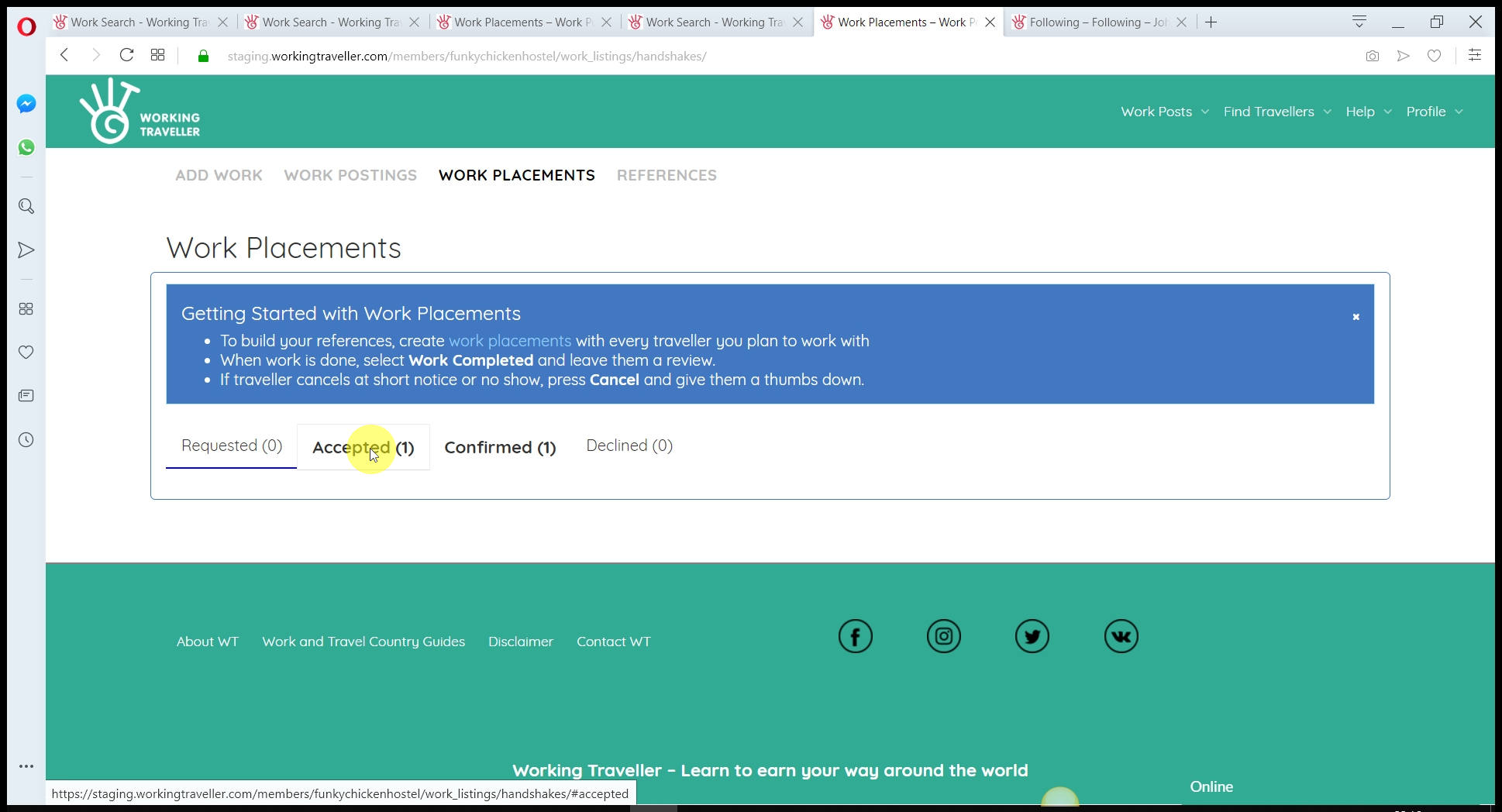 You will receive an email so you don’t need to keep checking. You may receive several travellers who have accepted. This is good. You choose the best and accept.
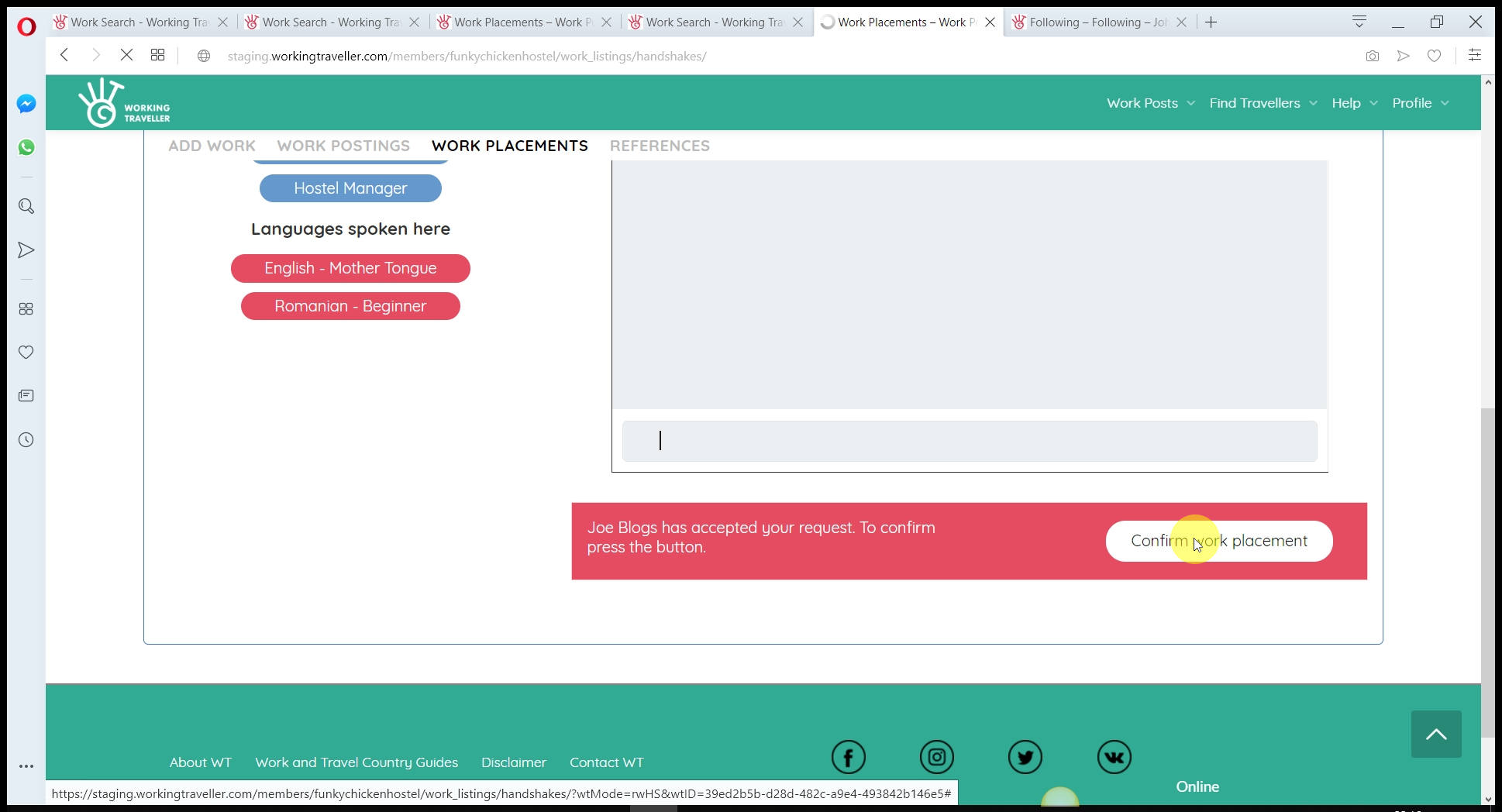 And click confirm. Make sure you 100% want them to come at the agreed dates as you will receive a thumbs down on your profile if you do not let them come and work for the agreed time.
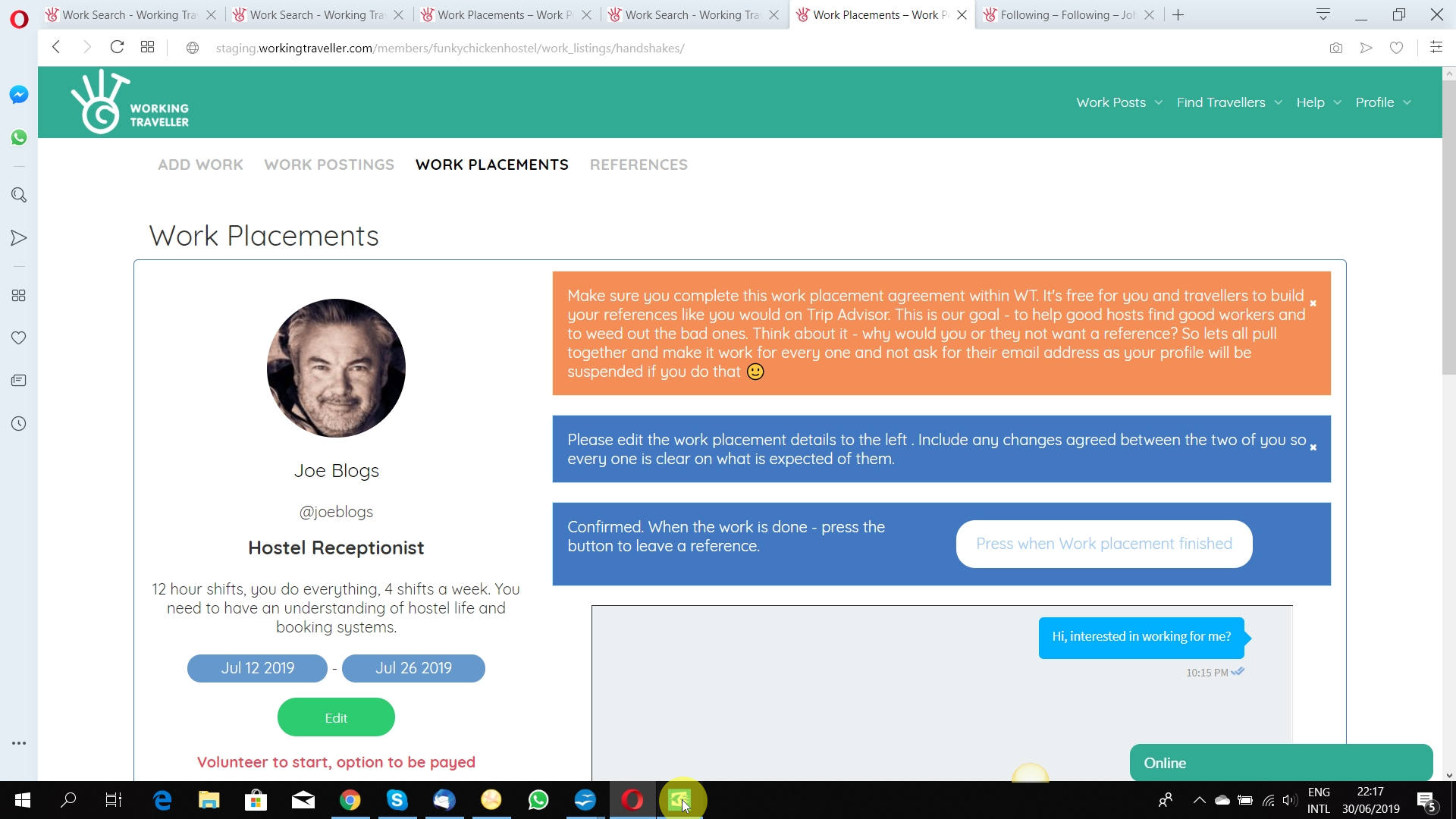 The work placement is now all done and you have a solid agreement with each traveller that is coming to work with you. It’s important to create a work placement before they arrive to save any misunderstanding and is the only way you can build your references. The more good references you gain – the higher you rank in searches made by travellers and obviously a better chance of getting good workers to want to come and work with you.
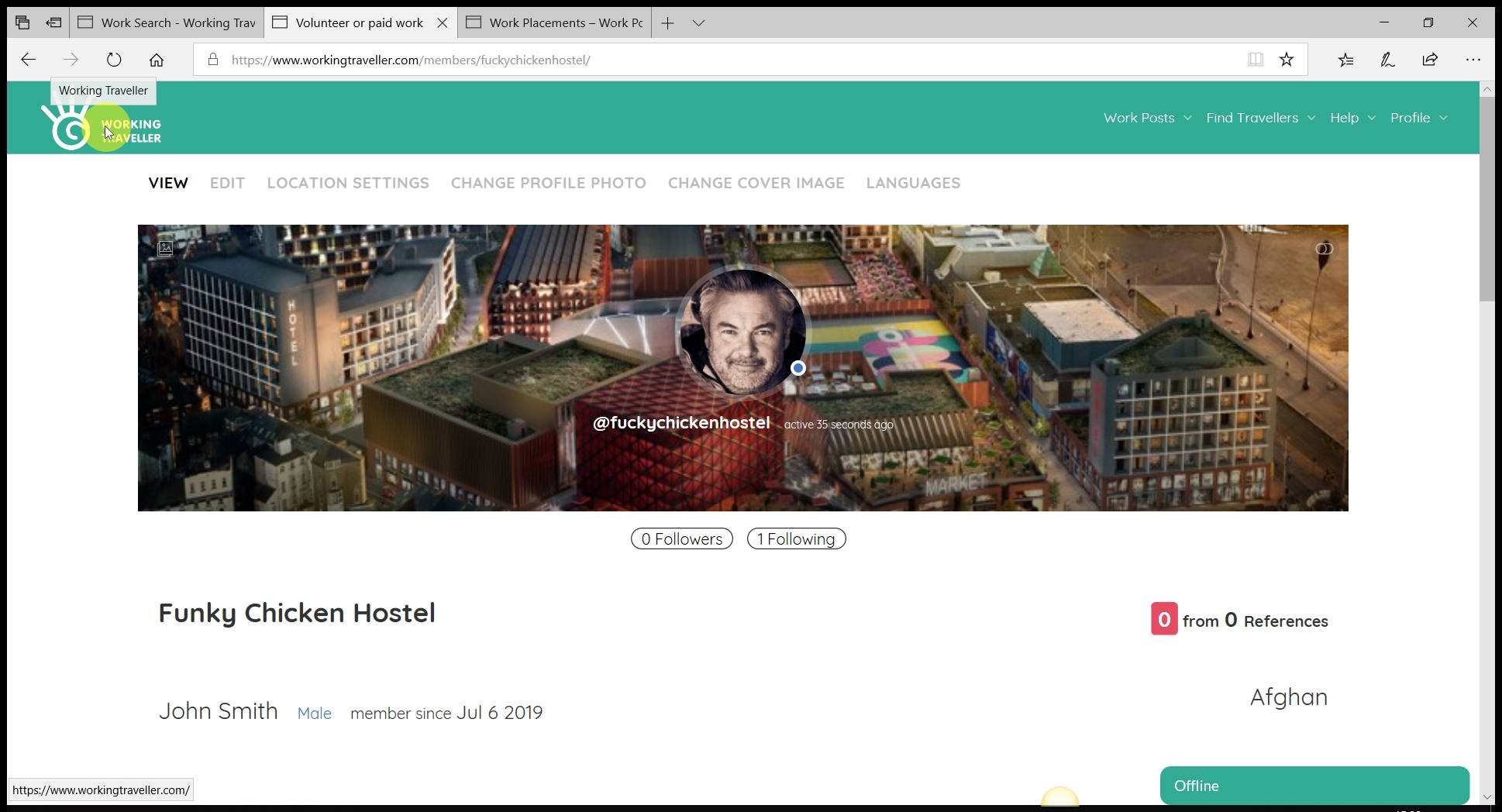
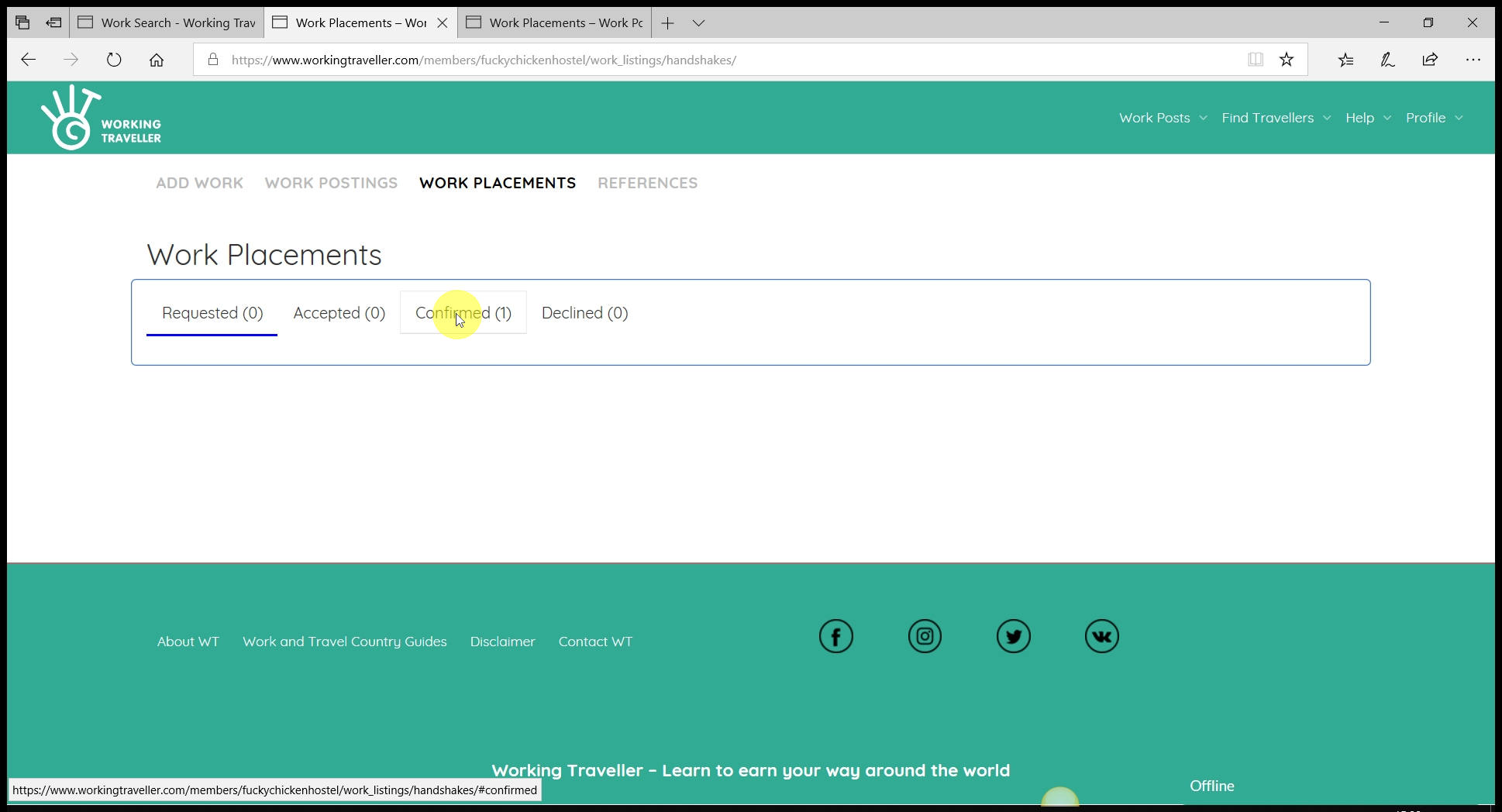 Like in any employment situation, you agree what you will do with any worker before they start. To get a reference you must have created a work placement with the traveller before they arrive at your place.
Click on your confirmed work placements
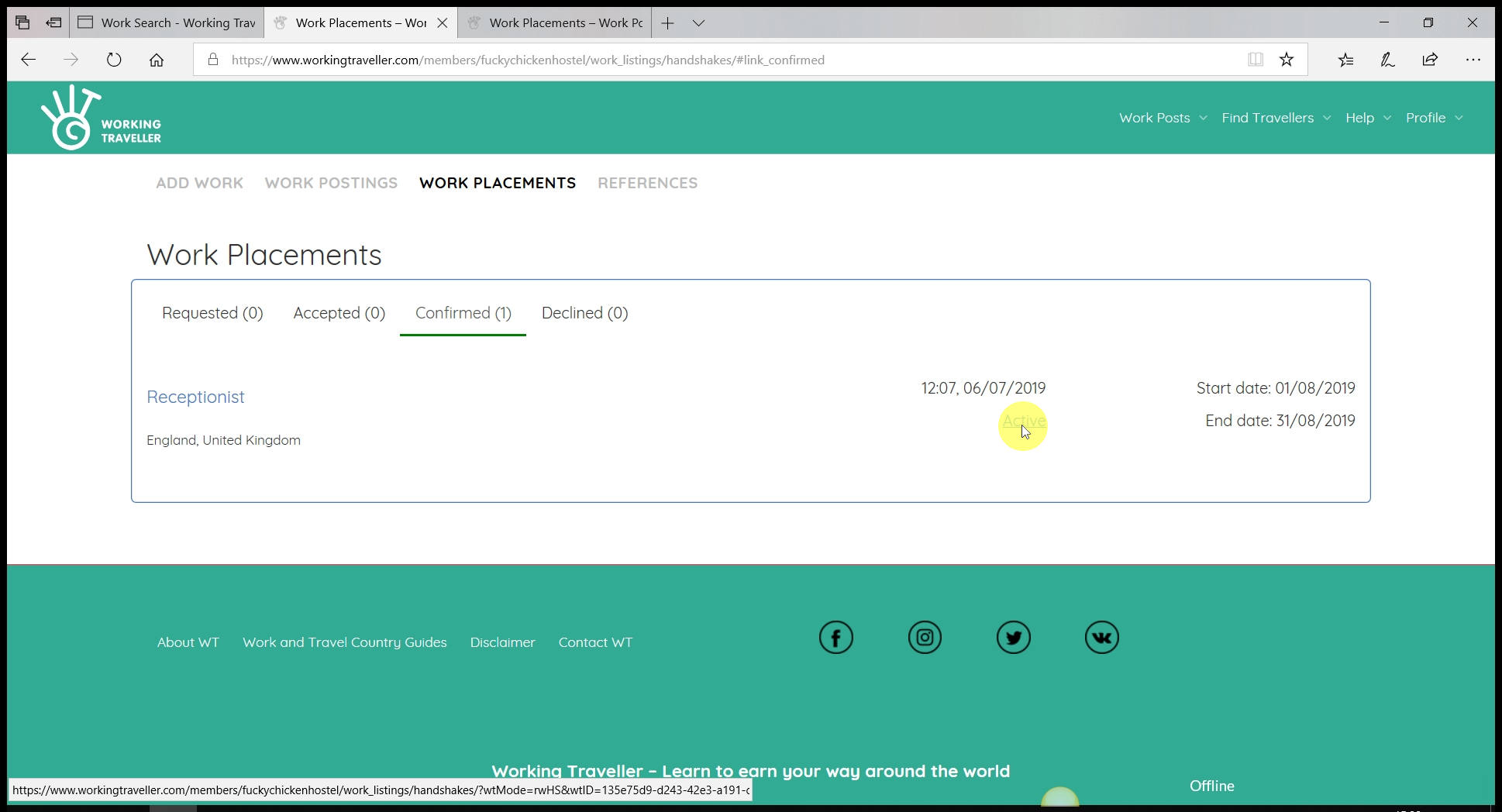 Do not end the work placement until they have finished the work, even if they have gone way over the time you both agreed.
Select the work placement you want to end.
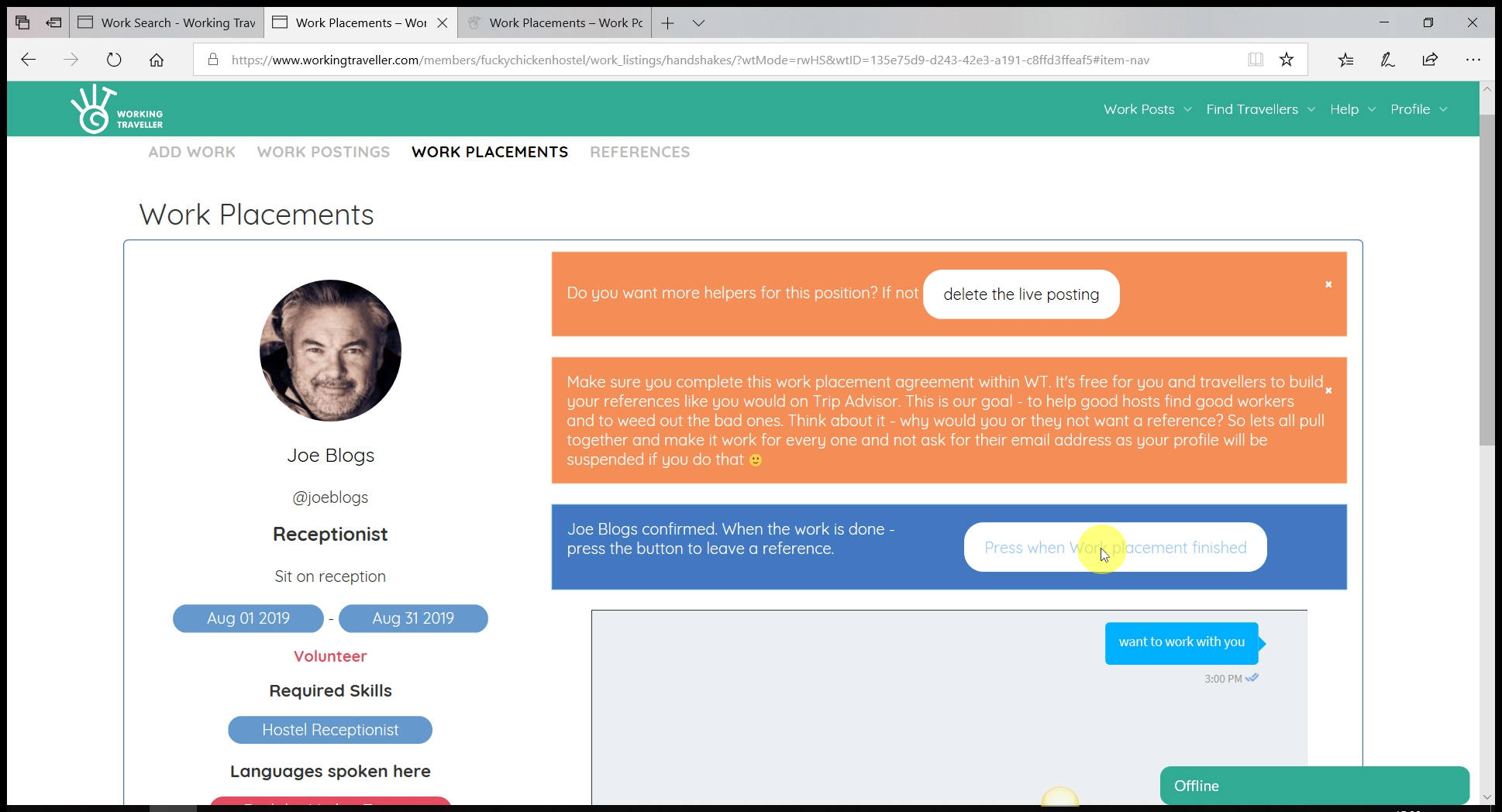 You can always start another one with them if things change. To get a reference you must end the work placement.
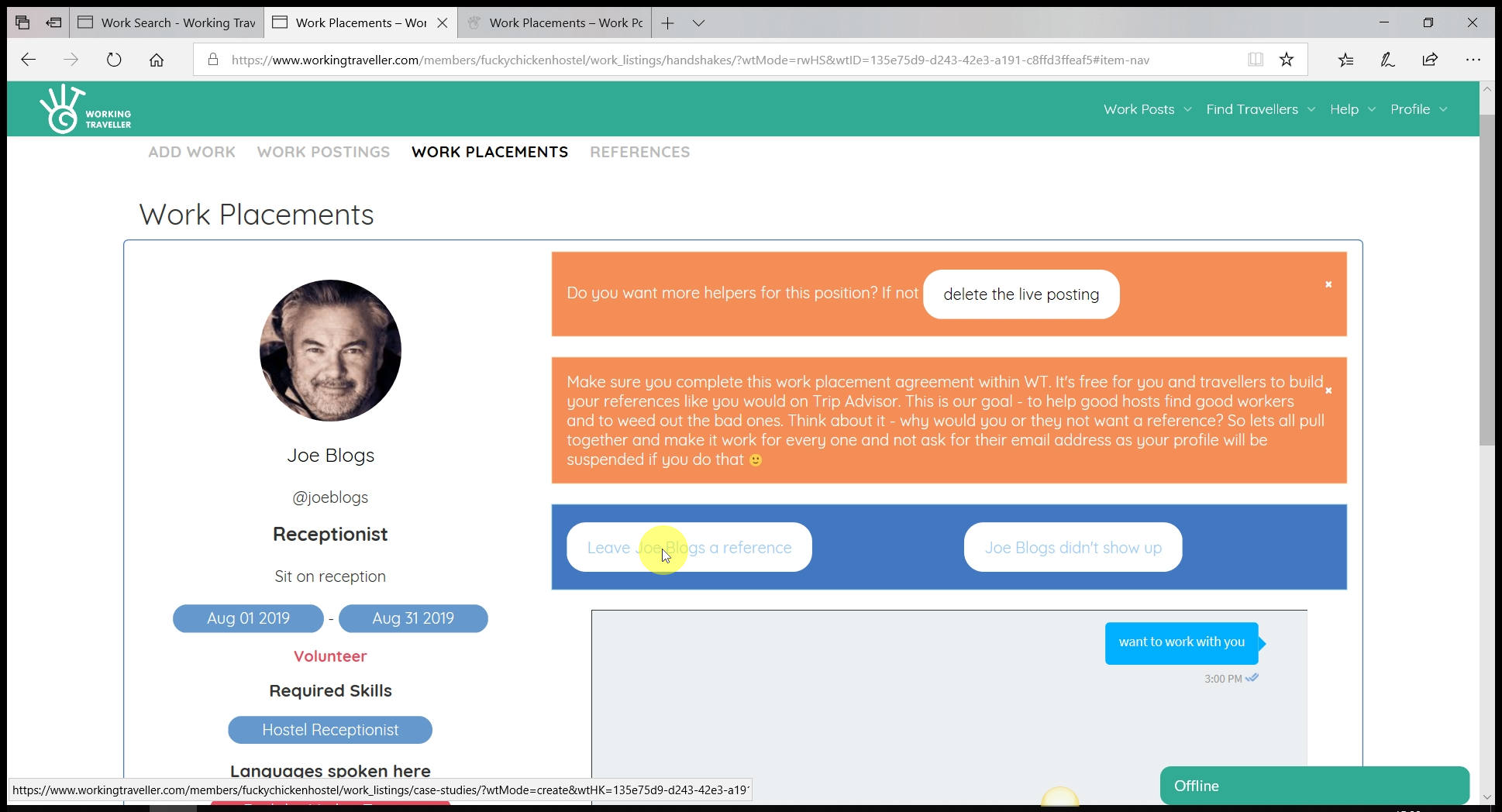 If they did not show up for the work, select “Didn’t show up” and either add a thumbs down on their profile or just delete the work placement.
If they did show up, press the “Leave a reference” option.
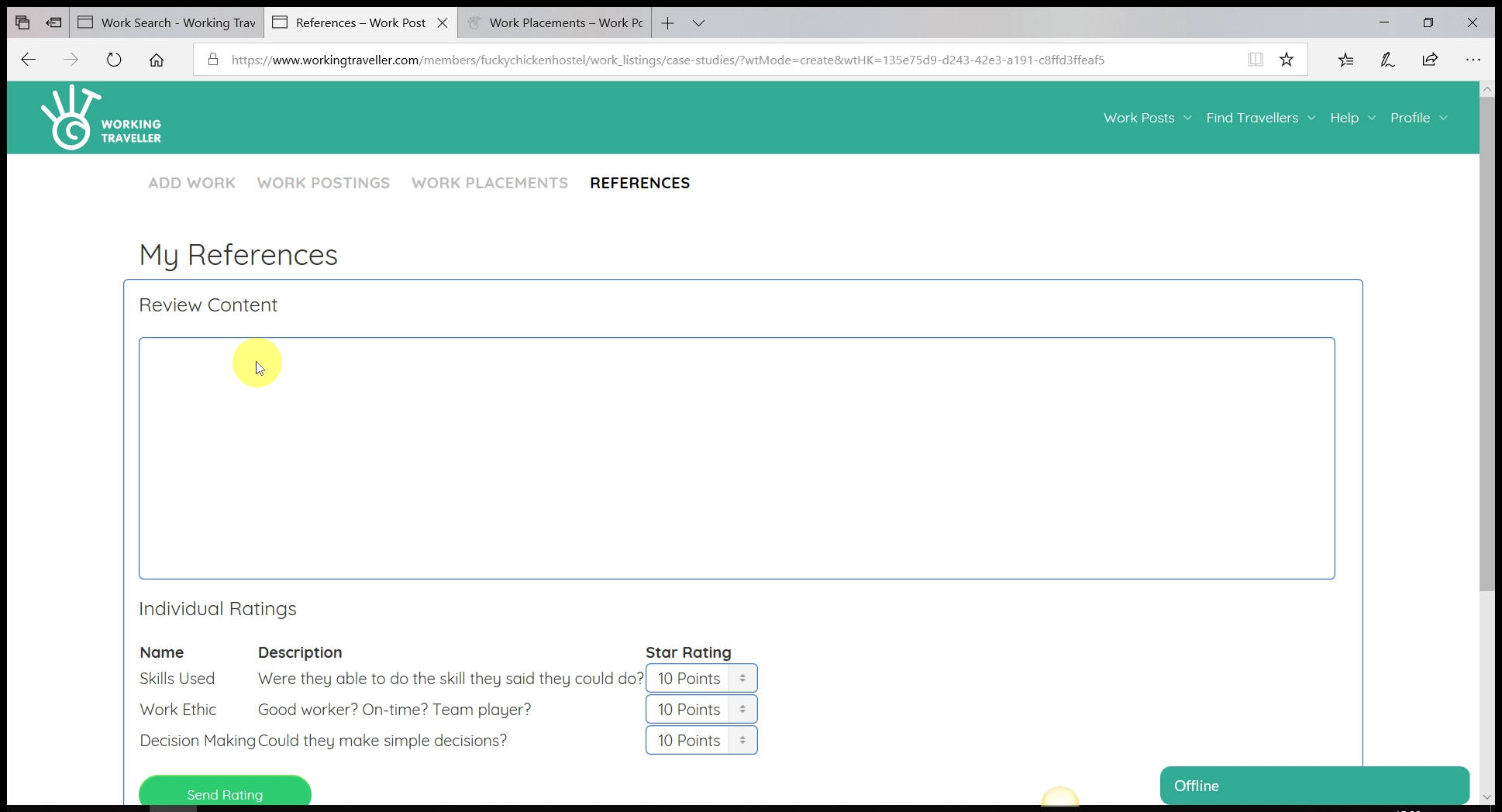 What you write will make a big difference to the traveller getting more work on their travellers and a job when they go back home. Be fair and don’t be too hard on them.
Keep the focus on what work they did for you with a small part about what kind of a person they are and if pleasant to have around.
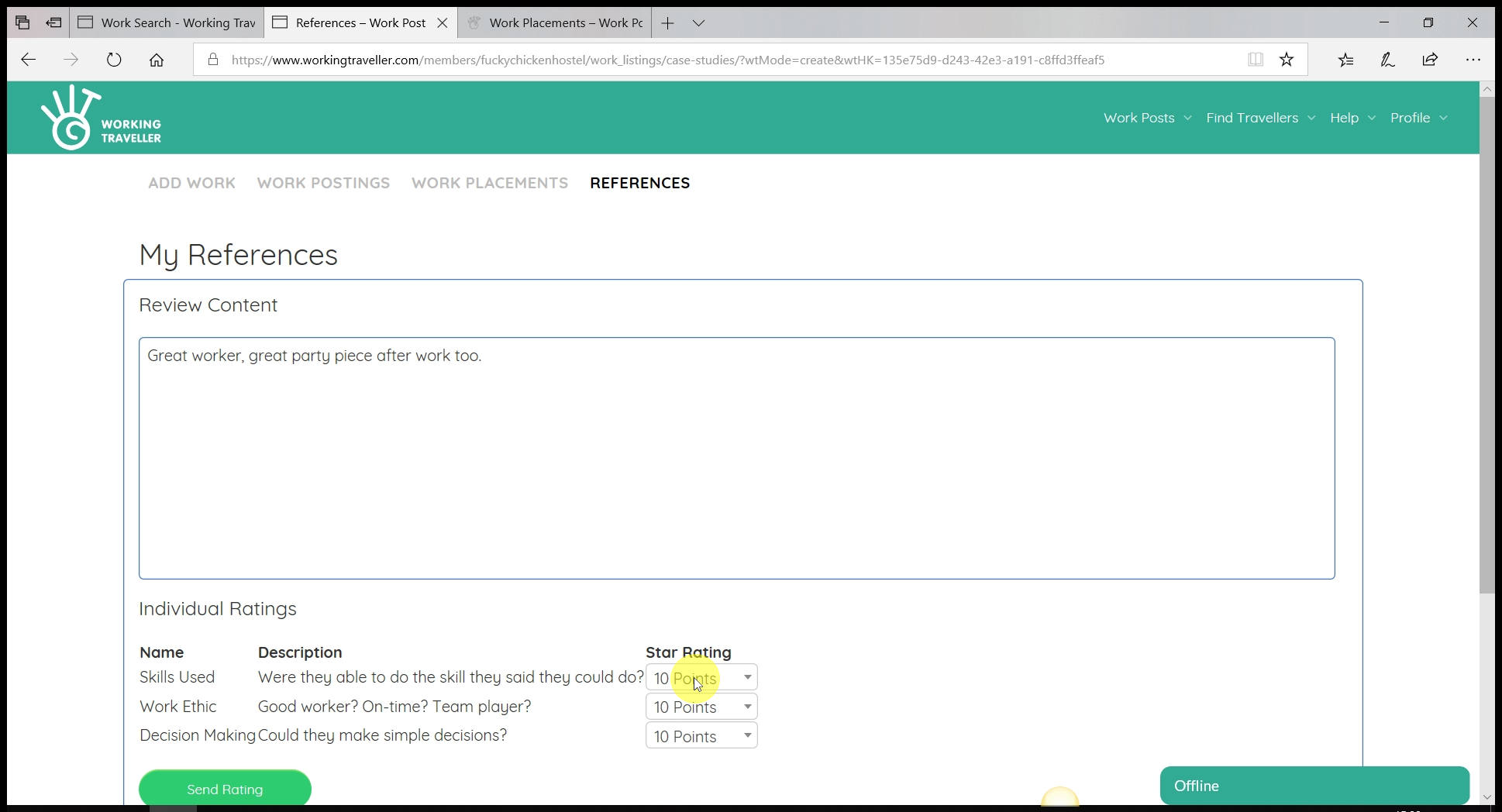 10/10 is what they are all looking for. You need to rate each traveller that stays with you for three things.
The work they did
Their work ethic, team player and punctuality
and if they can make simple decsions.
As long as they did what you expected from them, give them a 10/10.
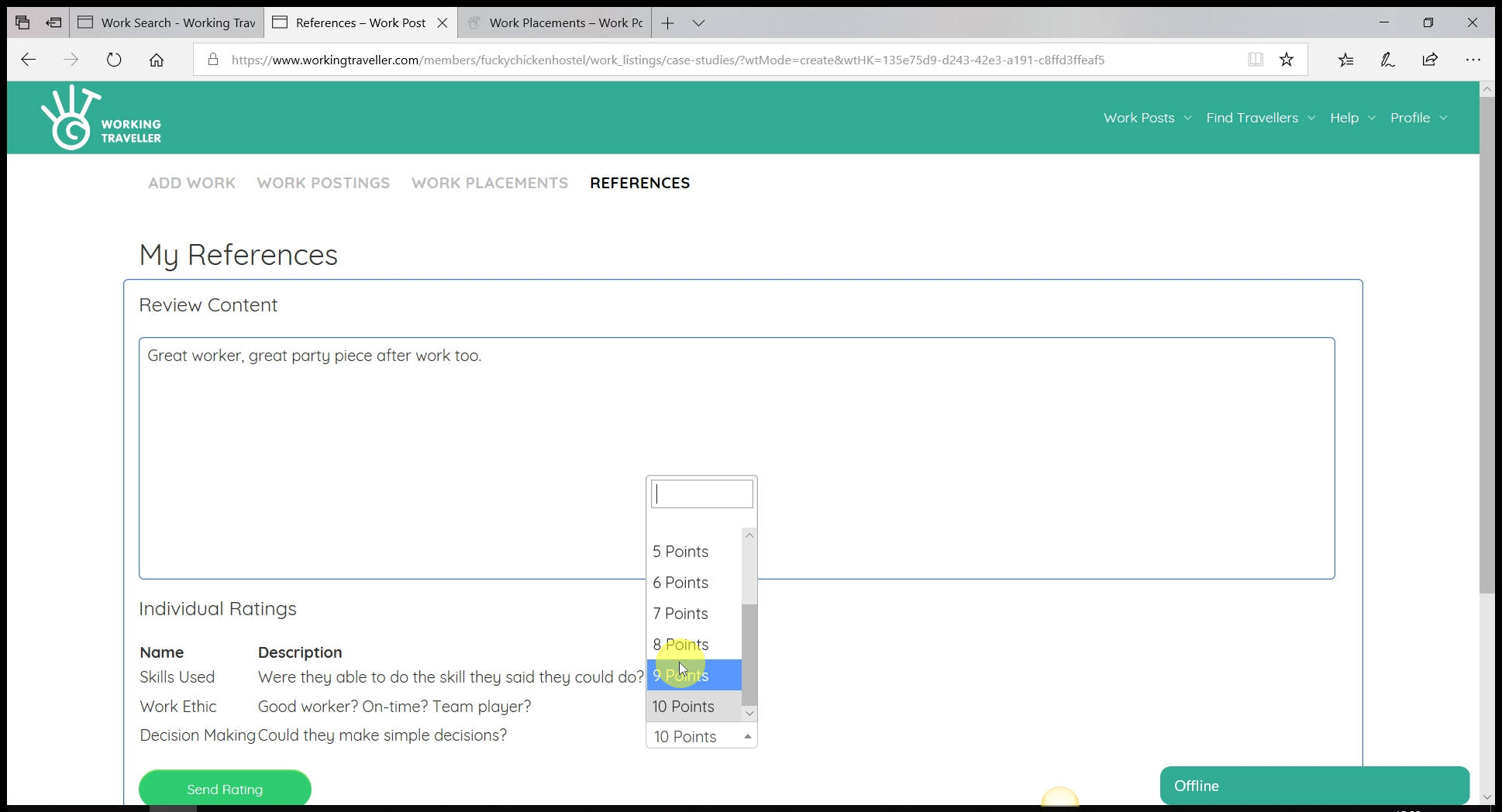 Other hosts will see what score they received for each section.
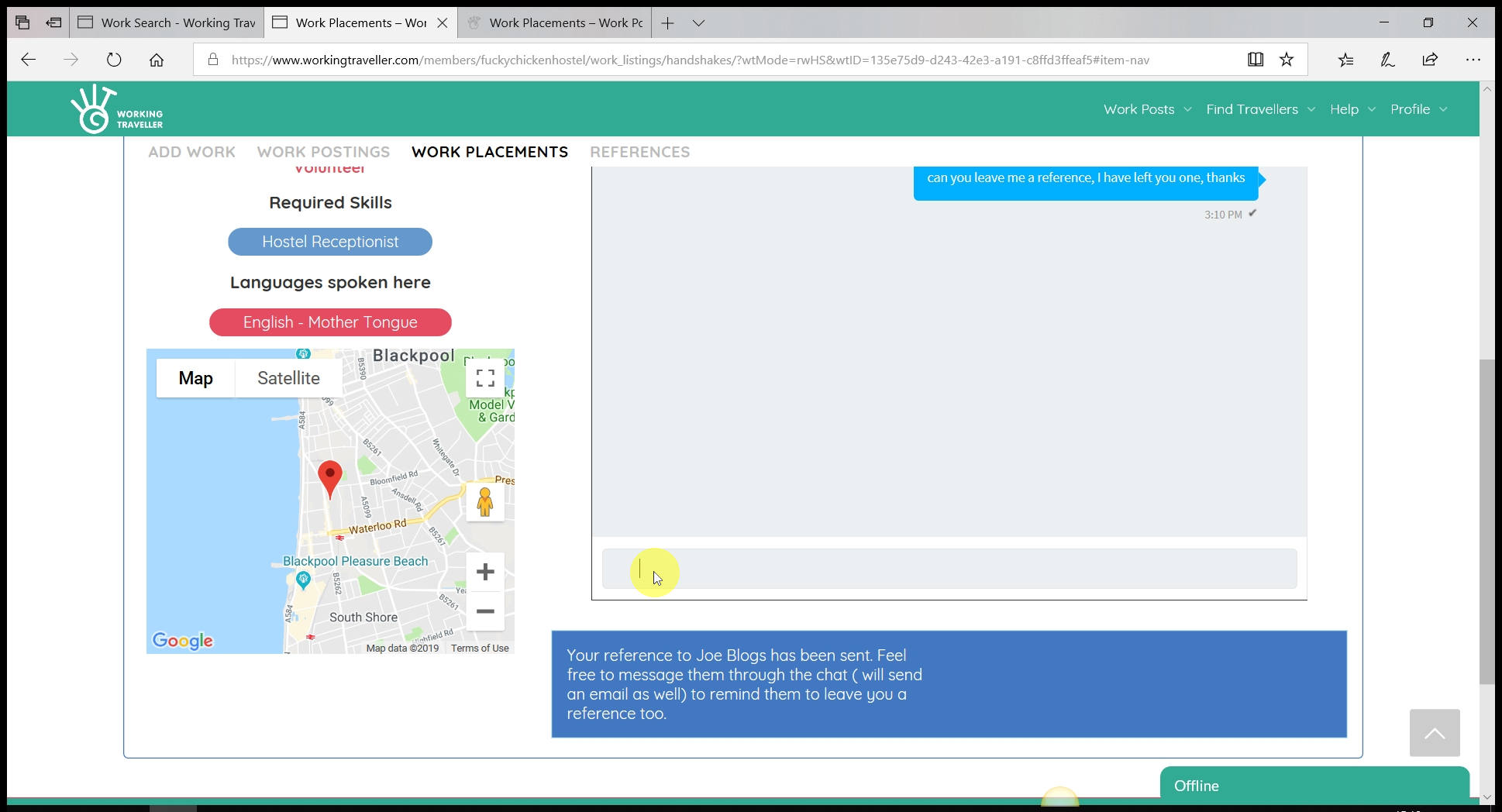 If they forget to leave you a reference. Click on the work placement, it will stay there until you both leave a reference and chase them to leave one for you if you need two. By typing into the chat it will send them an email – so for sure they will see the message.
Once they leave you a reference it will automatically appear on your profile and you do not have to do anything to make it appear. That’s it. Once you have several good references from Working Travellers you will see the amount and quality fo workers you get asking to come and work for you increase as you will rank high in searches.


